36
────────────────────────────────────────────────────
3.7 Waveform Sweep Settings
────────────────────────────────────────────────────
3.7.17 Setting the Total Number of Loops
NOTE
Set the output time of sweep data created in Sections 3.7.8 to 3.7.14.
1. Press the
BACK
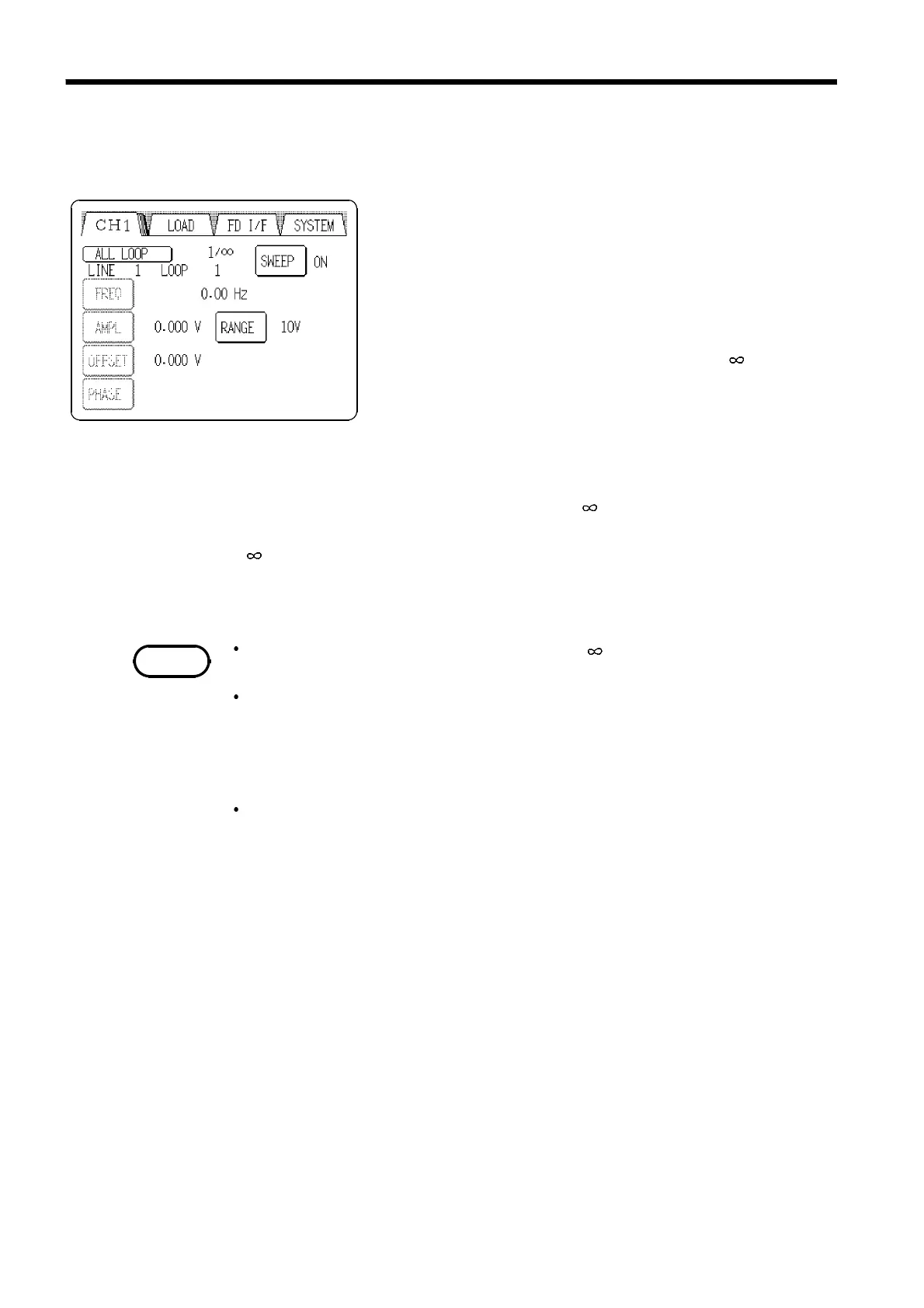
button with sweep ON in Section 3.7.16
to return to the Output setting screen (see Section 2.5).
The
ALL LOOP
button appears on the upper left of the
Output setting screen.
2. Press the
ALL LOOP
button to open the All loop setting
window.
Specify the number of loops to repeat sweep using the
tenkeys. The setting range is 1 to 65535 or (infinite).
1
to
65535
Outputs are repeated as many times as specified. When the last
data is output, operations stop. (The last offset value is output.)
If the last line is set to HOLD or (see 3.7.11), operations stop
after the last trigger is input.
Outputting repeats until it is stopped by the
RUN/STOP
key or the
external RUN/STOP signal input. (The offset value when
operations stop is output.)
The number of loops of sweep data is set to when shipped from the
factory, and when the device is reset.
Even when one channel is inactive because of a setting for the number of
loops of sweep data (total number of loops), the LED on the
RUN/STOP
key
remains lit if outputs are being made on other channels. When all channels
stop because of a setting for the number of loops of sweep data (total
number of loops), the LED on the
RUN/STOP
key goes off.
When the synchronized operation, see Section 7.3.



 To Next Page