38
────────────────────────────────────────────────────
3.8 Marker Output Function
────────────────────────────────────────────────────
NOTE
3.8.1 Selecting the Marker Screen
NOTE
3.8 Marker Output Function
When the sweep data takes a value within the specified range, or when the
data is at a specified line, signals can be output externally from the marker
output terminal on the rear panel.
(1) Output value marker
You can set an output range for the preset line of the sweep data. (Only one
line can be selected.)
(2) Line number marker
A line can be selected for the sweep data you wish to output. (More than
one line can be set.)
The output value marker and the line number are output from the same
output terminal.
The type of marker (output value marker or the line number) can be selected
for each channels.
The output value marker and the line number marker cannot be set
simultaneously for a channel.
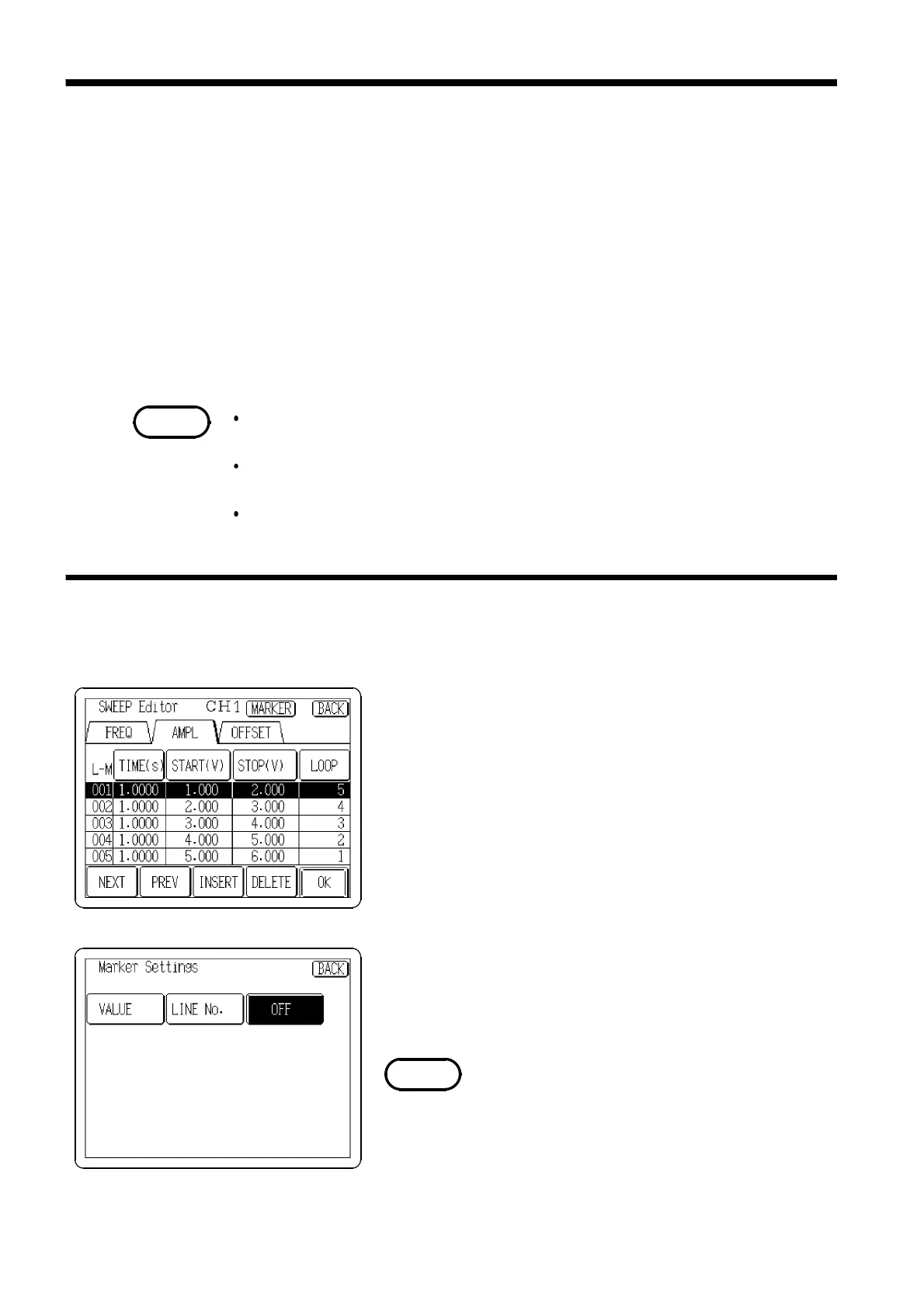
Shift to the screen for marker output settings.
Press the
MARKER
button on the SWEEP Editor screen
(see Section 3.7.6, "Selecting the Sweep Editor Screen") to
display the Marker Settings screen.
Select the
VALUE
or
LINE No.
button on the Marker
Settings screen.
If there is no sweep data, the marker cannot be selected.
The maker selection is set to OFF when shipped from the
factory, and when the device is reset.



 To Next Page