30
────────────────────────────────────────────────────
3.7 Waveform Sweep Settings
────────────────────────────────────────────────────
3.7.5 Non-Selected Sweep Item Settings
CAUTION
When the Channel ON/OFF key is ON, the preset offset value is output
regardless of whether the RUN/STOP key is on or off. (When the channel is
on, the key lights in red.)
NOTE
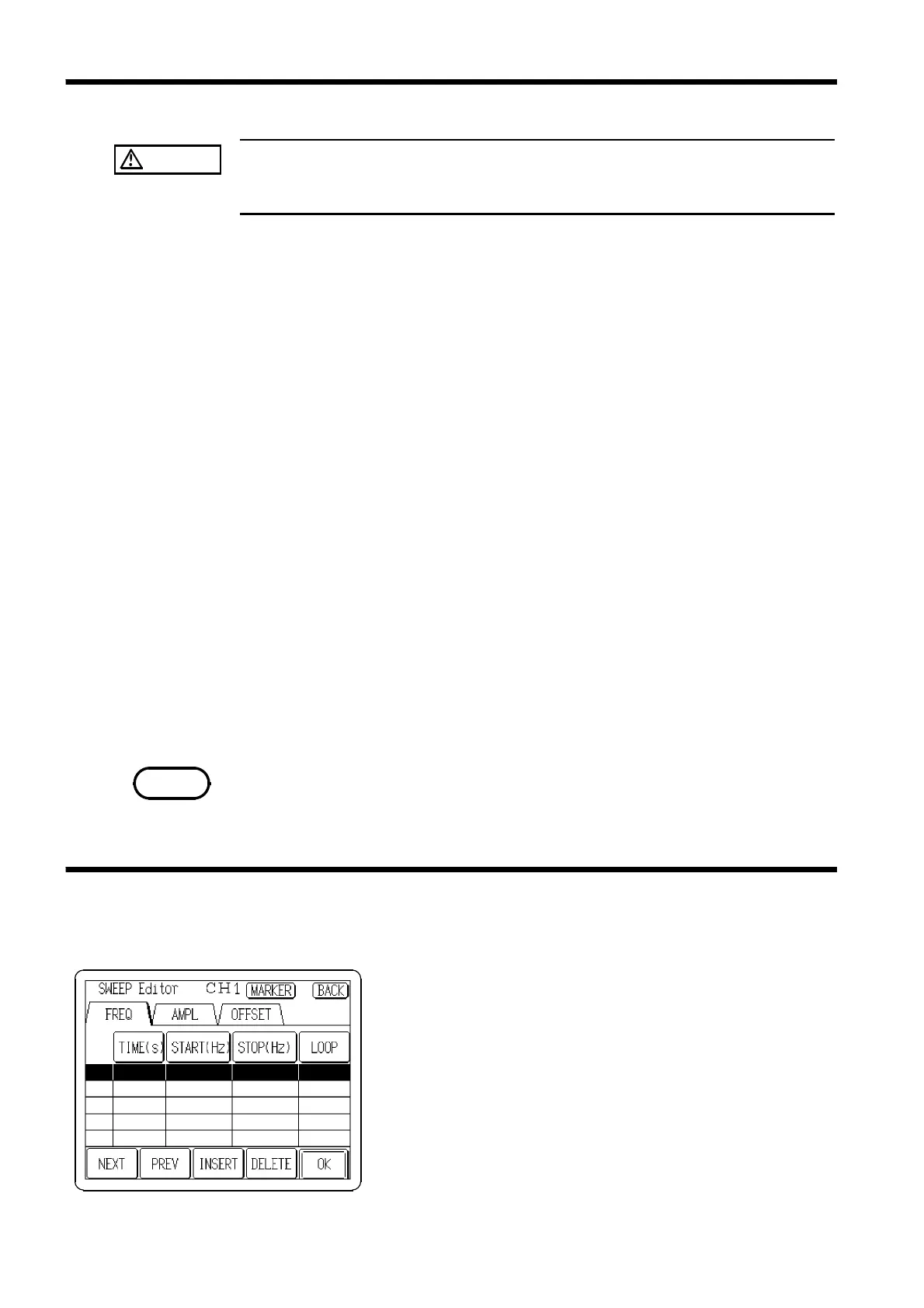
3.7.6 Selecting the Sweep Editor Screen
Non-selected items (non-reversed buttons) can be selected for setting
according to "3.7.3 Selecting Items to Sweep."
Grayed-out items are not settable.
Frequency
Press the
FREQ
button to set the frequency.
The setting method is the same as direct entry in "3.4.1 Frequency/Period
Settings." However, note that even when the period or r/min units have been
used for setting, the display shows equivalent frequency units.
Amplitude
Press the
AMPL
button to set the amplitude.
The setting method is the same as direct entry in "3.4.2 Ampllitude/Upper
Limit Settings." However, note that the upper limit value cannot be set and
even when the pp or RMS units have been used for setting, the display
shows equivalent peak units.
Offset
Press the
OFFSET
button to set the offset.
The setting method is the same as direct entry in "3.4.3 Offset/Lower Limit
Settings." However, note that the lower limit value cannot be set.
Duty
Press the
DUTY
button to set the duty.
The setting method is the same as direct entry in "3.4.7 Duty Settings."
Phase (delay) and range setting values are valid when the sweep is off. Use
the Output setting screen to set.
To select the screen for setting the sweep selection items:
Press the
EDIT
button on the SWEEP Settings screen, and
the SWEEP Editor screen appears.



 To Next Page