7
────────────────────────────────────────────────────
2.2 Connecting the Po wer Cord
────────────────────────────────────────────────────
WARNING
Before turning the product on, make sure the source voltage
matches that indicated on the product's power connector.
Connection to an improper supply voltage may damage the product
and present an electrical hazard.
To avoid electric shock and ensure safe operation, connect the
power cable to a grounded (3-contact) outlet.
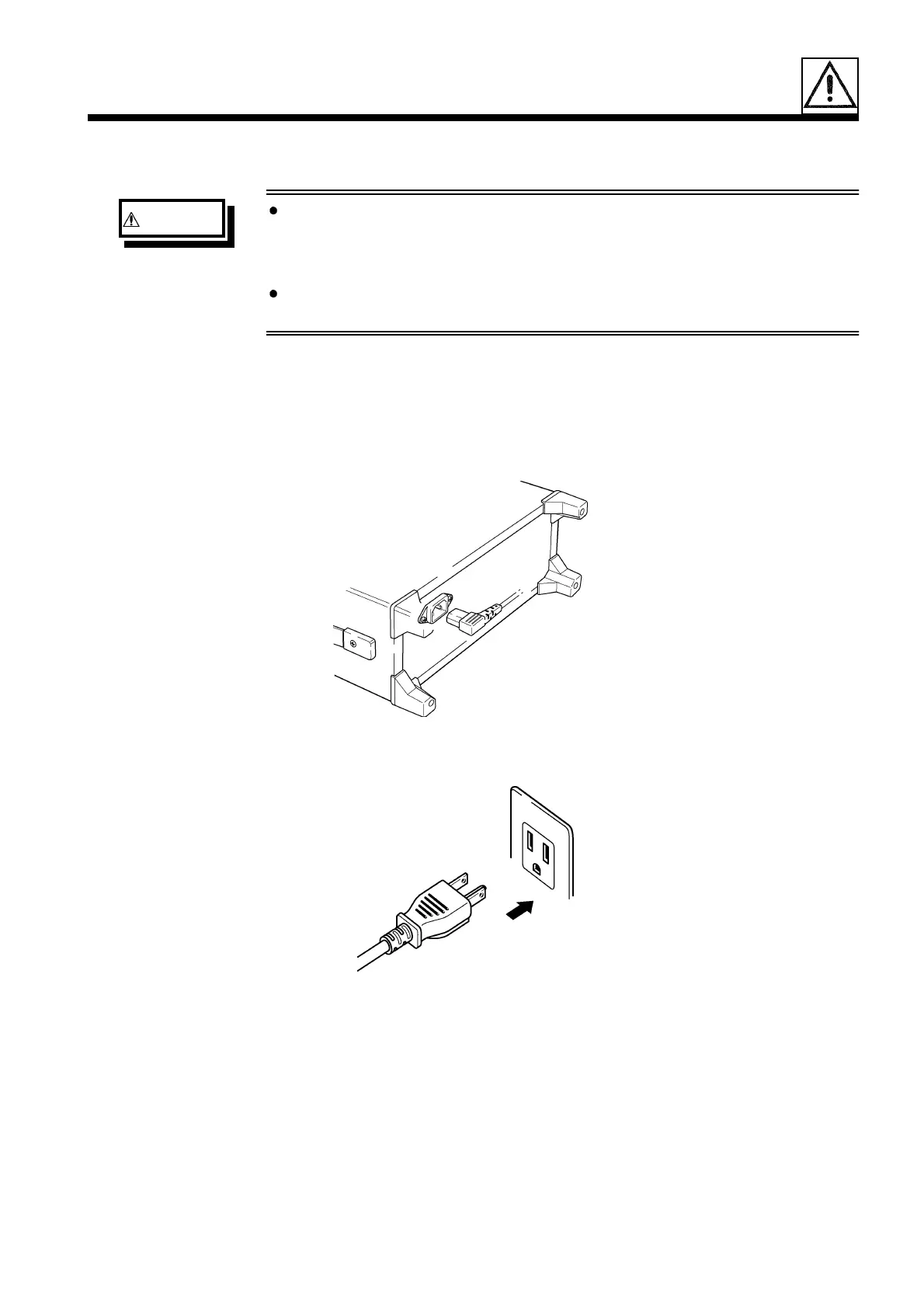
2.2 Connecting the Power Cord
1. Verify that the power switch of the unit is set to OFF.
2. Make sure that the power supply matches the ratings, and plug the power
cord into the power connector on the rear panel.
3. Plug the power cord into the outlet.



 To Next Page