43
────────────────────────────────────────────────────
4.1 Selecting the Waveform Input Scree n
────────────────────────────────────────────────────
Chapter 4
Waveform Input Screen
4.1 Selecting the Waveform Input Screen
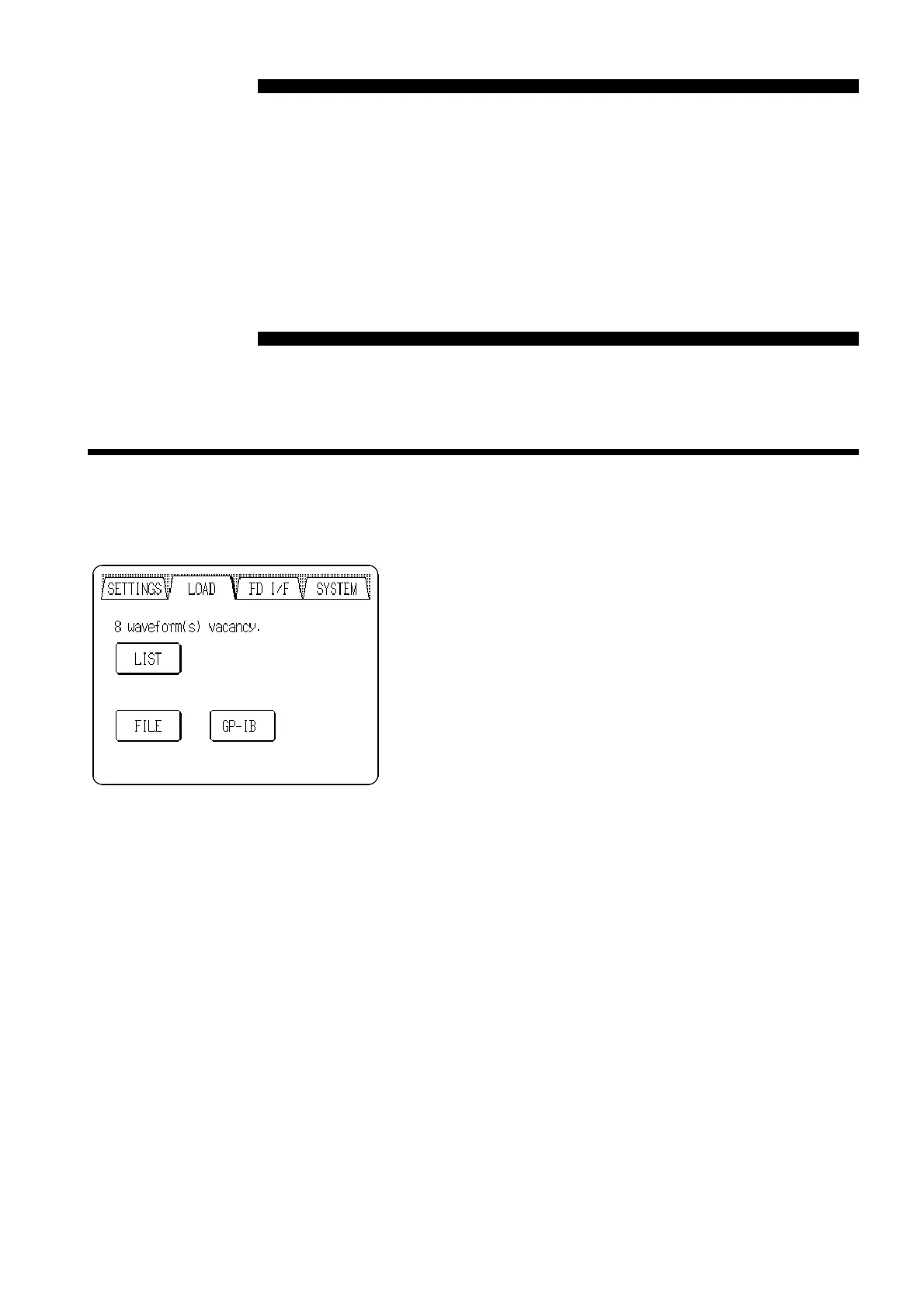
Arbitrary waveform settings are entered on this screen.
Pressing the "
LOAD
" tab at the upper left of the screen
causes the Waveform Input screen to appear.
If the tabs are not visible at the top of the screen, a lower
level screen is currently displayed. Press the
BACK
button
to return to a higher level, and then perform the above
step.



 To Next Page