21
────────────────────────────────────────────────────
3.4 Setting the Waveform Parameter
────────────────────────────────────────────────────
CAUTION
When the Channel ON/OFF key is ON, the preset offset value is output
regardless of whether the RUN/STOP key is on or off. (When the channel is
on, the key lights in red.)
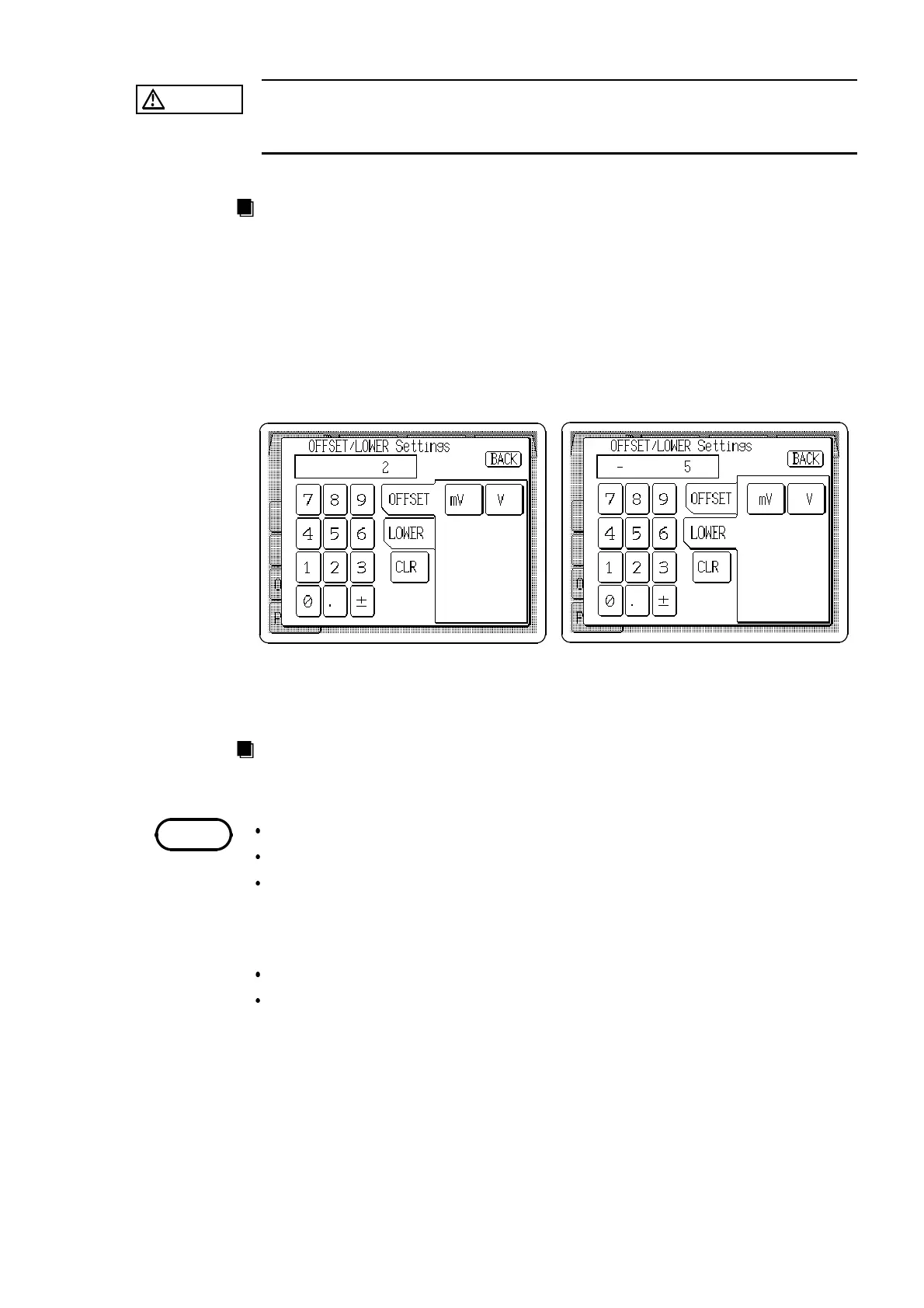
When the offset is set
When the lower limit is set
NOTE
Method
Direct Entry
1. Press the Offset/Lower limit setting button (
OFFSET
/
LOWER
) to open the
OFFSET/LOWER Setting window.
2. Select either offset voltage or lower limit value entry format.
3. Enter the numeric value by the tenkeys.
4. Select the units. Pressing the unit button accepts the value entered in step 3,
and returns to the main Output settings screen. The main screen shows the
entered format, or if the setting is invalid, the entry is cleared.
Jog Dial Entry
The Jog dial can be used to set offset voltage or lower limit value.
Setting is inhibited when sweep is active
Setting is inhibited for DC waveforms
Amplitude/offset and upper/lower limit settings are interdependent: a change
to the setting format of one item is automatically applied to the other.
Amplitude --- upper limit
Offset --- lower limit
The output voltage range is the setting at high-impedance load.
Settings exceeding the range are not possible. The voltage to which the
absolute amplitude and offset voltage values has been added must be within
the range set.



 To Next Page