12 - 19
(3) How to Display System Menu
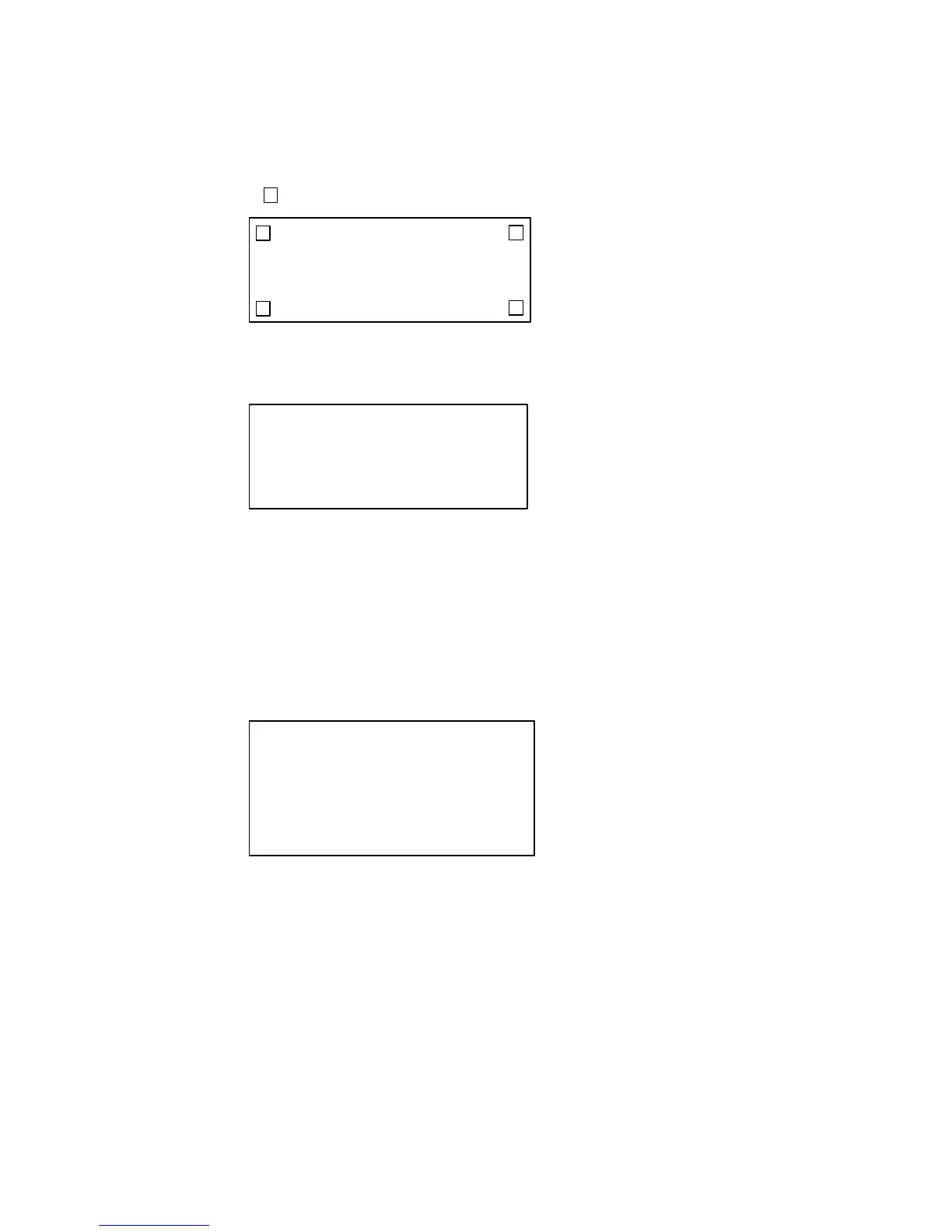
Upon simultaneously pressing 2 touch switches at the corners of the screen (positions
marked " " below), the system menu is displayed.
(4) System Menu Screen (Execute operation for display of "System Menu" when image data
is not registered.)
[System Menu]
[Menu End]
[Transfer Mode]
[Maintenance Mode]
Press [Maintenance Mode] from the system menu to display "Maintenance Mode Menu".
The next screen is displayed.
How to Return to Operation Mode
a) Press [Menu End].
b) Avoid touching the screen for 10 seconds or more (avoid pressing the touch
switch).
(5) Maintenance Mode Menu Screen
[Maintenance Mode Menu]
[Menu End] [DIP SW Setting Status]
[PT Setting Status]
[I/O Check]
[Memory Initialization]
[Memory Switch]
[Memory Switch] : Setting of memory switch
[DIP SW Setting Status] : Confirmation of DIP SW setting status
[Memory Initialization] : Initialization of image data memory
Press [Memory Initialization] key.
The next screen is displayed.



 To Next Page