16 - 49
(4) Example of Connection
Host side Model 902 side
TXD TXD
RXD RXD
RTS RTS
CTS CTS
DTS
SG SG
DCD
DTR
FG Solderless terminal
(screwed to the cubicle of operation block)
NOTE: For solderless terminal, refer to (5) below.
Fig. 16-2 Example Connection for RS-232C Communication
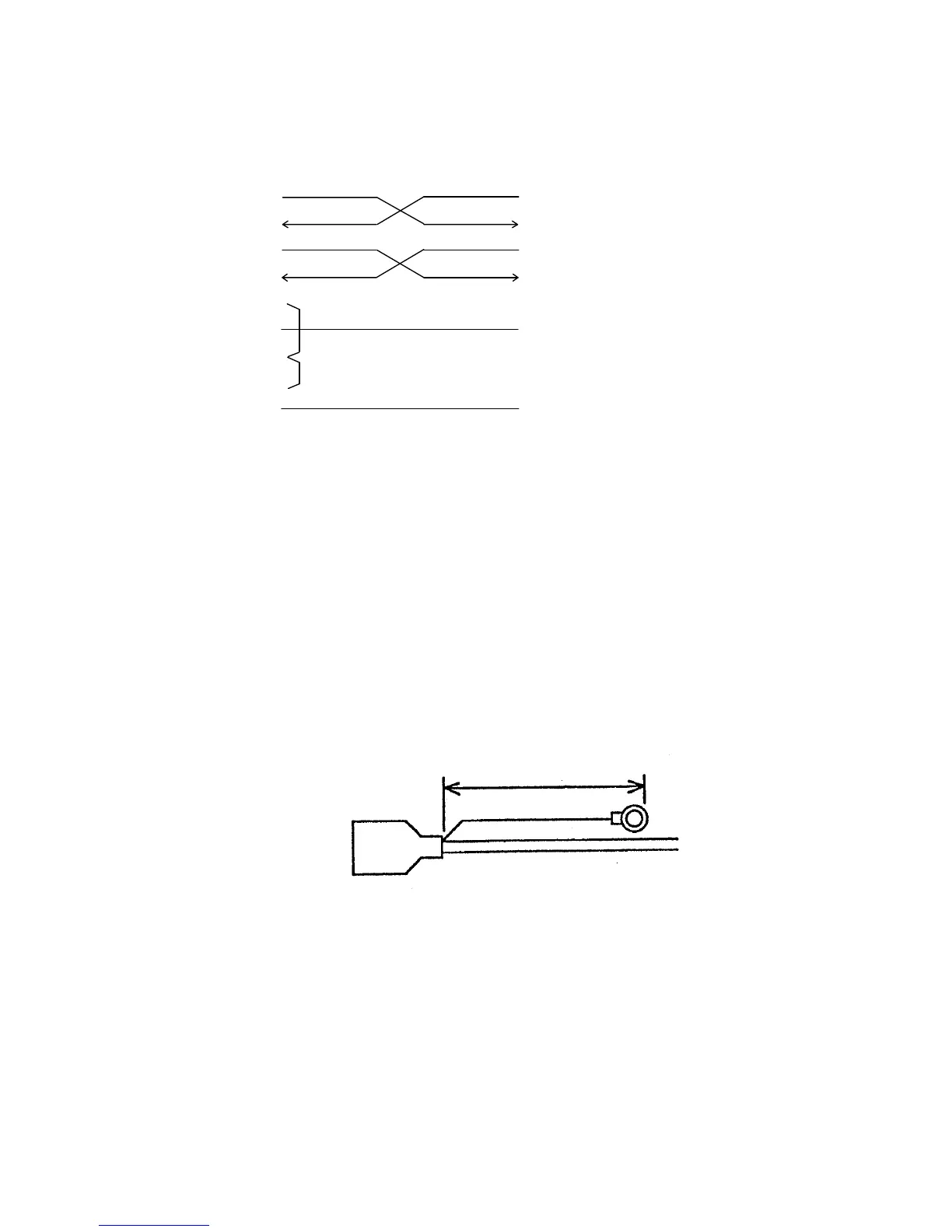
(5) Measure for FG
FG is not assigned to the J402 connector. So attach a solderless terminal to the FG cable
of host computer and screw it on the cubicle of operation block as detailed below.
Requirements for FG cable (See Fig. 16-3.)
• Cable length: 100 mm or longer
• Solderless terminal: For M4 screw
Fig. 16-3 Requirements for FG Cable
• Fixing position
Fix in the screw hole under J402.
Model 902 side
FG cable
(with solderless terminal)
Host side
100
HDAB-15S (made by Hirose Denki) or equivalent



 To Next Page