14 - 5
Table 14-3 Barcode Settings
Readable Barcodes ITF, CODE 39, NW-7 (Modulas 10, Modulas 16), CODE 128
Check digit NW-7 MOD10/MOD16/Without
with/without CODE 39 With/Without
ITF With/Without
Code 128 With
No. of digits read Variable length
Signal line monitoring Yes
INZONE signal Yes
Communication speed 9600 bps
Frame configuration 7 bits, even parity, 1 stop bit
Data format ETX
Readout system CCD
14.1.6 Barcode Reader Positioning
Position the barcode reader in the following procedure.
< Positioning procedure >
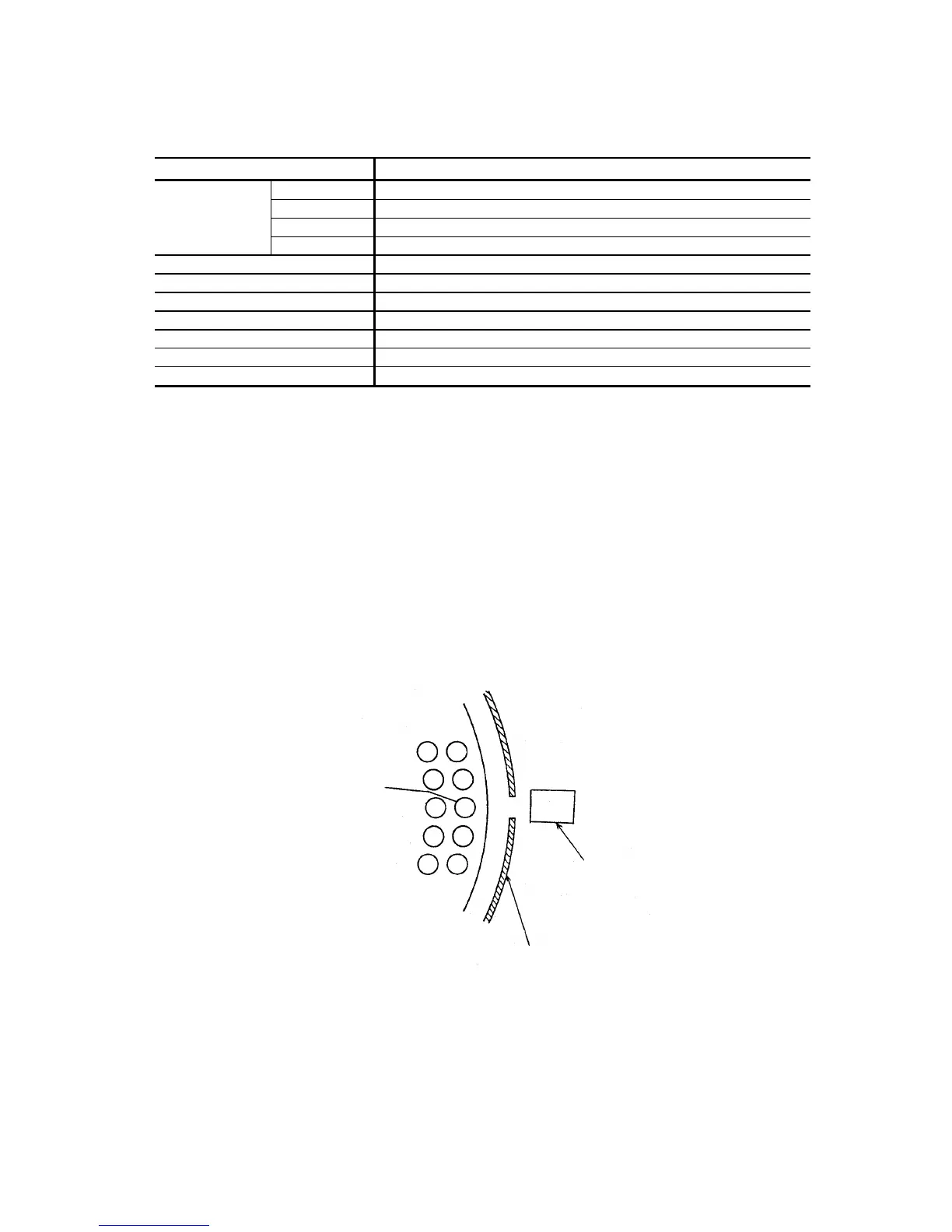
• Check of disk stopping position
Make sure the sample disk stopping position is aligned with the cutout in the jacket.
NOTE: Do not shift the disk stopping position when positioning the sample probe.
And absolutely avoid changing the disk stopping position. Make sure the cutout
in the jacket comes to the center of the test tube.
Test tube
Sample disk
Barcode reader
Jacket



 To Next Page