3 - 4
3.4 WASH
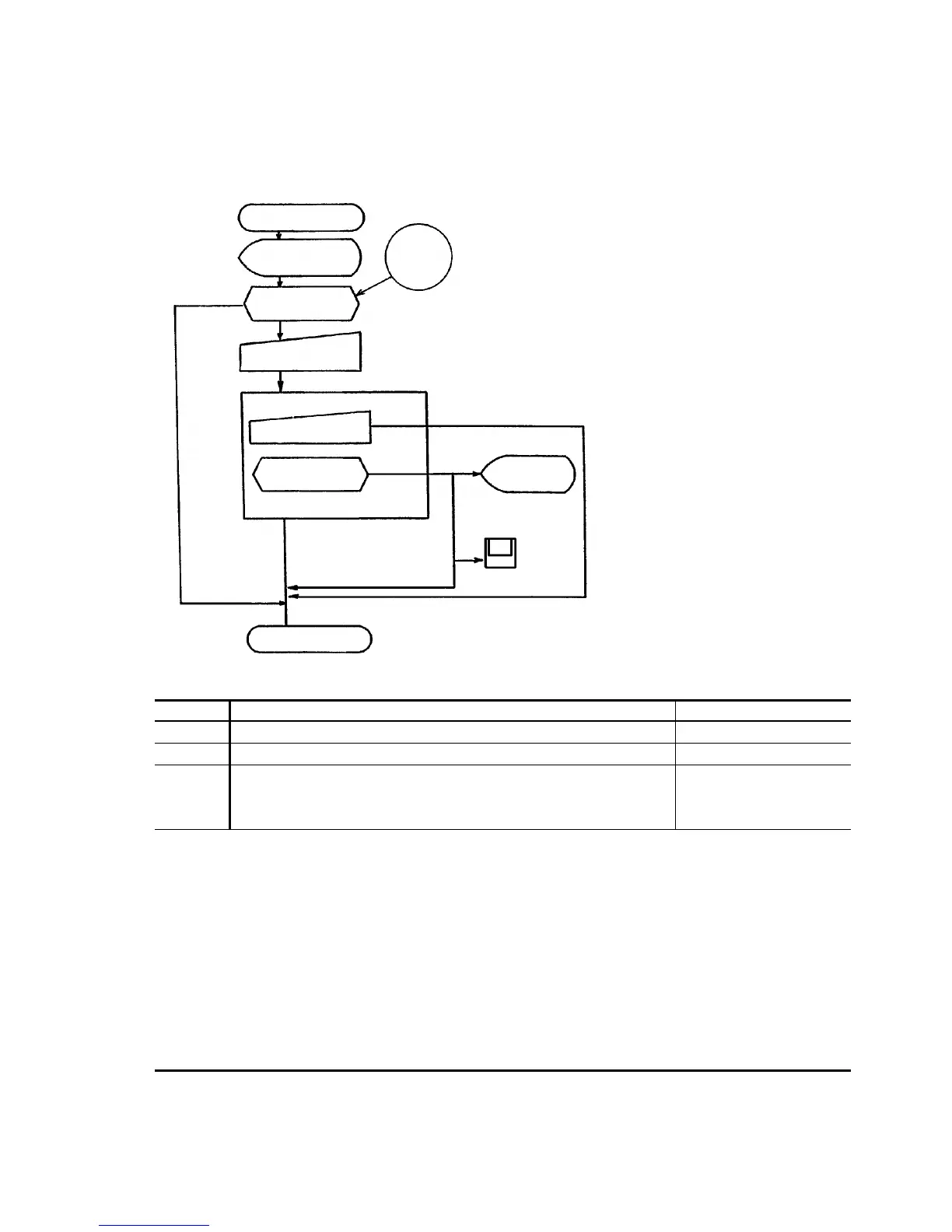
3.4.1 Details of WASH Processing
Step No. Contents of Processing Reference Document
1) Start from MAINTENANCE screen Screen specifications
2) See next page
3)
4)
When mechanism operates, its operation is checked. If abnormal,
alarm is indicated.
Alarm will be saved into the alarm FD.
Screen specifications
Alarm code table
FD specifications
Remarks: (1) Start method and resulting action
(a) Specify DAILY.
All cells, probes (S and R), stirrer and ISE mechanism are washed.
(b) Specify reaction cell.
(c) Specify ISE.
The ISE mechanism is washed.
NOTE: Specification of ISE for WASH
when without ISE mechanism...............Input cannot be made from the screen.
Specification of all mechanisms
when without ISE mechanism...............Operation is carried out according to "cell"
specification.
START
Operator's
judgment
Maintenance
screen
WASH necessary?
"Execution" input
"STOP" input
Operation check
Normal
Alarm indication
FD (alarm logging)
END
Made
Abnormal
WASH
Necessary
Unnecessary
Function : Washing of each mechanism
Necessary : WASH (cell) 15 min 20 sec
WASH (ISE) 5 min 44 sec
WASH (All) 20 min 20 sec
3)
1)
2)
4)



 To Next Page