14 - 4
(3) Adjust VR4 on EMIO100 board so reaction bath water temperature is 37 ± 0.1°C. (Since
the heater is turned ON/OFF at around 6.0 V, the tester output should be about 6.0 V
when reaction bath water temperature is 37°C.)
(4) Adjust the reaction bath temperature indication with VR3.
NOTE: A YSI thermometer should be used to measure the reaction bath water
temperature.
NOTE: The measuring position for the YSI thermometer is midway between the sample
discharge position and reagent discharge position.
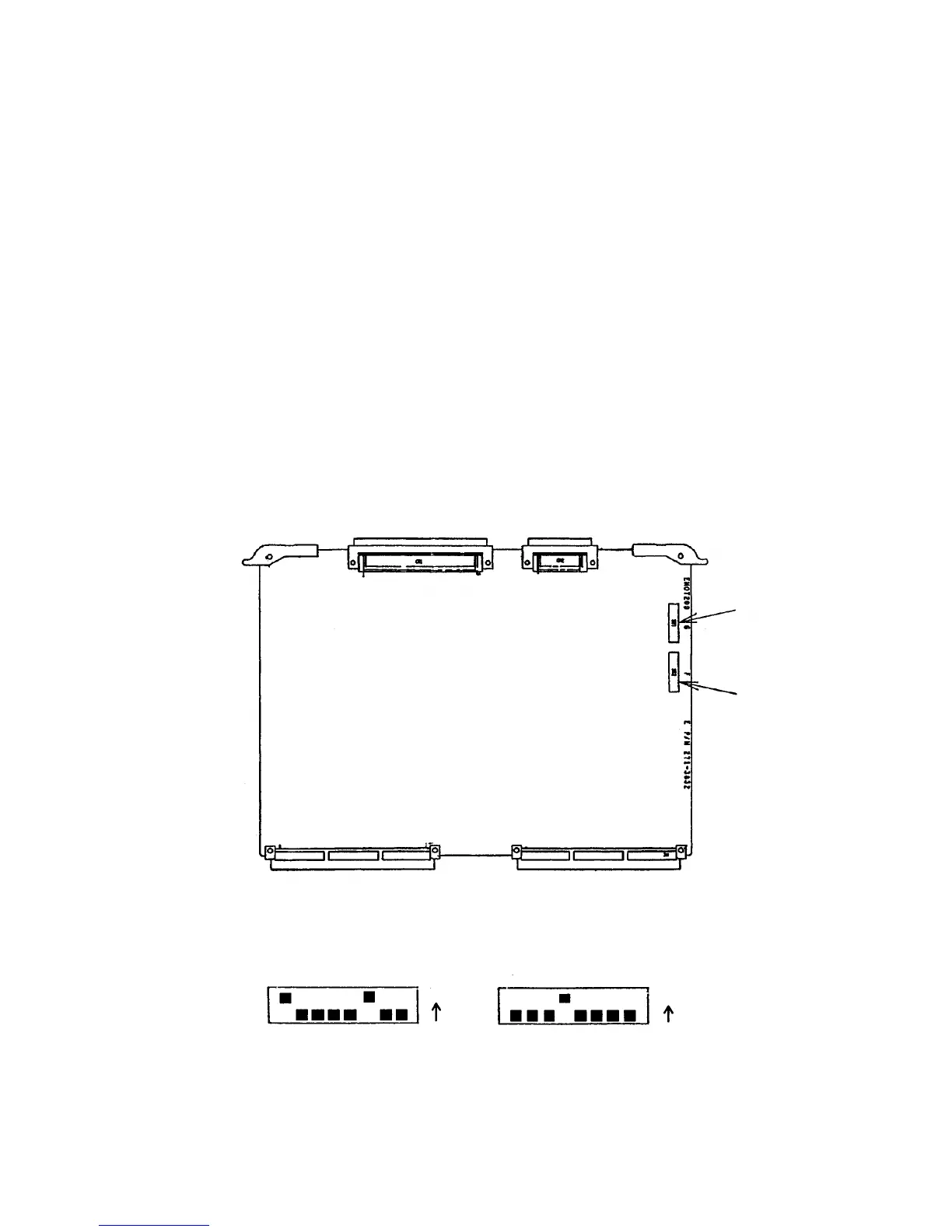
14.1.5 Barcode Reader Switch Setting
Set and/or check the DIP switches of the barcode reader in the following procedure.
In case of sample barcode reader: Use the settings made by the manufacturer.
Details of setting are given in Table 14-3.
Fig. 14-2 Barcode Reader DIP Switch Settings
< Settings of each SW at shipment >
SW1
SW2
EMOT200 board



 To Next Page