8. If the screws of the target CFM are loose, push the CFM all the way in
and tighten the blue screws.
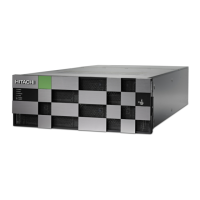
9. Attach the CBLM/CBLH front bezel.
10. In the Replace Cache Flash Memory window of the maintenance
utility, click Restore
11. When the completion message appears, click Close.
12. Log out of maintenance utility to close the window.
Replacing cache flash memory 259
Service Guide for VSP Gx00 and VSP Fx00 Models


 To Next Page
 Loading...