No. Parameter
s
Note
6 Ground
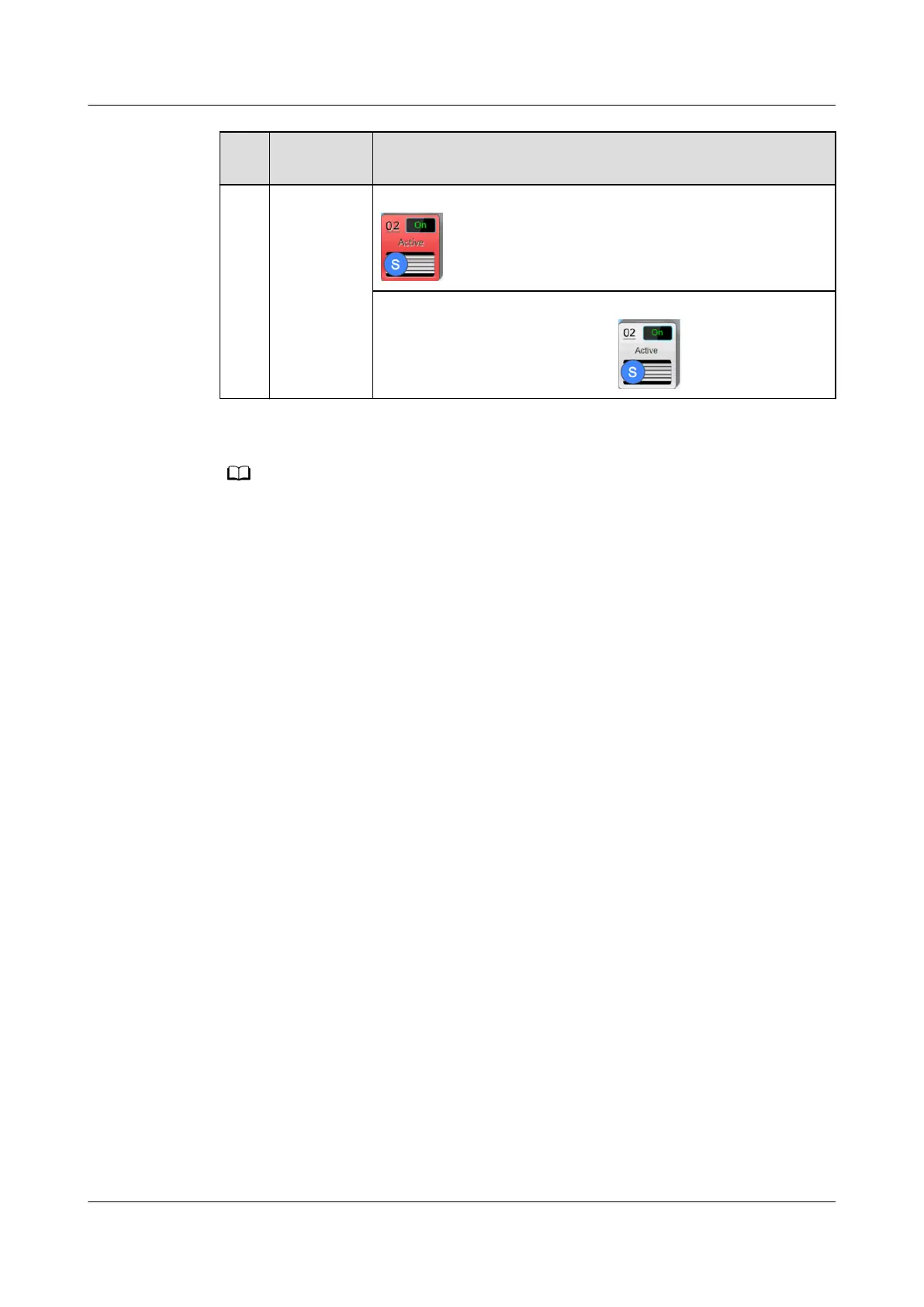
color: red,
bright gray
Red indicates that a critical alarm is generated, as shown in
.
Bright gray indicates that the device is operating without
any critical alarms, as shown in .
If teamwork succeeds, the teamwork icon is green. If teamwork fails, the teamwork icon is
red. If teamwork mode is disabled, the teamwork icon is gray.
----End
Follow-up Procedure
After you have completed the settings, perform the following checks to
conrm
whether the teamwork control is available:
1. Check whether the device number on the topology is the same as the actual
device number.
– If yes, go to 2.
– If no, check the cable connection and the settings of teamwork control
parameters.
2. Check whether the number of active devices on the topology is the same as
the actual device number.
– If yes, go to 3.
– If no, check the cable connection and the settings of teamwork control
parameters.
3. Check whether the number of standby devices on the topology is the same as
the actual device number.
– If yes, go to 4.
– If no, check the cable connection and the settings of teamwork control
parameters.
4. Check whether the number of online devices on the topology is the same as
the actual device number.
– If yes, the check is complete.
– If no, check the cable connection and the settings of teamwork control
parameters.
NetCol5000-A025 In-row Air Cooled Smart Cooling
Product
User Manual (300 mm Width) 4 Power-On Commissioning
Issue 15 (2020-12-10) Copyright © Huawei Technologies Co., Ltd. 145







 To Next Page