14-27
14. D-STAR OPERATION (ADVANCED)
Entering new information into the repeater list
D Entering new information into the repeater list
Step 13� Selecting the repeater tone frequency
LWhen Step 2� Selecting the communication type
is set to “DV Repeater” or “DV Simplex,” this item is
not displayed.
LThis setting is required when Step 12� Setting the
tone is set to “TONE” or “TSQL.”
1. Touch “REPEATER TONE.”
2. Set the repeater tone frequency.
3. Push
.
Step 14� Selecting the position data accuracy level
LWhen the Near Repeater Search function is not
used, or the distance between your position and
a repeater is not needed, select “None,” and go to
Step 17� Setting the UTC offset.
1. Touch “POSITION.”
2. Touch the position data accuracy level.
• None: Select when the repeater has no
position data.
• Approximate: Select when the entered position
data is approximately correct.
• Exact: Select when the entered position
data is exactly correct.
Step 15� Entering the latitude
LThis item is displayed only when Step 14�
Selecting the position data accuracy level is set
to “Approximate” or “Exact.”
1. Touch “LATITUDE.”
2. Enter the latitude.
LTouching [N/S] selects a north latitude (N) or a
south latitude (S).
3. After entering, touch [ENT].
Step 16� Entering the longitude
LThis item is displayed only when Step 14�
Selecting the position data accuracy level is set
to “Approximate” or “Exact.”
1. Touch “LONGITUDE.”
2. Enter the longitude.
LTouching [E/W] selects an east longitude (E) or
a west longitude (W).
3. After entering, touch [ENT].
Step 17� Setting the UTC offset
LUniversal Time Coordinated (UTC) offset is the time
difference between UTC and repeater local time.
This is a useful function to know the local time of
the destination repeater before you make a call.
1. Touch “UTC OFFSET.”
2. Set the time difference between UTC and the
local time.
3. Push
.
Step 18� Saving the repeater list
1. Touch “<<Add Write>>.”
• The confirmation dialog is displayed.
2. Touch [YES].
• The entered contents are saved in the repeater
list, and the display returns to the selected
repeater group screen.
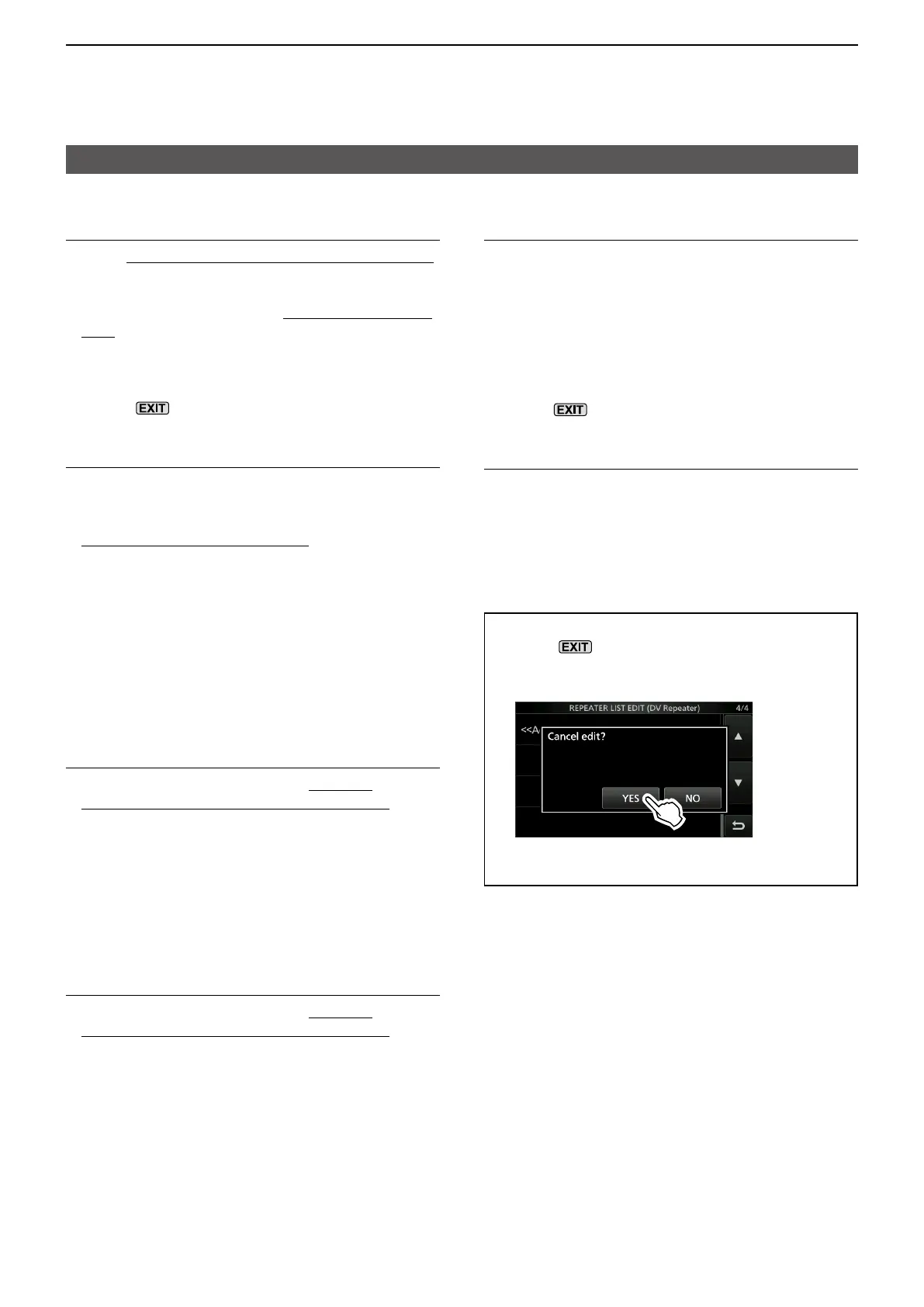
TIP: How to cancel the entered data
1. Push
.
• The confirmation dialog is displayed.
2. Touch [YES].
• Cancels the entry and returns to the selected
repeater group screen.





 To Next Page