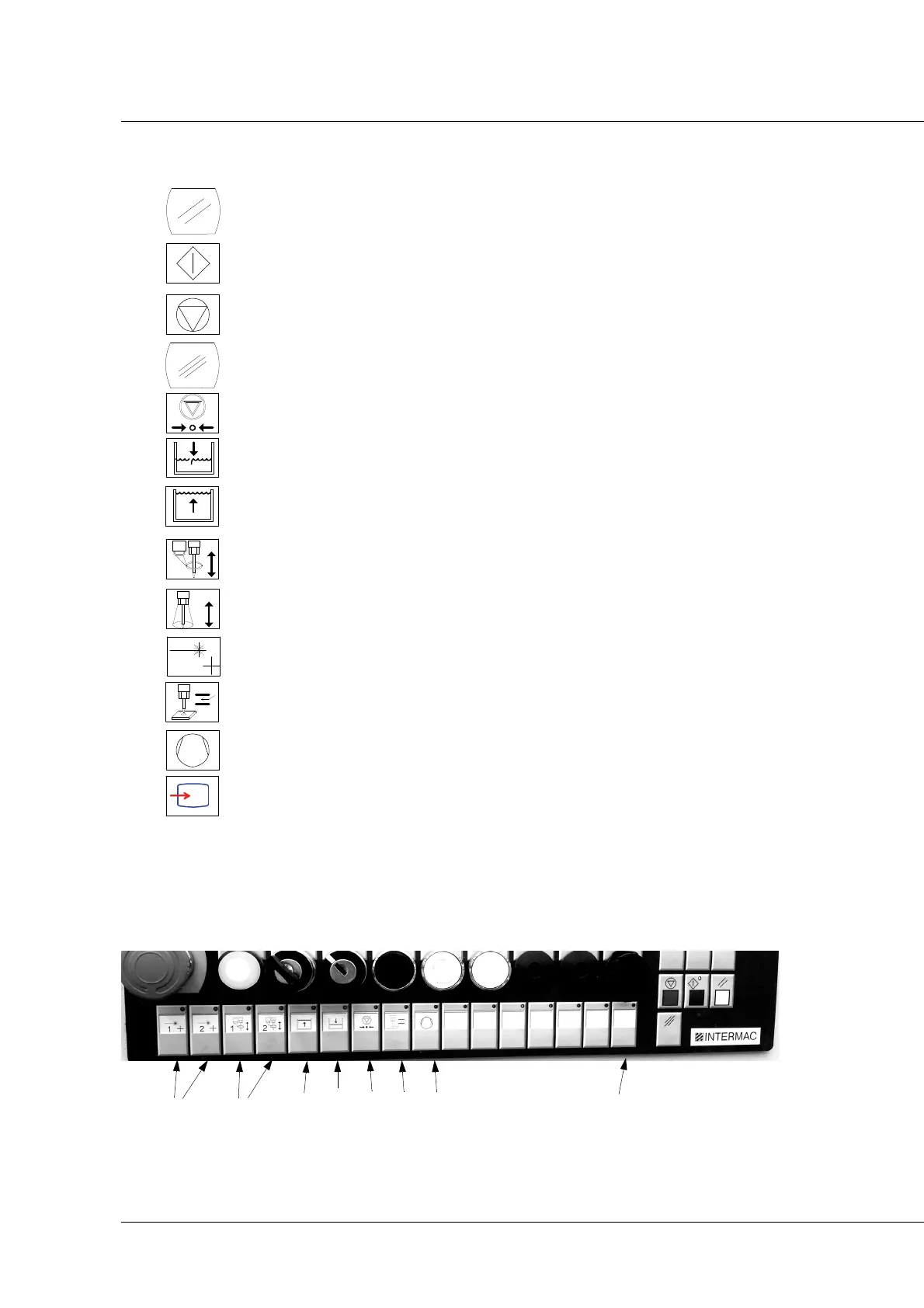
5 Commands and indicator devices
46
BIESSE S.p.A. © - p704k0003.fm251111
K -
Reset button: used to delete the programs being executed.
L - START CYCLE button: used to start up the machine, beginning the working
cycle set in the NC. Used to restart the paused machine.
M - STOP CYCLE button: used to pause the machine, stopping it in the exact
position it is in at that moment.
N - Clear button: used to delete the stored messages.
O - UHP intensifier on/off button
P - Button for lowering the water level: used to lower the level of the water in
the machining basin.
Q - Button for raising the water level: used to raise the level of the water in
the machining basin.
R - Thickness tracer activation button: used to bring the thickness tracer
down onto the piece.
S - Hood up/down button
T - Laser activation buttons (heads 1 and 2)
U - Anticipated end of boring
V - Vacuum pump switch-on
W - Console activation
PRIMUS 322/324/326



 To Next Page