5 Commands and indicator devices
48
BIESSE S.p.A. © - p704k0003.fm251111
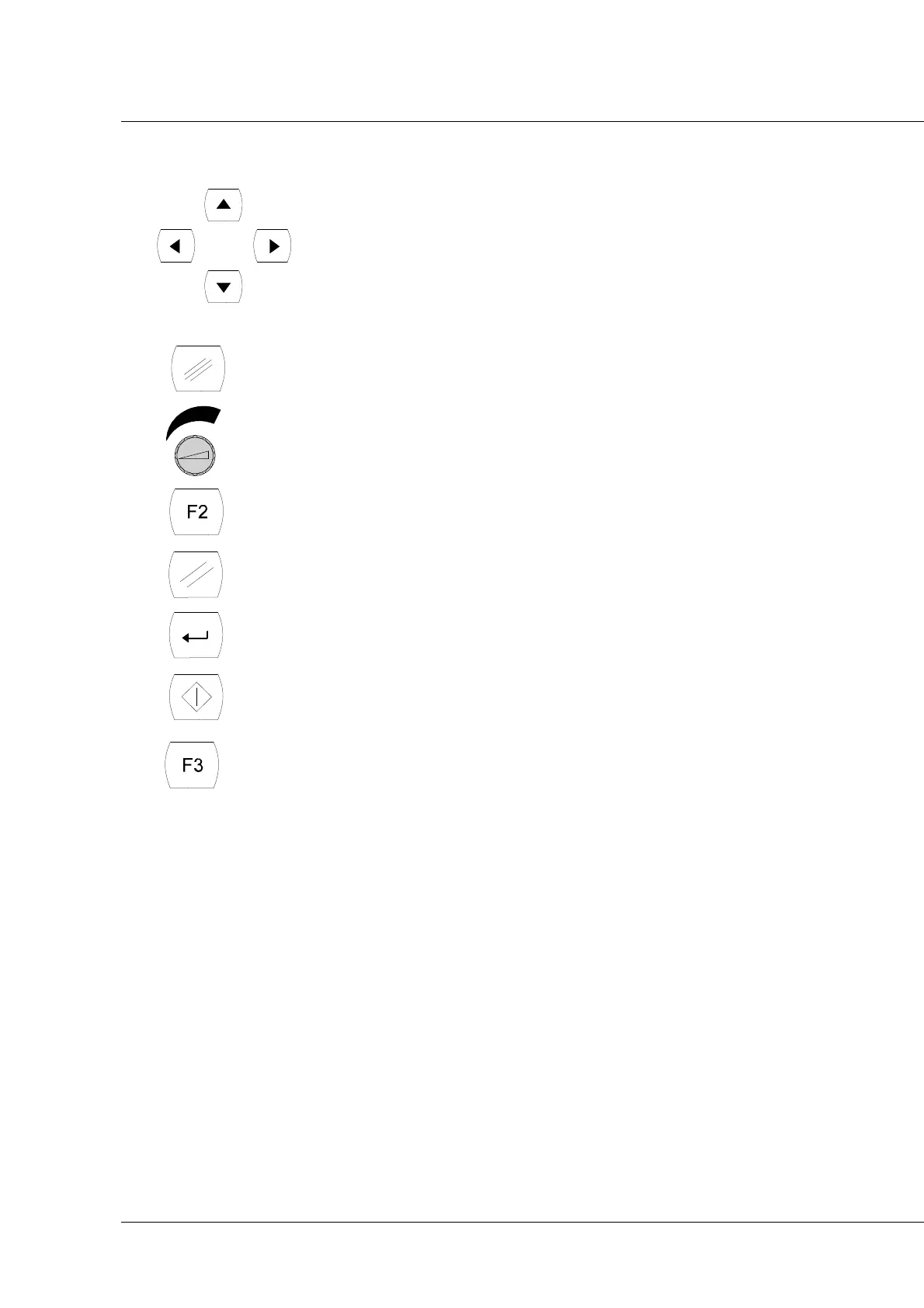
F - Scroll menu buttons
G - Esc button (disabled)
H - Potentiometer for adjusting axis interpolation during machining
operation
I - Start station 2 button
J - Reset button
K - Confirm menu function button (disabled)
L - Start button
M - Valve command button
This model of hand-held button pad can be used for:
1. Tooling
With the axes powered (i.e. with the doors closed or the axis disconnection selector turned
and the "man present" button in the power enabling position), when you press the button of the
station being used (D or I), the machine will adopt the next positioning.
To go back to the main menu, press the Esc key "G".
2. Starting the work program.
Keys "D" and "I" mirror the Start Station 1 and 2 buttons on the command console.
3. Keys "J" and "E" mirror the "Reset" and "Stop" buttons on the command console. Key "L"
mirrors the Start button on the command console, but with certain limits: it is not possible to
launch semi-automatic cycles with this key.
4. Varying the speed of the axes.
To use the potentiometers, it is necessary to enable them: if a potentiometer is set at 0, it is
enabled and the speed percentage will depend on its position until one of the + and - keys
relating to the variation in question (quick - manual or interpolation) is pressed; in this case,
the potentiometer is disabled and, to re-enable it, you must bring it back to 0.



 To Next Page