ALTERNATOR INPUT VOLTAGE
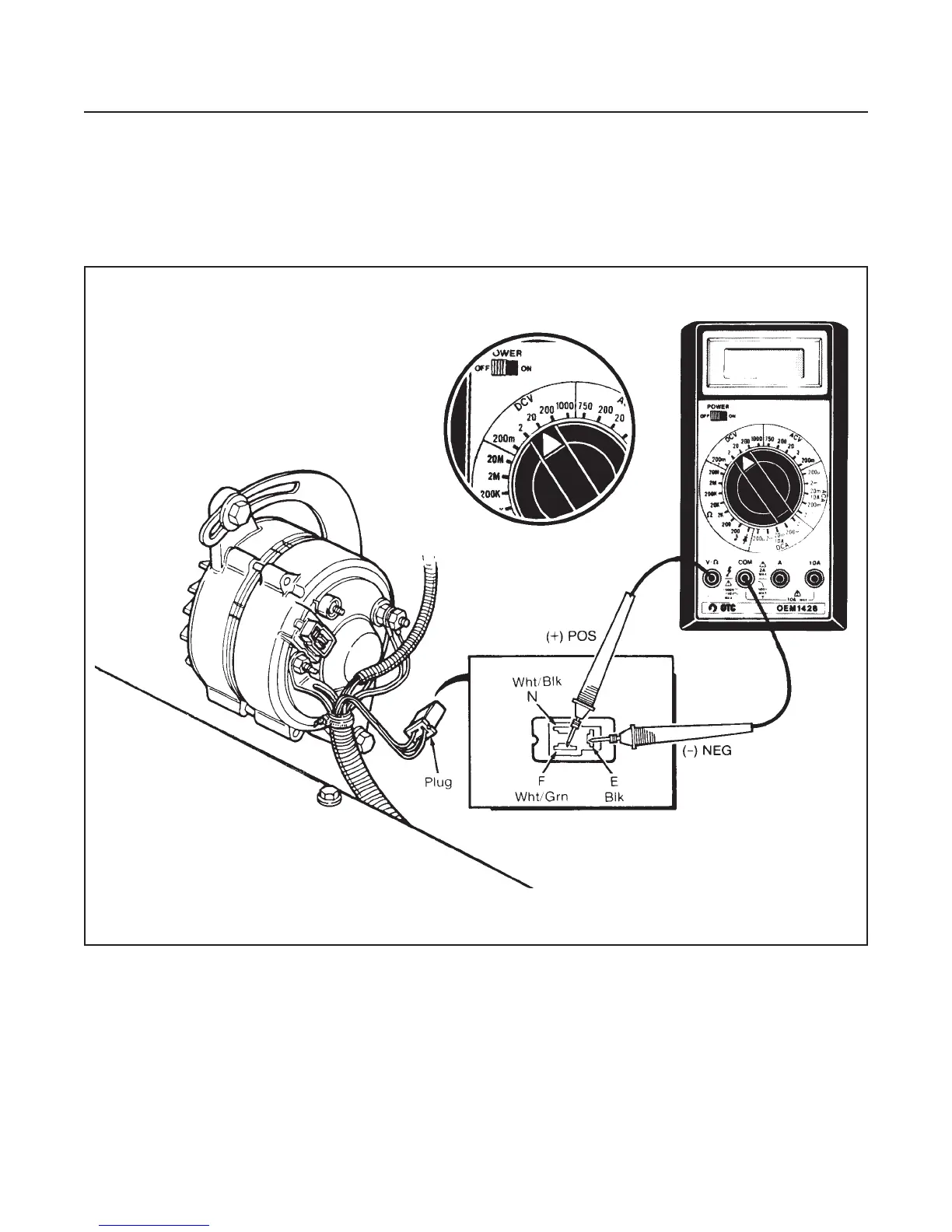
(See Figure 10E-2)
1. Remove the alternator plug.
2. Set the multimeter to 20 VDC and connect POS
(+) lead to terminal F and NEG (–) to terminal E.
3. Turn on the ignition switch.
•
The multimeter should read battery voltage.
•
If no voltage registers, continue with voltage reg-
ulator test.
ELECTRICAL SYSTEM
SECTION 10E. CHARGING SYSTEM
10E-2
Figure 10E-2. Input Voltage


 To Next Page
 Loading...