243
14 Configuration – in setup program only
Push button
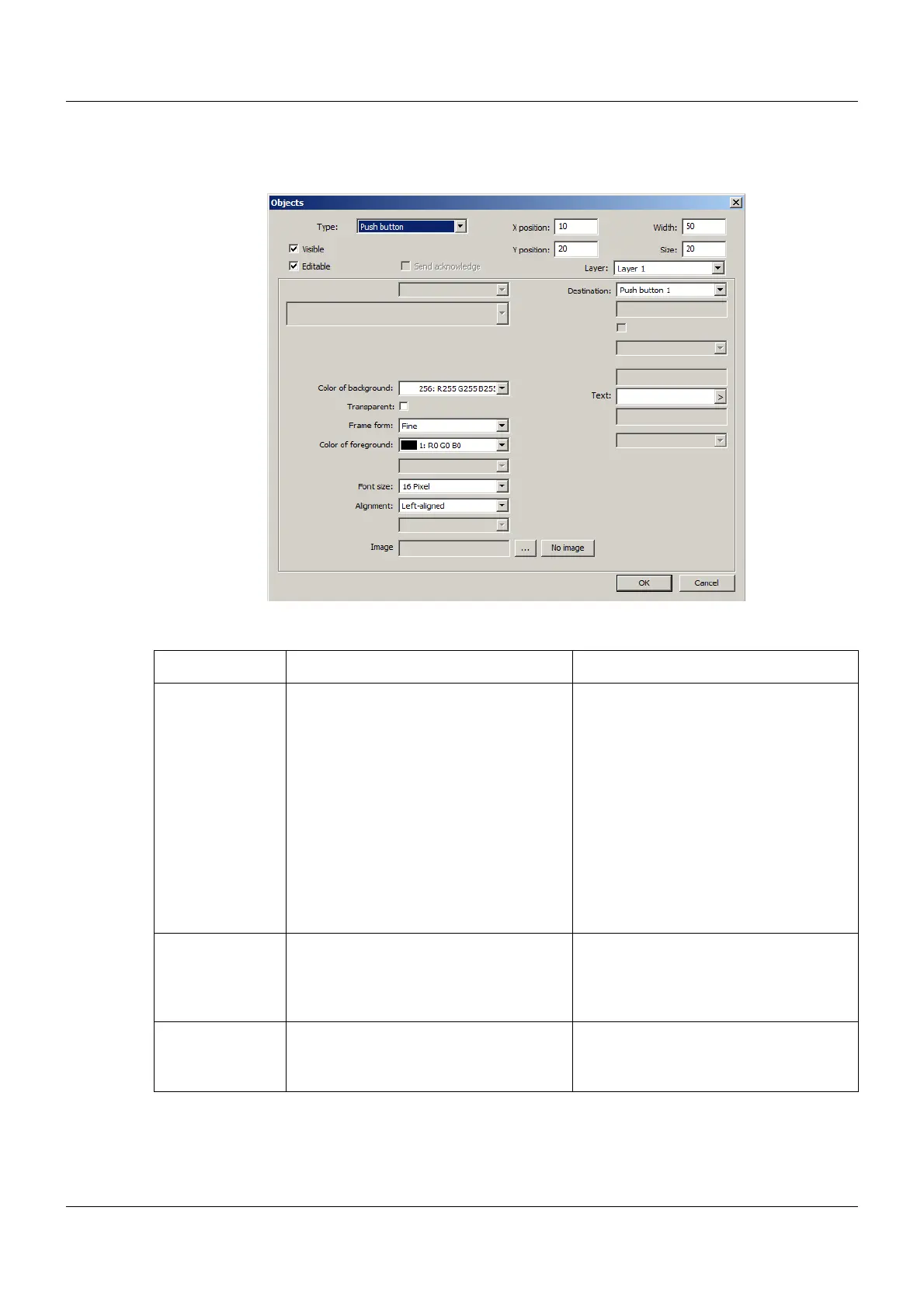
Setup dialog
Parameter
Parameter Selection/settings Description
Destination Select destination (Push
button 1 to Push button 18).
As of system version 02:
Push button 1 to Push button 32
Log-In = „ID input“ window (user selec-
tion) is opened
Log-Out = Logged on user is logged off
directly (without confirmation)
Security menu = "Login" window is
opened
Digital signal that is controlled using the
push button. The signal adopts the con-
dition "High" when the push button is
touched in the process screen.
The Push button 1 to Push button 18
signals are available in the system (digi-
tal selector).
As of system version 02: In addition, to
be used as an object for user logon/log-
off and for user administration.
Text Enter text. Designation of the push button in the
process screen
The text is displayed if no image is pres-
ent (see below).
Image
(as of system ver-
sion 02)
Click the "..." button and select the
image from the list (or select "No
image").
Icon to display the push button in the
process screen. If no image is selected,
the entered text is displayed.



 To Next Page