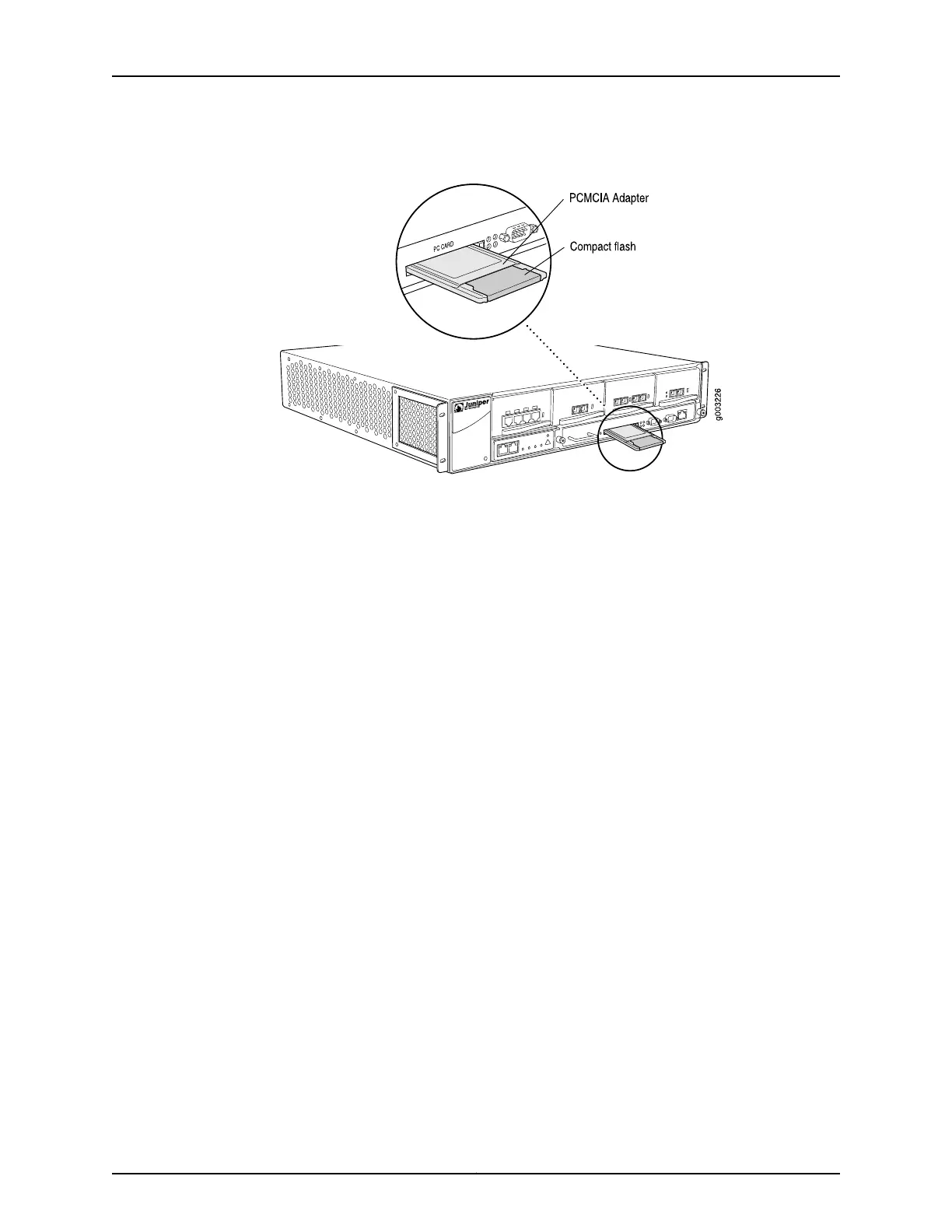
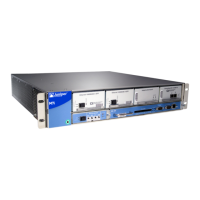
Figure 56: Inserting the PC Card
See Also M7i Chassis Description on page 11•
• M7i Midplane Description on page 12
• Maintaining the M7i Routing Engine on page 192
• Removing the PC Card on page 156
• Replacing the PC Card Adapter Flash Disk on page 147
Related
Documentation
• M7i Chassis Description on page 11
• M7i Midplane Description on page 12
• Maintaining the M7i Routing Engine on page 192
Copyright © 2019, Juniper Networks, Inc.158
M7i Multiservice Edge Router Hardware Guide


 To Next Page