6: Context sensitive help
75
Field Description
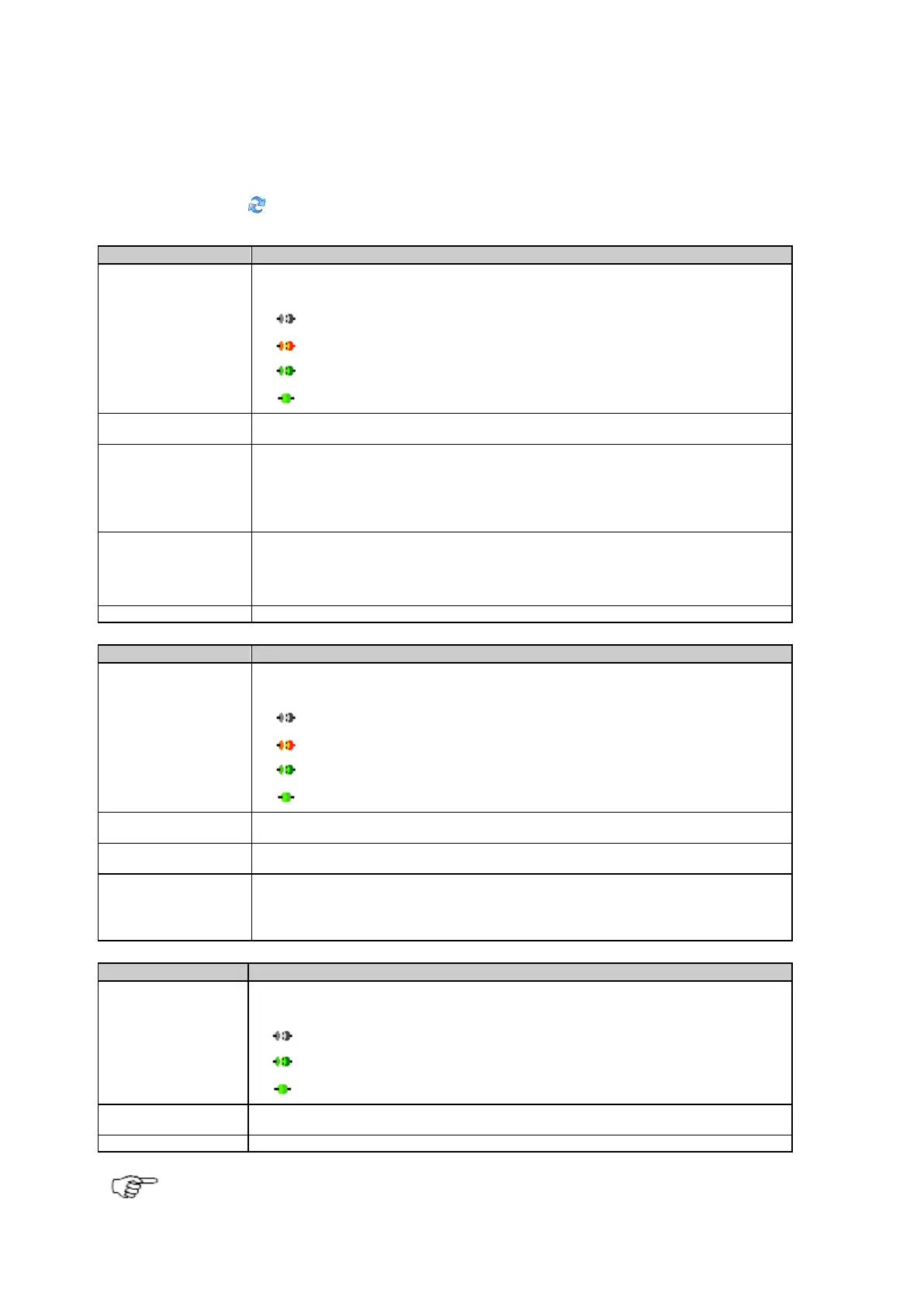
The table below describes the fields on the Status: Port summary page.
Press the Refresh icon to update the displayed information.
An icon is shown, indicating the data stream connection status.
The connection type and port number configured for the data stream.
The number of connected users on each port. With the default setting, a maximum of one user
is possible.
If the GRL115 Multi-Client and Ntrip Caster option is installed on the receiver and the
configuration is set accordingly, more than one connection per TCP/IP port is possible. In this
case, the number of connected users and the number of possible connections is shown.
The IP address of the client/server connected to the TCP/IP port.
If there are multiple connections to the port, the longest connection is shown.
Click on the IP address to open a pop up window. The pop up window shows the data volume
sent and received on this port and lists all connected host IPs and the connection duration.
The data type transmitted by the port.
An icon is shown to indicated the remote connection status.
The connection type and port number configured for the remote port.
The number of connected users on each port. For each remote port a maximum of one
connection per port is possible.
The IP address connected to the port.
Click on the IP address to open a pop up window. The pop up window shows the data volume
sent and received on this port and lists the connected host IP address and the connection
An icon is shown, indicating the port status.
Shows if HTTP or HTTPS is active and differentiates between FTP data ports and FTP control
points.
The configured port number.
To enable or disable the automatic update of the status page, please go to Receiver setup: Web server and



 To Next Page