48
OR
To use the default static IP address, leave DHCP enabled. Once the ethernet cable is connected to a non-
DHCP network, the receiver will fall back to the settings:
• IP address 192.168.0.3
• Gateway 255.255.255.0
Configure your PC accordingly to access the receiver (e.g. via crossed ethernet cable).
OR
To use a previously configured static IP address, disable DHCP. The receiver will fall back to the last used static
IP address. If no static IP address had previously been configured, the receiver will use the default settings:
• IP address 192.168.0.3
• Gateway 255.255.255.0
Install USB drivers
Install USB drivers
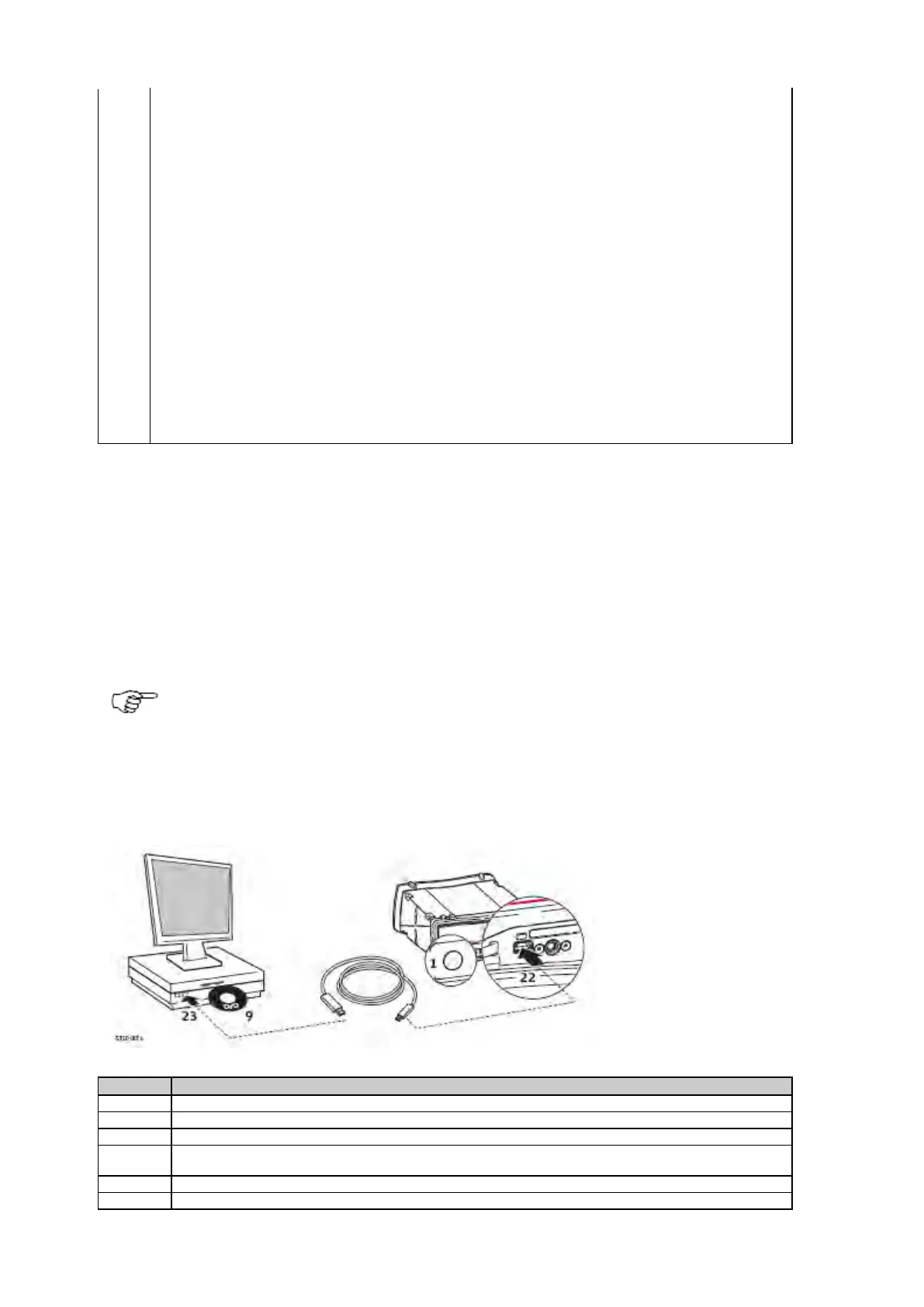
Before connecting the GR/GM receiver to a computer using a USB cable, you must first install USB drivers. To install the USB drivers
refer to:
• Install USB drivers for Windows 7 operating systems
Only one instrument can be connected to the computer via USB at a time.
Install USB drivers for Windows 7 operating systems
Follow these steps to install drivers for Windows 7 operating systems for the first time:
Disable the User Account Control before installing the drivers.
Go to Start / Control Panel / User Accounts and Family Safety (or User Accounts, if you are connected
to a network domain) / User Accounts.
Go to Change User Account Control settings.
Select level Never notify and click OK.



 To Next Page