19
4: User Interface
User Interface - Overview
LED Indicators on GR10/30 & GM10/30
A detailed overview of the LED indicators and their status.
Keyboard
A detailed overview of the buttons.
• ON/OFF button
• Function button
• Button combinations
USB and SD Card Cover
A detailed overview of the USB and SD card slot.
LED Indicators on GR25/50
A detailed overview of the LED indicators and their status.
Keyboard
A detailed overview of the buttons.
• ON/OFF button
• Arrow buttons
• Cancel button
• Enter button
USB and SD Card Cover
A detailed overview of the USB and SD card slot.
Web interface: User Interface
A detailed overview of the layout of the web interface and a brief description of the major
GR10/30 & GM10/30
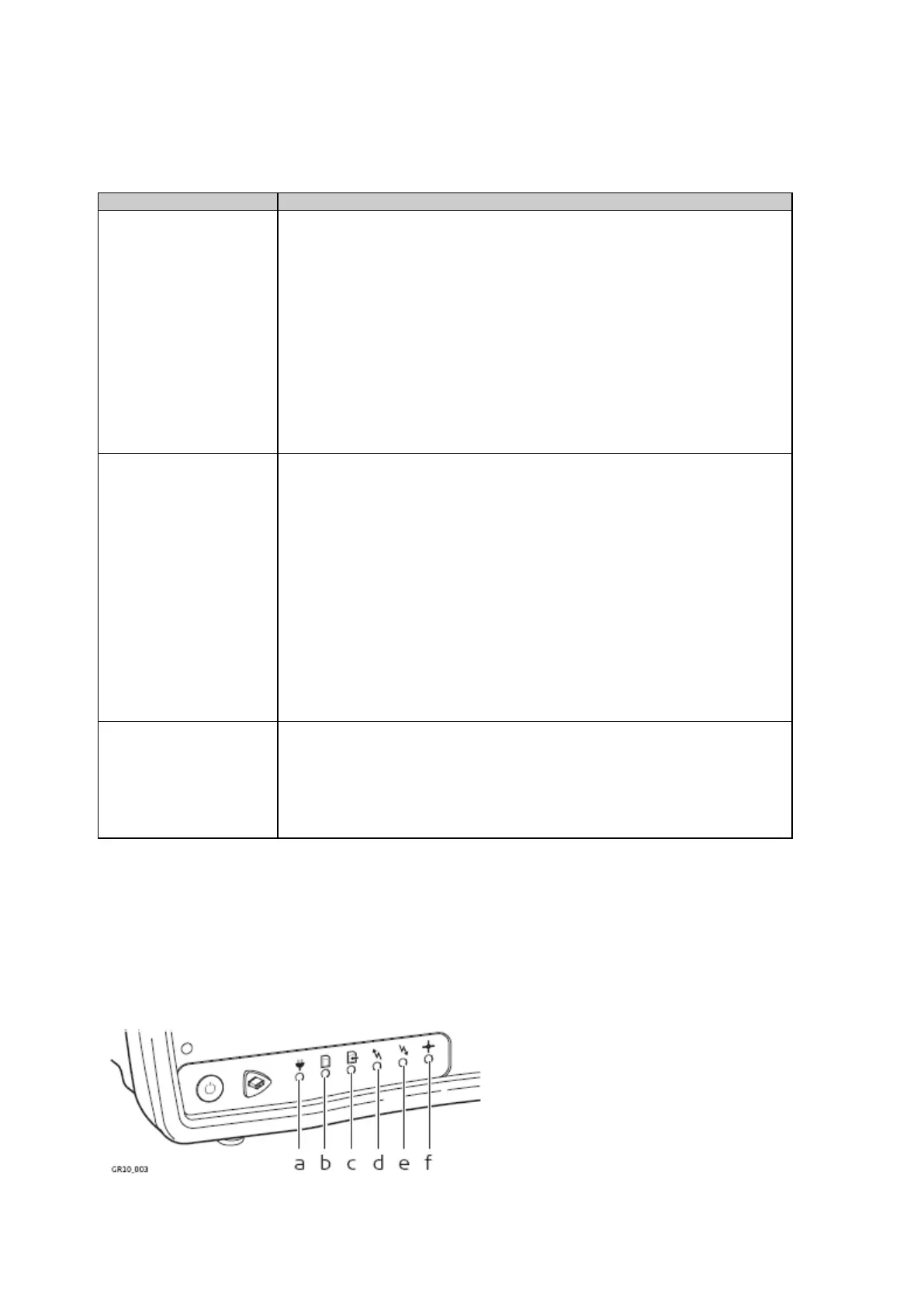
LED Indicators on GR10/30 & GM10/30
The GR10/30 & GM10/30 have Light Emitting Diode indicators. They indicate the basic instrument status.
b. SD card LED
c. Raw data logging LED
d. RT out data stream LED
e. RT in data stream LED
f. Position LED



 To Next Page