118
The configured session priority which determines the Smart clean-up tasks.
When Smart clean-up is active and the SD card is running full, data from low
priority sessions is deleted first, high priority sessions are preserved as long
as possible. When Smart clean-up is off, this setting has no influence.
Go to GNSS management / Logging sessions / Smart clean-up tab for
further information and to enable the Smart clean-up functionality.
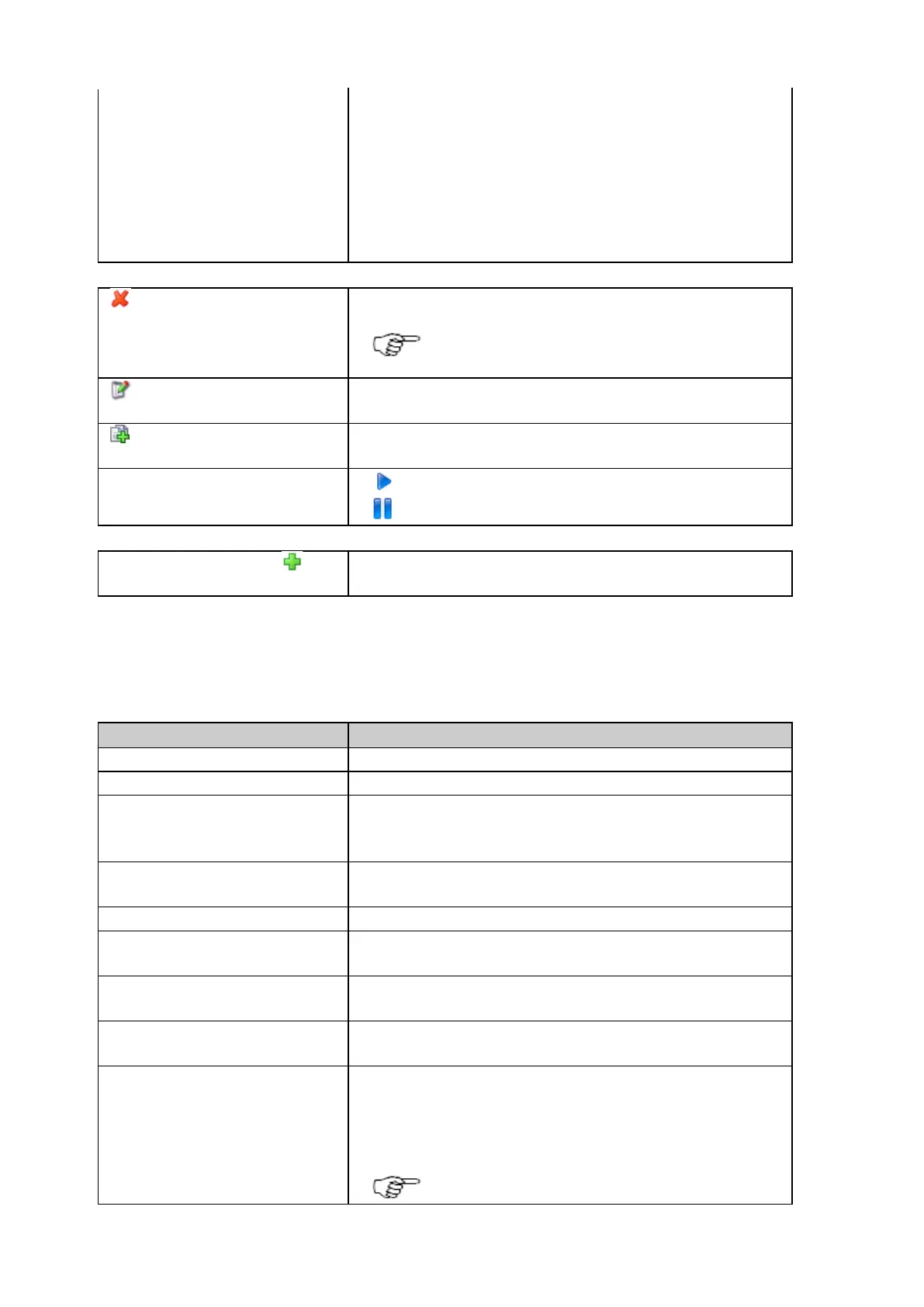
Delete
Press delete to permanently delete the logging session.
Note: This will delete all corresponding files
from the SD card. It cannot be undone!
Edit logging session
Press to edit the logging session settings. The Logging session wizard will
open. The Session name cannot be edited.
Create new logging session (copy)
Press to create a new logging session based on the settings of an existing
logging session.
The logging session is deactivated. Press to activate.
The logging session is activated. Press to deactivate.
Create new Logging session
Press to open the Create new Logging session wizard.
The logging session wizard is explained in detail below.
Logging session properties
The table below describes the additional logging session properties that are shown when the logging session Name is selected.
The configured logging session name.
The configured data type.
The configured session priority which determines the Smart clean-up tasks.
Go to GNSS management / Logging sessions / Smart clean-up tab for
further information and to enable the Smart clean-up functionality.
The configured session type, either continuous or timed.
Timed allows specific logging intervals to be defined.
The configured rate at which the observations are logged.
The configured file length. The file length defines how long data is written to
one file before a new file is created.
Indicates if logging doppler observations file is activated (yes) or deactivated
(no) in the logging session.
Indicates if logging SNR values in the RINEX file is activated (yes) or
deactivate (no) in the logging session.
Clicking on the SD card link opens an FTP connection to the folder on the
SD card where the data for this logging session is stored. This is only
possible when the FTP server access is enabled. To enable FTP server
access, go to Receiver Setup / FTP server.
The FTP access to the SD card may not work in all



 To Next Page