6: Context sensitive help
71
GNSS management: Data streams overview
GNSS management: Outgoing data stream
Streaming session wizard: Configure real time out data stream
Streaming session wizard: Configure LB2 data stream
Streaming session wizard: Configure NMEA data stream
Streaming session wizard: Configure BINEX data stream
Status: Data streams - Incoming
Background information
Displays a list of all configured Incoming data streams from meteo and tilt devices that send data to the receiver.
Field Description
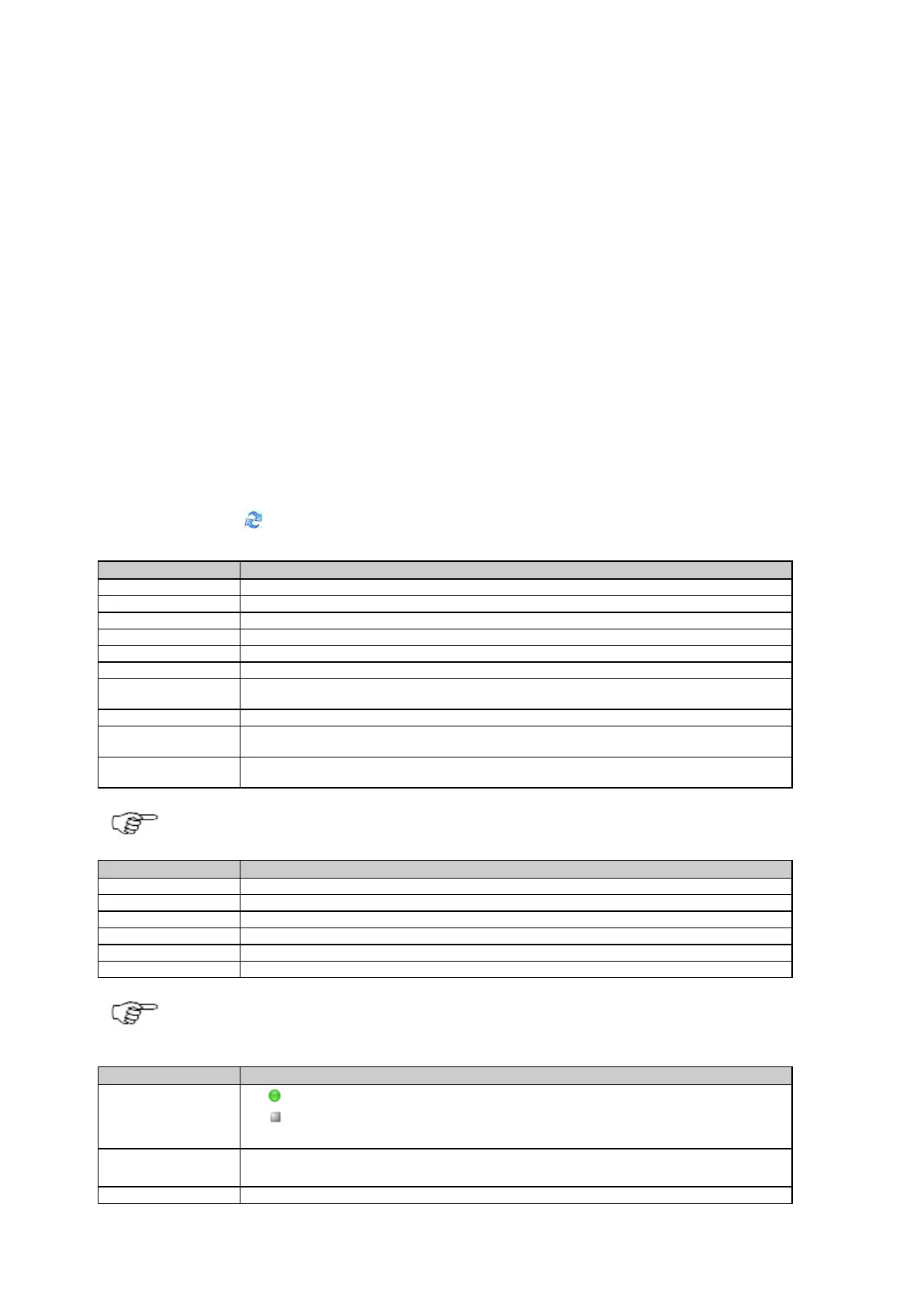
The table below describes the fields in the Data streams / Incoming tab.
The information shown is dependent on the settings configured via the Data stream wizard on the GNSS management: Data streams /
Incoming tab page.
Press the Refresh icon to update the displayed data.
The name of the configured meteo device.
The serial number of the configured meteo device.
The time and date of the displayed temperature, pressure and humidity reading.
The temperature recorded by the device at the data time.
The pressure recorded by the device at the data time.
The relative humidity recorded by the device at the data time.
The wind azimuth (deg) from the direction that the wind blows, recorded by the device at the
data time.
The wind speed in meters per second (m/s), recorded by the device at the data time.
The rain accumulation since last measurement in millimetres (mm), recorded by the device at
the data time.
The hail detected since last measurement in hits per square centimetre, recorded by the device
at the data time.
The data messages listed above are not supported by all meteo sensors.
The name of the configured tilt device.
The serial number of the configured tilt device.
The time and date of the displayed temperature and inclination.
The temperature recorded by the device at the data time.
The inclination X recorded by the device at the data time.
The inclination Y recorded by the device at the data time.
To enable or disable the automatic update of the status page, please go to Receiver setup: Web server and
activate or deactivate the Automatic status page reload.
The configured message type and version received and used for position correction.
Click on the underlined message type to open a list box showing how many satellites are used.
The percentage of data received versus expected within the last minute.



 To Next Page