4: User Interface
35
Click here to view the complete Directory structure of the Menu Bar.
Status: General
The General box in the Status block provides an overview of the current status of the receiver.
• The General box is updated every 15 seconds.
• The icons correspond to the LED Indicators: GR10/30 & GM10/30 / LED Indicators: GR25/50 on the receiver.
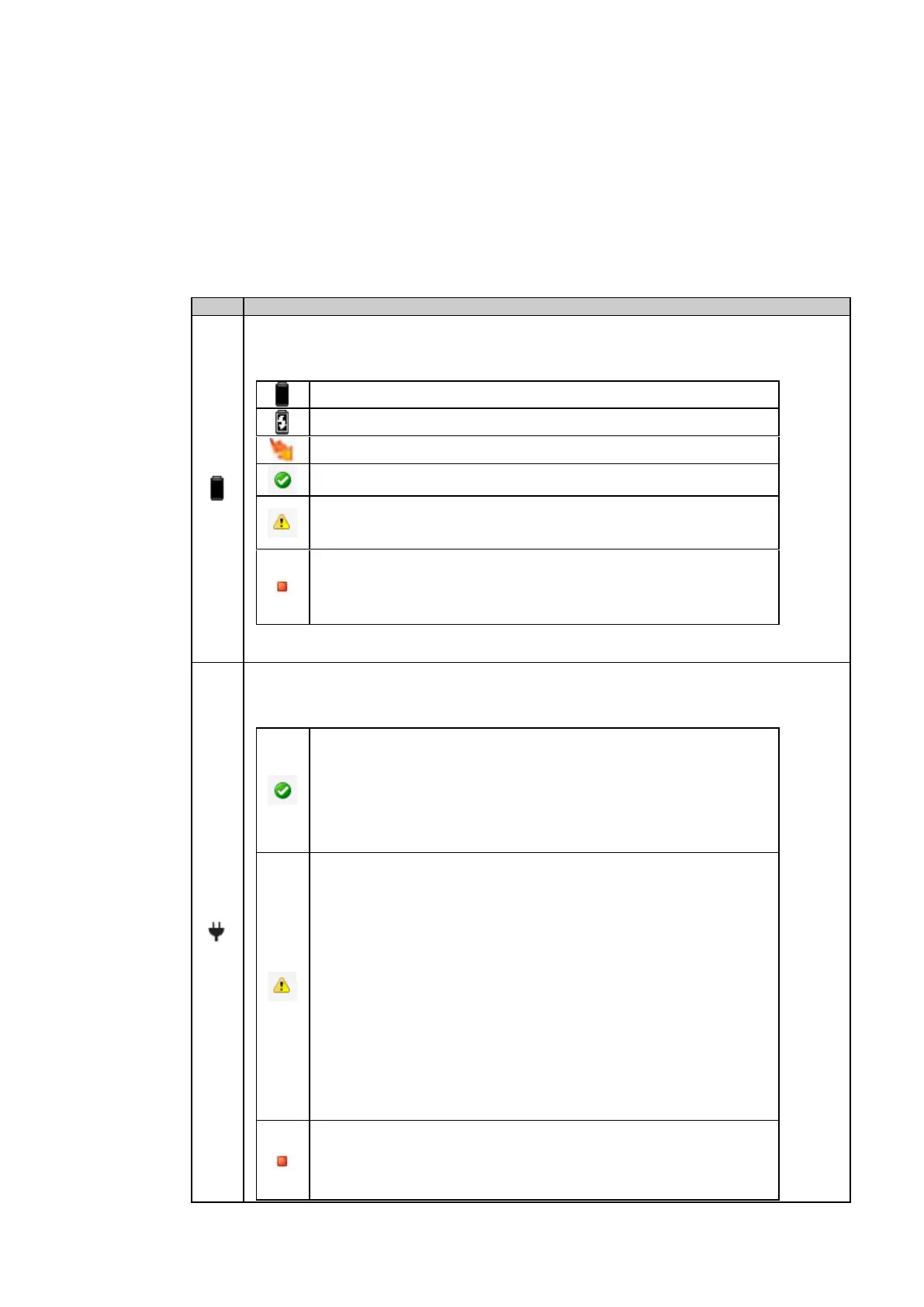
The internal battery status is shown with an icon and the current voltage level.
Battery charging is not enabled.
Battery charging is enabled.
Internal battery inserted. Charging is enabled and active.
Internal battery inserted. The remaining capacity of the battery is high.
Internal battery inserted. The remaining capacity of the battery is becoming low.
Recommended user action: Consider enabling charging or replace the current
Internal battery inserted. The remaining capacity of the battery is critical or a
battery error has been detected.
Recommended user action: The user should urgently switch to a new battery
The power status is shown with an icon and the current voltage level.
The primary power supply is in use and that the power level is valid (voltage is
between the configured power up and power down level).
GR10/30:
The power level of the connected power source is high.
The receiver has switched to the secondary power supply
Recommended user action: Consider providing a new power source to replace
the current one.
GR10/30:
The power level of the connected power source is be-coming low.
The icon indicates the overall power status. If a second power source is
connected via a Y-cable, both power sources are used.
Recommended user action: Consider providing a new power source to replace
The power level of the connected power source is critical.
Recommended user action: The user should urgently switch to a new power



 To Next Page