230
data is not being transferred.
data is being transferred.
SLG2-2 with Cinterion
MC75i
long break
no SIM card inserted, no PIN
entered or network search, user
authentication or network login in
red: short flash,
long break
logged onto network, no call in
progress.
red: flashing red, long
break
GPRS PDP context activated.
red: long flash,
short break
Packet switched data transfer is in
progress.
TA11
the communication link, Data
Carrier Detection, is
okay on the roving instrument.
the communication link, Data
Carrier Detection, is
okay on the roving instrument, but
Configure a meteo device step-by-step
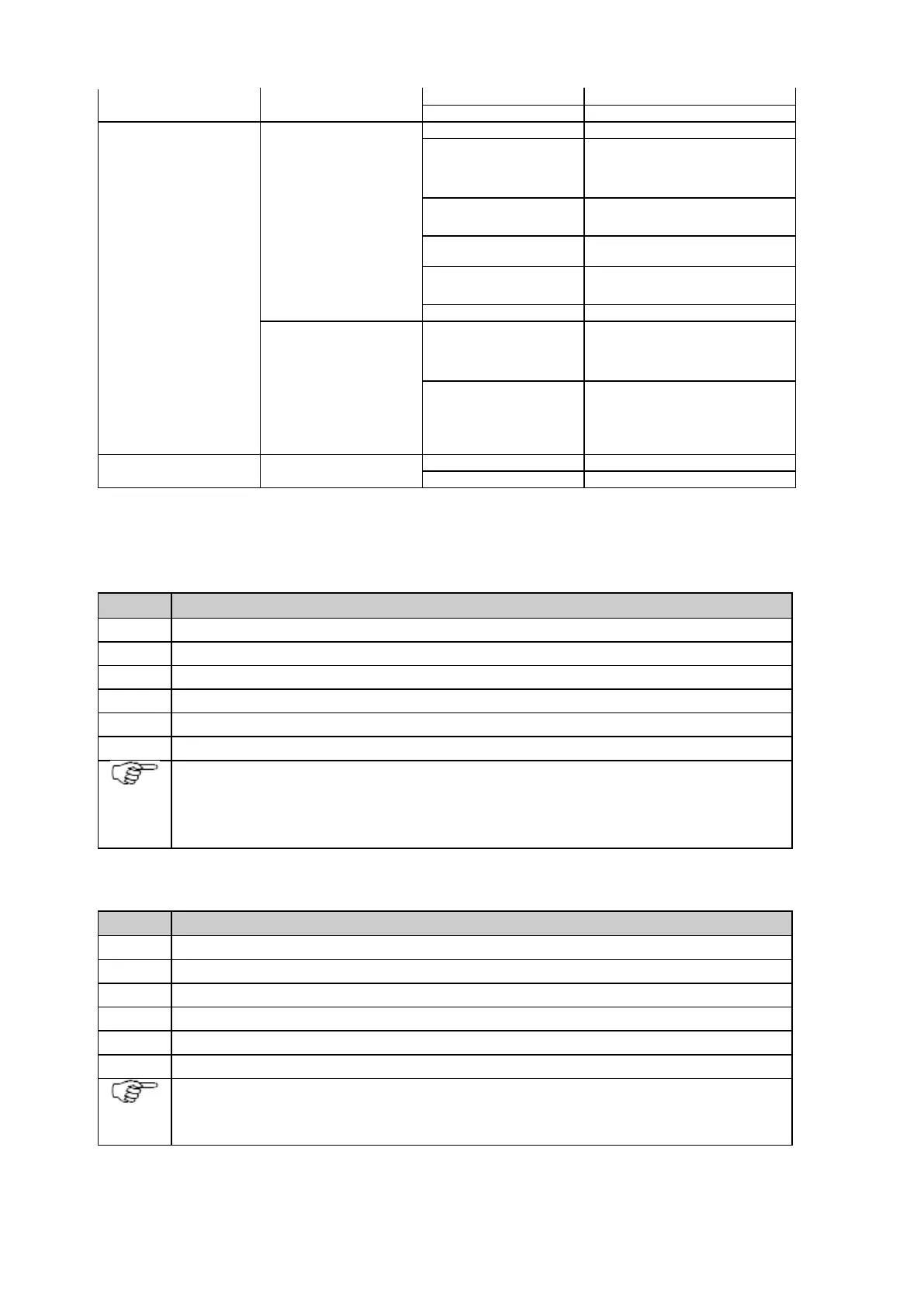
Use the serial cable which is connected to the meteo device and plug it into the serial port on the instrument.
In the web interface go to page GNSS management / Data streams / Incoming data streams.
Click on button Create new data stream to open the wizard.
Select Meteo as device type and use the Continue button.
Select the specific meteo device and the data rate you would like to use and use the Continue button.
Tick the Activate data stream check box and use the Save button.
Make sure that the settings of the used serial port are identical to the settings of the serial port of the meteo
device.
For default meteo devices, this is pre-configured correctly for the standard settings of the meteo device.
Configure a tilt device step-by-step
Use the serial cable which is connected to the tilt device and plug it into the serial port on the instrument.
In the web interface go to page GNSS management / Data streams / Incoming data streams.
Click on button Create new data stream to open the wizard.
Select Tilt as device type and use the Continue button.
Select the specific tilt device and the data rate you would like to use and use the Continue button.
Tick the Activate data stream check box and use the Save button.
Make sure that the settings of used serial port are identical to the settings of the serial port of the tilt device.
For default tilt devices, this is pre-configured correctly for the standard settings of the tilt device.
External Oscillator



 To Next Page