30
How to navigate and edit settings in the Display
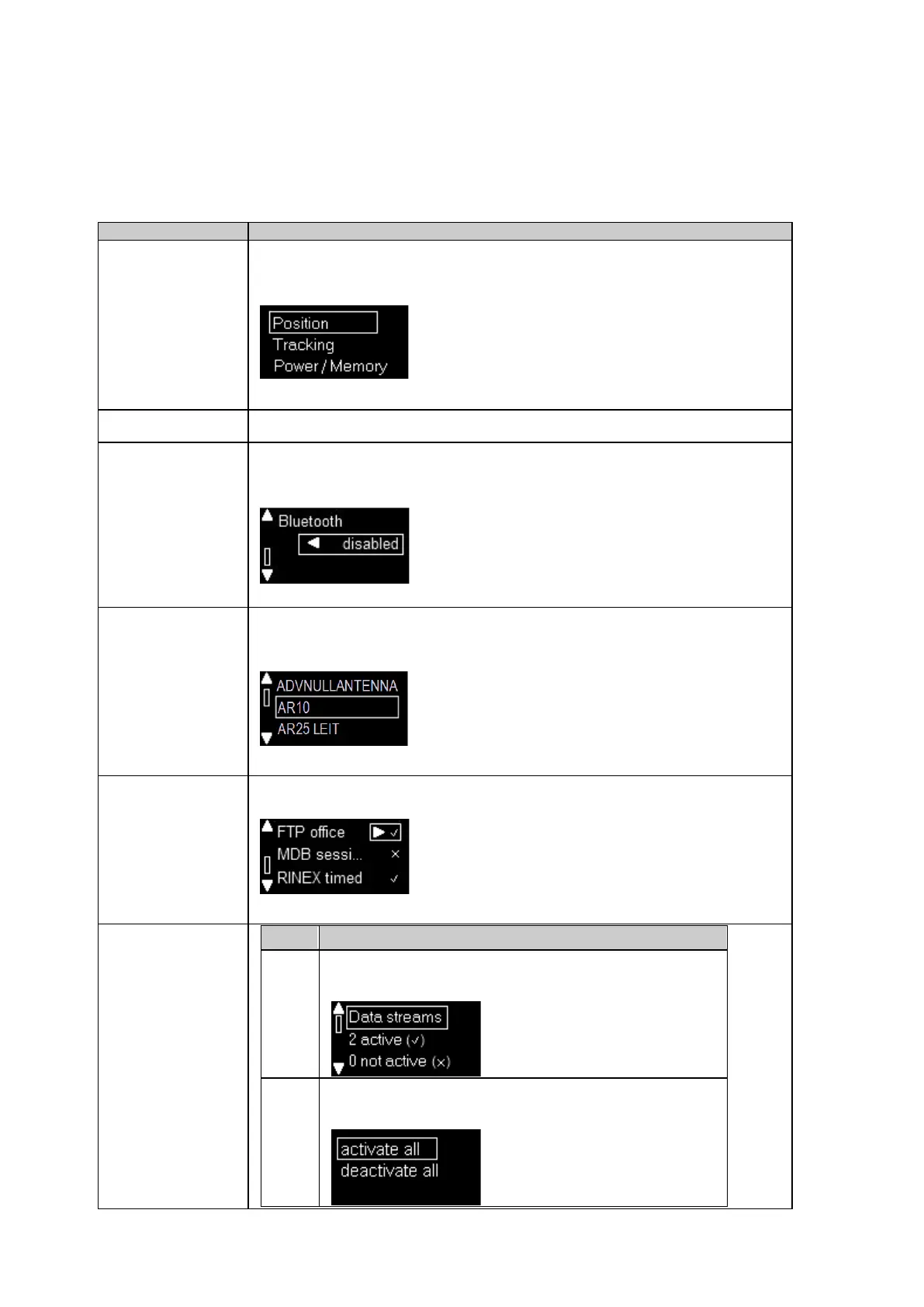
Use the up/down buttons to navigate to the menu item. Press the enter button to open the
page.
Press the Cancel button in any page to navigate to the previous page in the menu.
setting
The status of a configured setting is indicated by disabled or enabled.
Use the left button to enable a setting. Use the right button to disable a setting.
Use the up/down buttons and the Enter button to select a value. The currently active value is
marked by the box around it.
logging session
Use the left/right buttons to activate or deactivate an existing logging session.
all data streams
The Data steams overview page shows the number of active and
inactive data streams. Press the Enter button.
Press Enter to get to the Activate/Deactivate all page. Select the
proper option using up/down buttons and press Enter.



 To Next Page