74
Status: Ntrip caster
Background Information
Shows all the mount points configured on the local Ntrip caster. For each mount point the connection status and the connected source
and clients are displayed.
Field description
The table below describes the fields on the Status: Ntrip caster page.
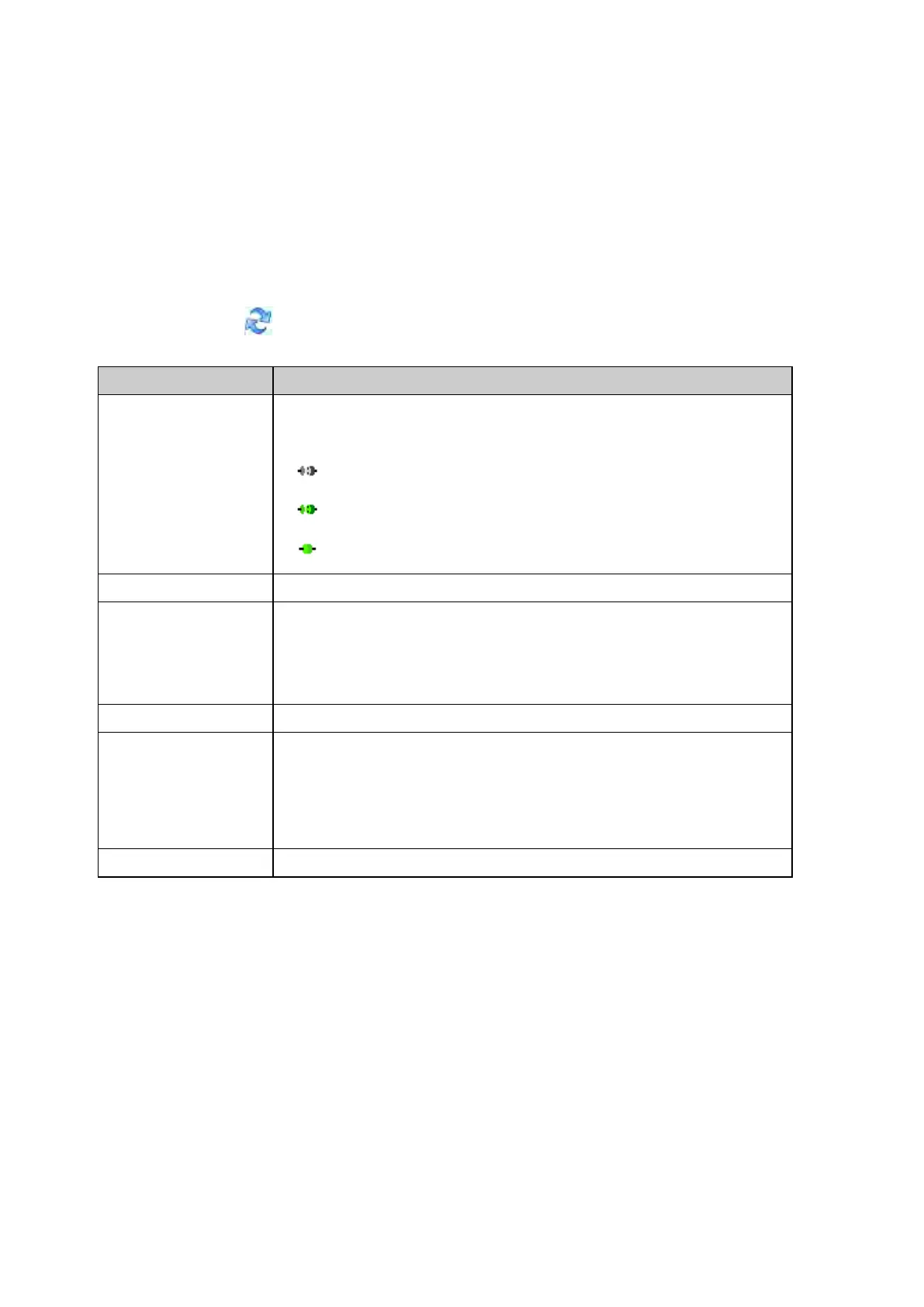
Press the Refresh icon to update the displayed information.
An icon is shown, indicating if an Ntrip source is connected to the mount point and
sending data.
Lists the names of all the configured mount points.
Shows the IP address of the connected Ntrip source.
If the field is blank, no Ntrip source is currently sending data to this mount point,
Click on the underlined hostname to see the duration of the connection and the amount of
Shows the number of Ntrip clients currently connected to this mount point.
Shows the IP addresses of the clients connected to this mount point.
If there are multiple clients connected, the longest connection is shown.
Click on the IP address to open a pop up window. The pop up window shows the data
volume sent and received on this mount point and lists all the connected client IP
addresses and the connection duration.
The data type transmitted by this mount point.
Related Topics
Outgoing data stream wizard: Configure Ntrip server (source)
Ntrip caster: Overview
Ntrip caster: Caster tab
Ntrip caster: Mount points tab
Ntrip
Status: Port Summary
Background Information
Shows all ports used in the receiver configuration for data streams, remote access (OWI), FTP and web interface access. For each port
the connection status and use case is displayed.



 To Next Page