5: Getting started
47
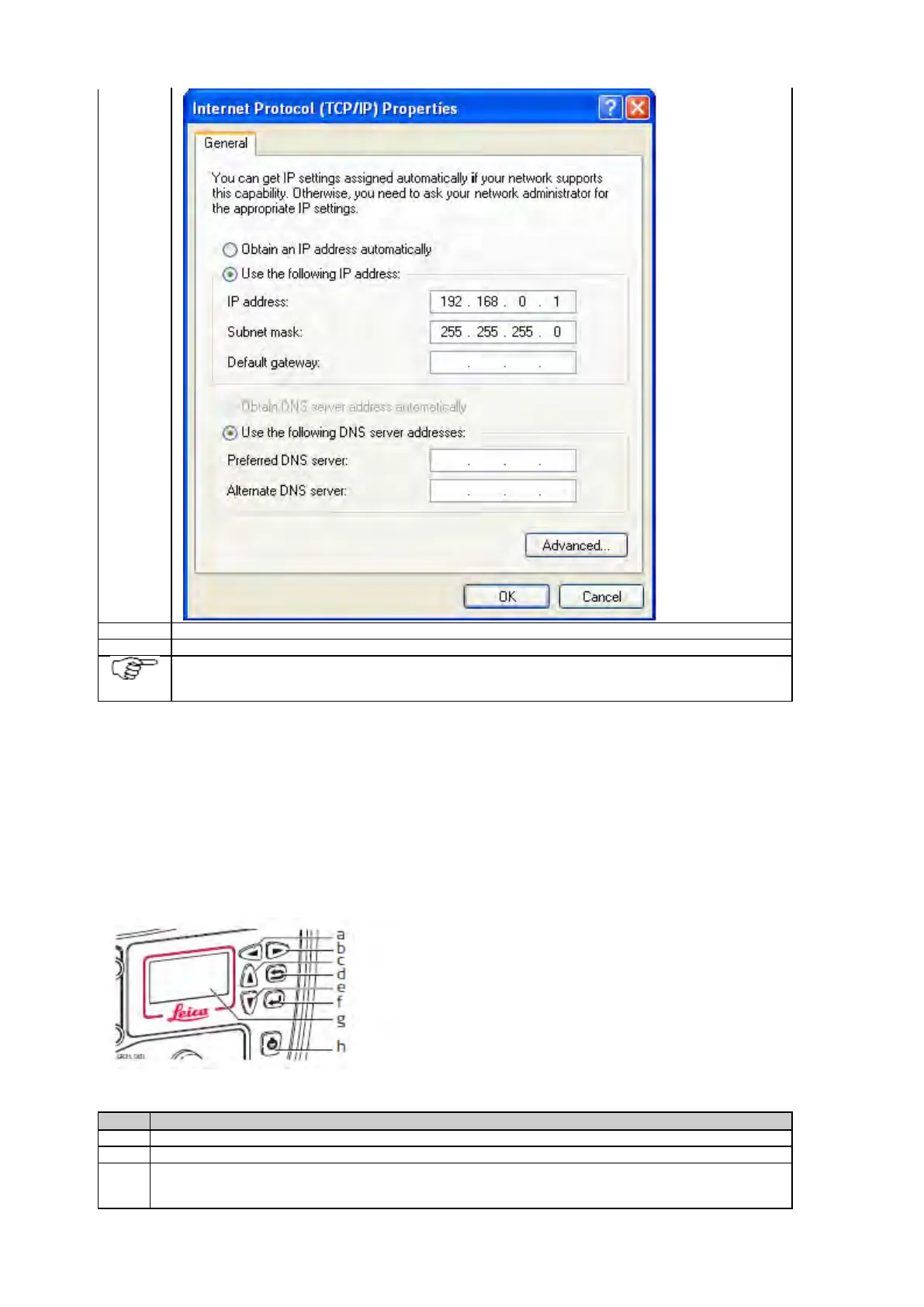
Open a browser window and enter 192.168.0.3 to open the Web interface.
Per default, the instrument is configured to obtain an IP address automatically from a DHCP network. To use
the default static IP address 192.168.0.3, reboot the instrument once it is connected to the crossed Ethernet
GR25/50 setup in a non-DHCP network using screen and buttons
In a field campaign the GR25/50 can be configured through the screen and buttons, to start or stop pre-configured data streams and
logging sessions.
For initial setup, the GR25/50 IT configuration for setup in a non-DHCP network can be done through the screen and buttons.
b. Right button
c. Up button
d. Cancel button
e. Down button
f. Enter button
g. Screen
h. ON/OFF button
Use the arrow buttons go to Configuration, Network Config.
To use a custom static IP address, disable DHCP, then enter the IP address, Subnet mask and gateway. Press
Enter to store each setting.



 To Next Page