6: Context sensitive help
129
Files in the queue are pushed as soon as the FTP server is accessible again. If
the queue number keeps increasing, check the FTP location settings. Use the
edit icon to access the Edit FTP locations page and use the Test FTP locations
link to test the settings.
Files deleted from the queue will not be automatically
pushed to the FTP server.
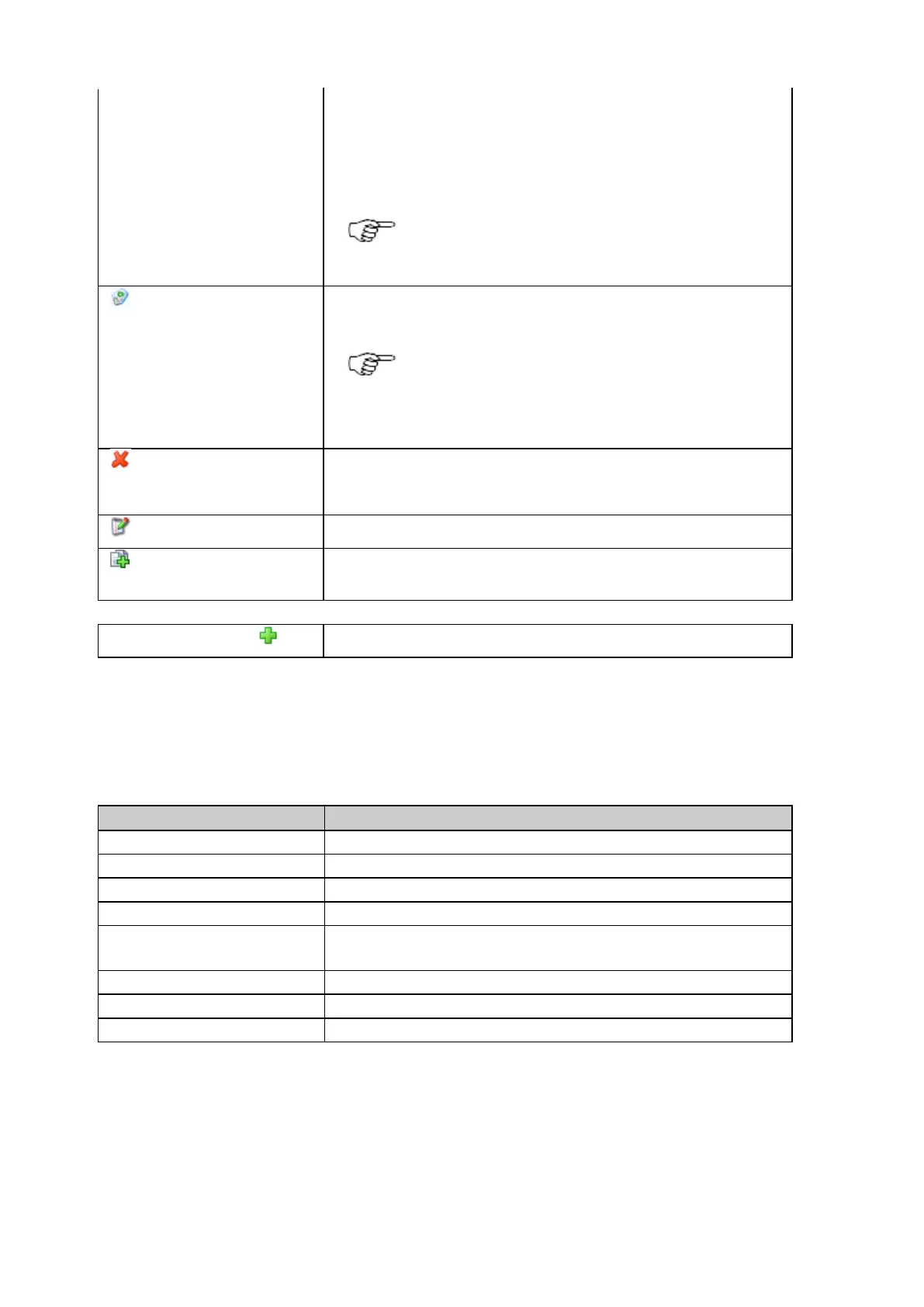
Clear
Press to clear the queue of pending files to be pushed to an FTP location. This
deletes a backlog of files caused by for example, FTP server unavailability.
The Clear icon is only shown when the Queue
number is greater than zero.
• Files deleted from the queue will not be
automatically pushed to the FTP server.
Delete
Press to permanently delete the selected FTP location.
Note: FTP locations that are currently in use cannot be deleted.
Edit FTP location
Press to edit the selected FTP location.
Create new FTP location
(copy)
Press to create a new FTP location based on the settings of an already existing
location.
Create new FTP location
Press to create a new FTP location.
FTP location properties
The table below describes the content of the FTP location pop-up box that is displayed when clicking on the underlined FTP location
name.
The configured name of the FTP location.
The configured FTP server hostname (IP or URL).
The configured TCP/IP server port of the FTP server
The configured FTP root directory.
Directory naming convention
for FTP push
The directory naming convention used for FTP push. This can be a different one
than the one to store logged files onto the SD card.
The configured username which is used to connect to the FTP server.
Indicates if the FTP location is used in a logging session.
Indicates if Use passive mode is activated for the selected FTP location.
Related topics
Receiver setup: New FTP location
GNSS management: External USB drive



 To Next Page