214
FTP server is not accessible), a message will be displayed in the event log and the Queue column will list
the number of files that could not be pushed.
How to reset the receivers settings
Background information
The receiver has different reset functionality. It allows
• deleting old data,
• restarting the receiver configuration from scratch or
• deleting almanac and ephemeris for special tracking applications.
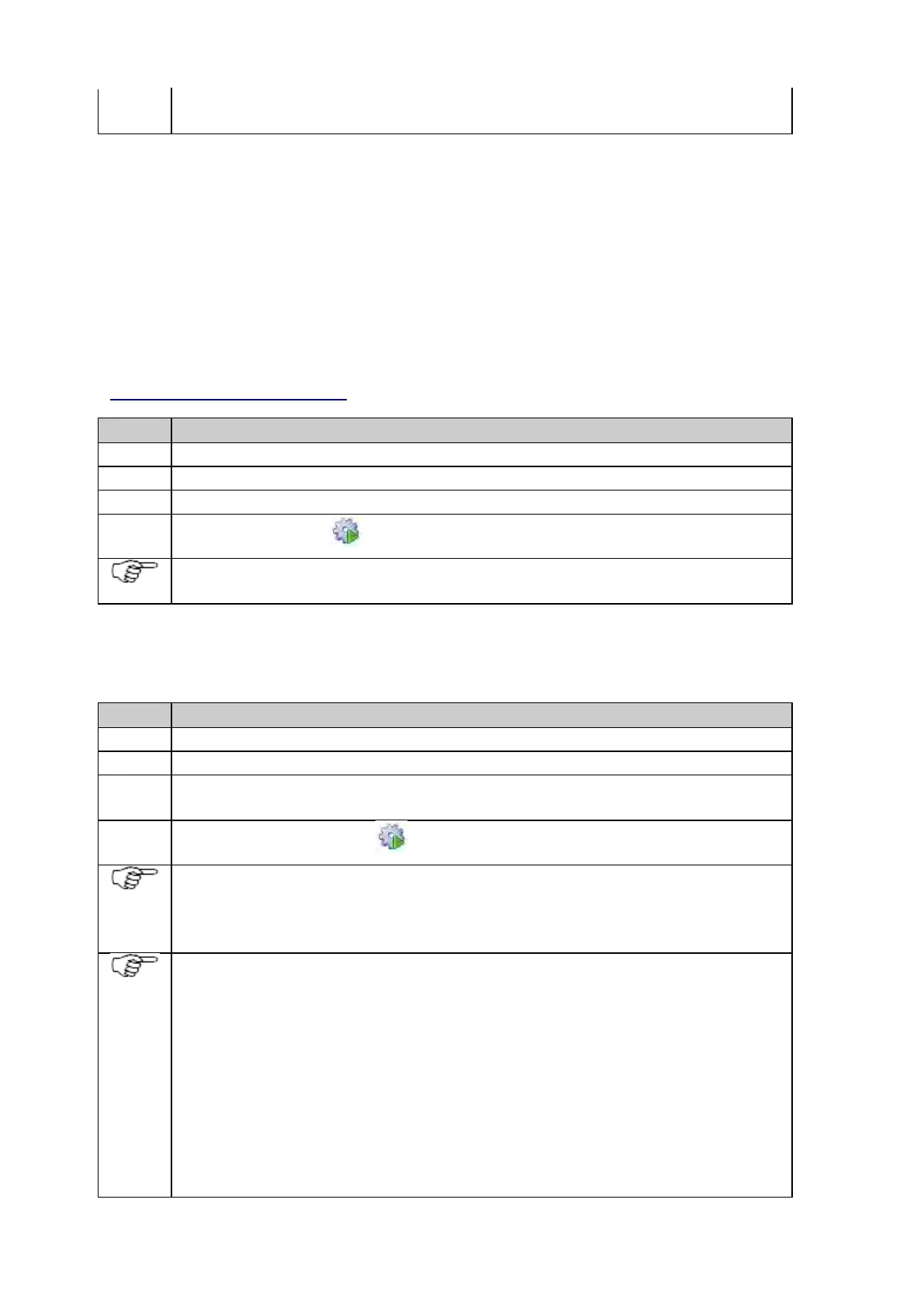
Step-by-step format the SD card
Make sure the SD card is inserted in the receiver.
Open the receiver’s web interface in a browser window by typing in the receivers IP or hostname.
Go to the Receiver setup /Tools page.
Press the Format SD card icon to start the formatting.
Formatting the SD card will stop all active logging and streaming and reboot the receiver. Active data
streams and logging sessions will resume after the reboot.
Step-by-step format the receiver settings
Open the receiver’s web interface in a browser window by typing in the receivers IP or hostname.
Go to the Receiver setup /Tools page.
Select Reset all in the Format receiver settings list box if all settings are to be deleted or select Keep
communication settings (default) if all communication related settings must not be deleted.
Press the Format receiver settings icon to set the receiver settings back to factory default.
If Reset all is selected, remote access to the receiver is not possible anymore unless the receiver is
connected to a DHCP network.
If the receiver is in a DHCP network it is still accessible via the default hostname (GRxxxxxxx, where xx is
the serial number of the receiver).
When formatting the receiver settings, all logging sessions are deleted but the according files on the SD card
are not deleted. The files on the SD card must be deleted manually.
If Keep communication settings is selected, the following receiver settings will not be overwritten:
• Spider and remote ports
• Network connections – Ethernet
• Network connections – mobile internet
• Network connections -Bluetooth
• DynDNS settings
• Web server settings
• Device used for mobile internet setup (changed default devices and user defined devices)



 To Next Page