4: User Interface
33
Web interface
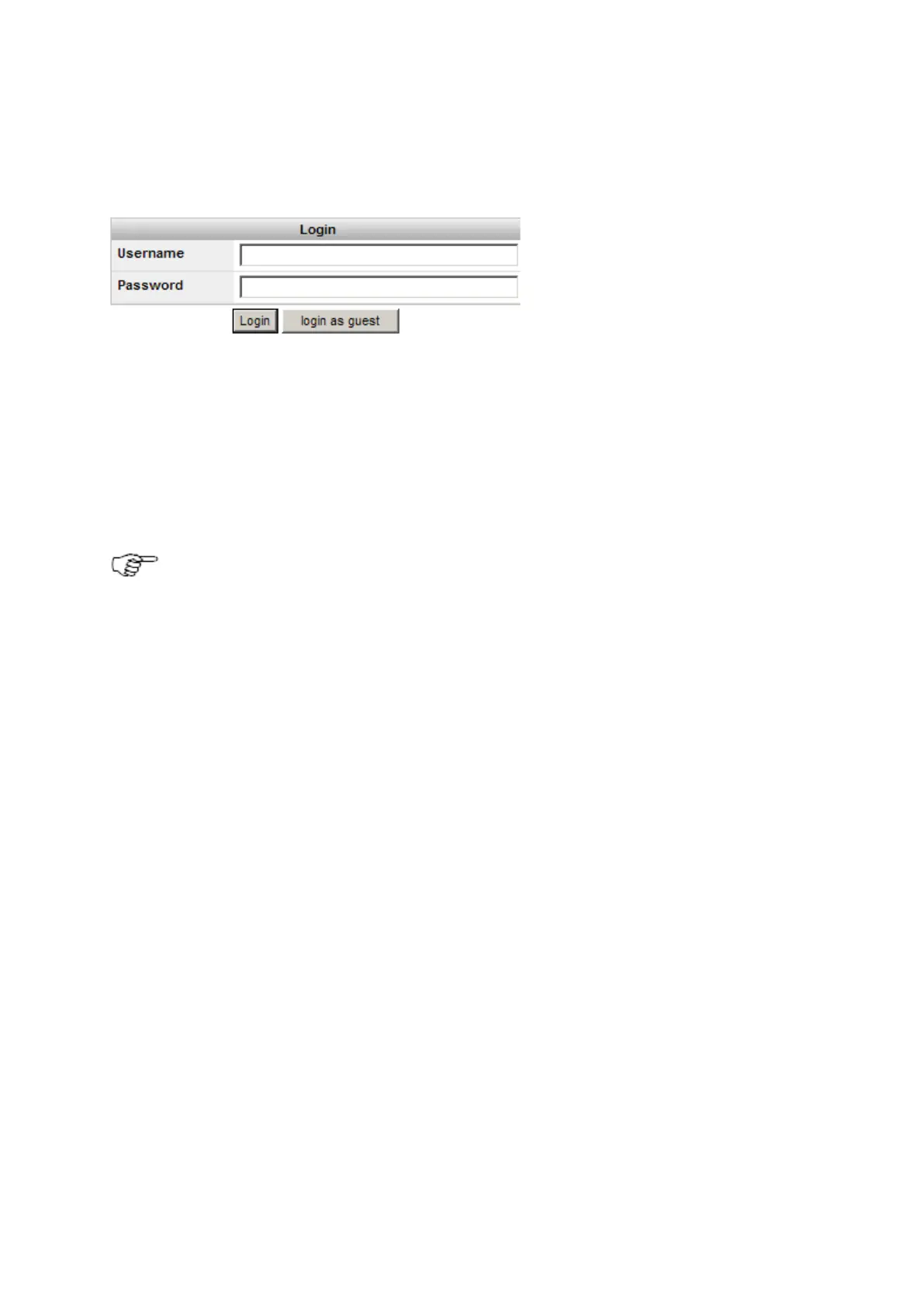
Web Interface: Login
Entering the receivers IP address or hostname in a browser window always displays the web interface login page.
• For a partially restricted web interface access, the login as guest button can be used. This login allows access to all Status
information.
• The login page is not shown if the web interface access level is set to unrestricted. The web interface home page is opened
directly. For security reasons it is not recommended to set the web interface access to unrestricted.
• To change the access setting, go to Receiver Setup / Access Management / Access settings.
Web interface: User Interface
By default Java Script is activated in all browsers. If it is deactivated in your browser, you may not be able to
display and use all web interface functionality. We recommend to have Java Script active when using the
Web interface.
The basic Layout of the web interface is the same on all pages. On the top is the web interface header that contains receiver site code,
installed firmware version and the current system time. Below is the menu bar, which is used to navigate in the web interface.
Below on the right is the Status block that summarizes the most important receiver functionality information. This status block is visible
on every page.
Left of the status block is the content area. This contains the actual information for this page, e.g. status information, a configuration
page or links to receive support and information directly from Leica Geosystems AG.
Update rates for each element in the status block is as follows: Event log: 5s, Tracking block: 10s, General block: 15s.
The default appearance of the Web interface consists on the following main components:



 To Next Page