6: Context sensitive help
153
Select which interface should be used to establish the connection to the device
connected to the receiver which should get access to the internet. Usually this will be a
laptop or another mobile device.
The following interfaces can be used (if available):
• Ethernet
• WLAN
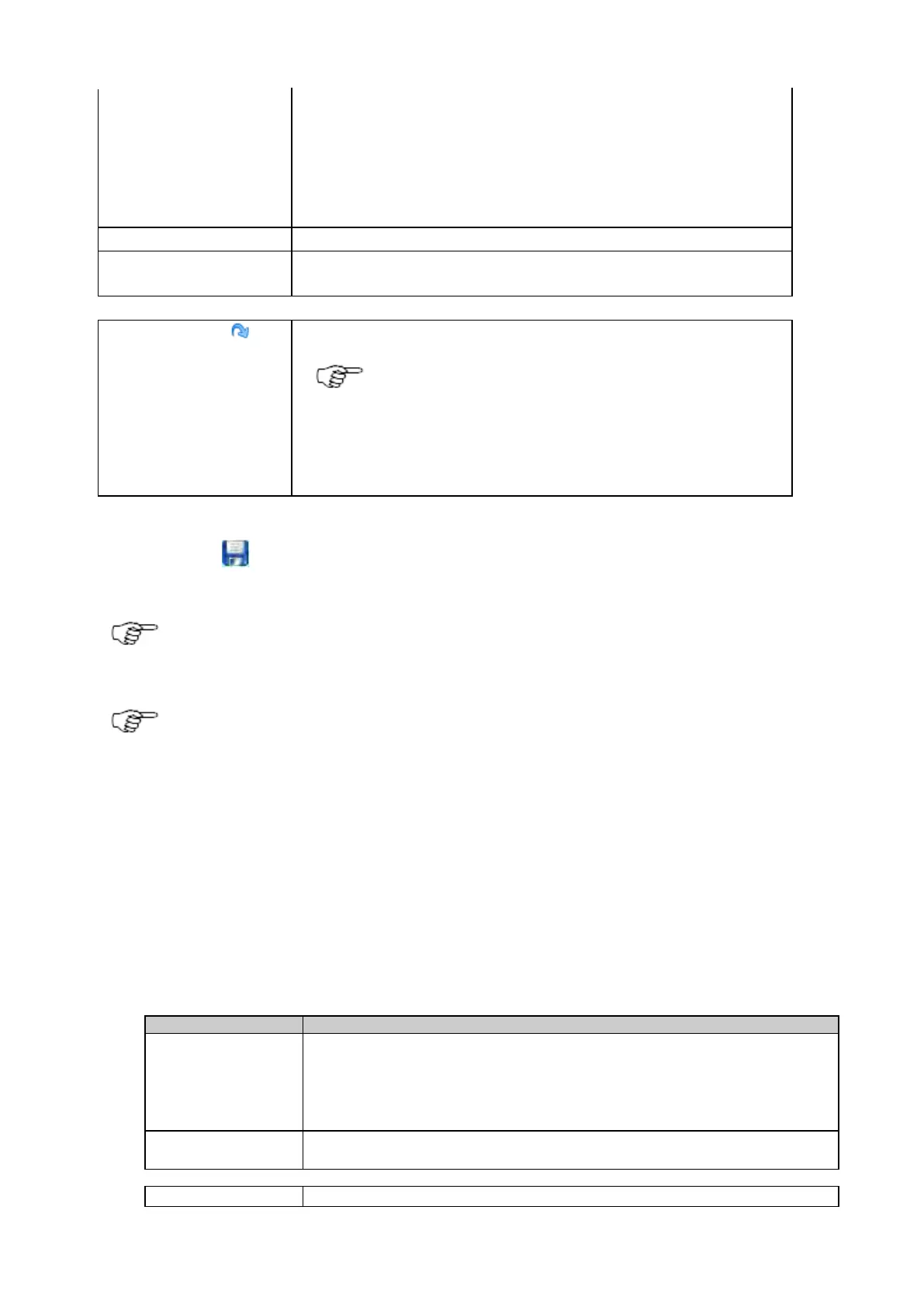
Shows the fixed IP address of the LAN interface.
range
Shows the IP address range available for the LAN interface.
default values
Press to fill the form with factory default settings and store.
The restore default button fills all fields with the default
values and stores these values. Pressing the save button is
not necessary. When accepting the confirmation message,
all settings on this page are overwritten with the default
settings.
Press the save icon to store the settings.
If the mobile internet device should be used as WAN interface, make sure to define the mobile internet
device as default gateway. To do this, go to Receiver Setup > Network connections: General and move the
mobile internet device to the top of the priority list.
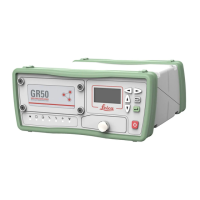
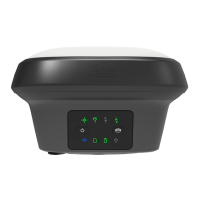
The GR25 can be ordered as a Bluetooth or a WLAN version. WLAN functionality can only be used on GR25
with the WLAN radio and the GRL120 WLAN option installed.
Related topics
How to use residential gateway
Access Management
Access Management: Overview
Access Management is used to control access to the receiver via the web interface and FTP.
View configured users
• Create new users
• Delete users
• Edit users details and password
Configure the access restriction level for the web interface
• Access a link to the FTP server access restrictions page


 To Next Page