50
Loosen the screw on the SD card/USB port cover.
Open the SD card/USB port cover.
Plug the USB cable into the USB port on the instrument.
Plug the USB cable into the USB port of the computer.
Open a browser and type in the IP address: 192.168.254.2 to access the Web interface.
Use the default User name (Admin) and Password (12345678).
After logging in the first time you must create a new user account, including a new user name and password.
The default user account can then be deleted. Go to Access the web interface for the first time and change
the default user for a step-by-step guide.
Configure the instrument for all required settings.
Related topics
Setup via Web Interface over USB, for the first time
Setup via Web Interface over Ethernet and DHCP
Troubleshooting: Installing USB drivers
The Web interface is not available
1. Have you followed the steps outlined in Setup via Web Interface over USB, for the first time ?
2. If the web interface is not available it might be necessary to manually assign an IP address to the virtual network adapter. To
do so please follow the steps below:
Windows 7
Go to Start / Control Panel / Network and Sharing Center / Change adapter settings.
Find the network connection using the Remote NDIS based LGS GR Device.
Right click and select Status.
Select the item, Internet Protocol Version 4 (TCP/IPv4) and click on Properties.
Pick option Use the following IP address and choose an address in the range of 192.168.254.1 …
192.168.254.255 - except 192.168.254.2 which is the IP of the GR/GM receiver. Use subnet mask
Close all dialogs with OK or Close. Disconnect and reconnect the USB cable.
Setup via Web Interface over Bluetooth or WLAN (GR25/50)
Setup via Web Interface over Bluetooth (GR25/50)
Only available for GR25/50 with bluetooth radio installed.
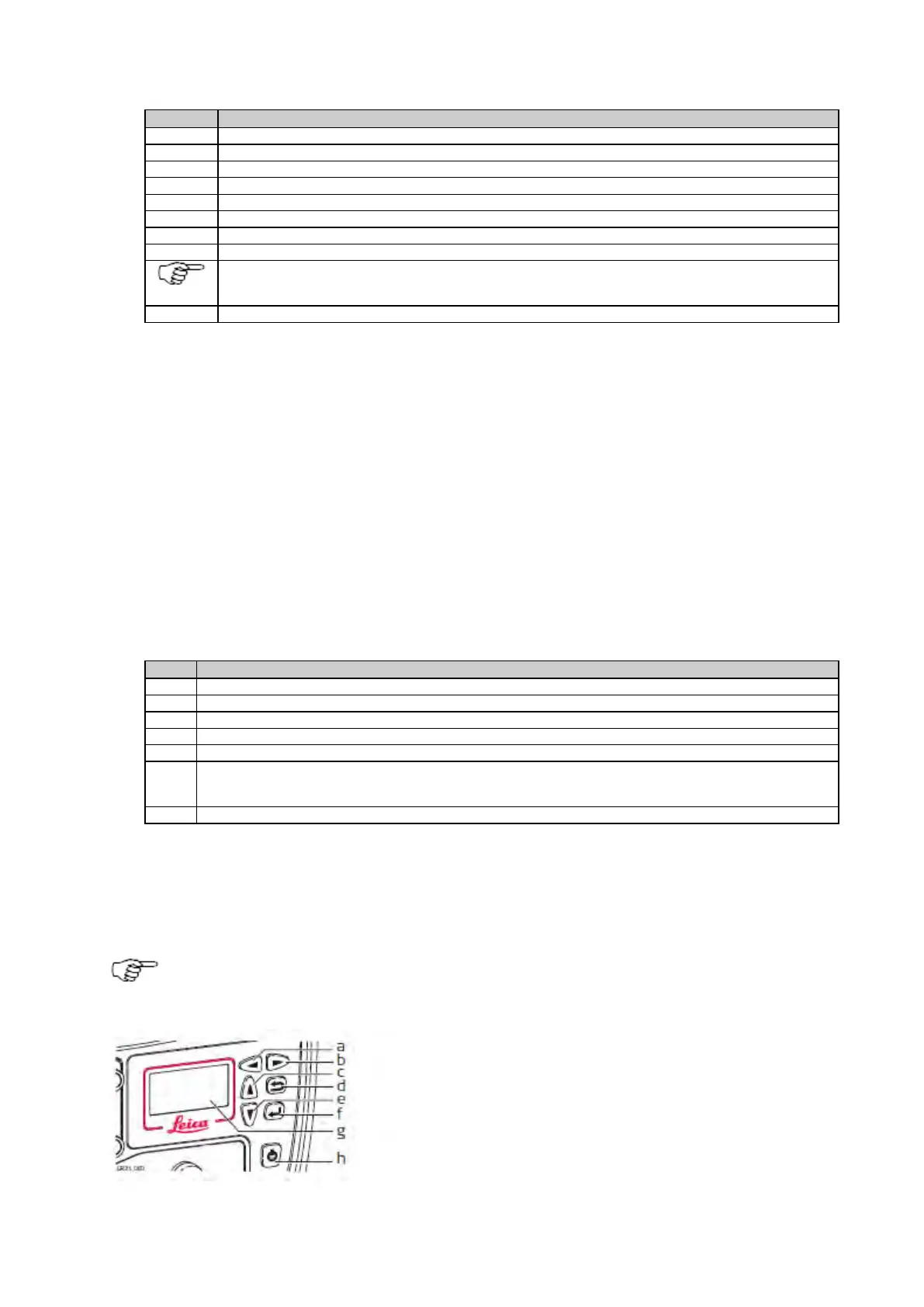
b. Right button
c. Up button
d. Cancel button
e. Down button
f. Enter button
g. Screen
h. ON/OFF button



 To Next Page