20
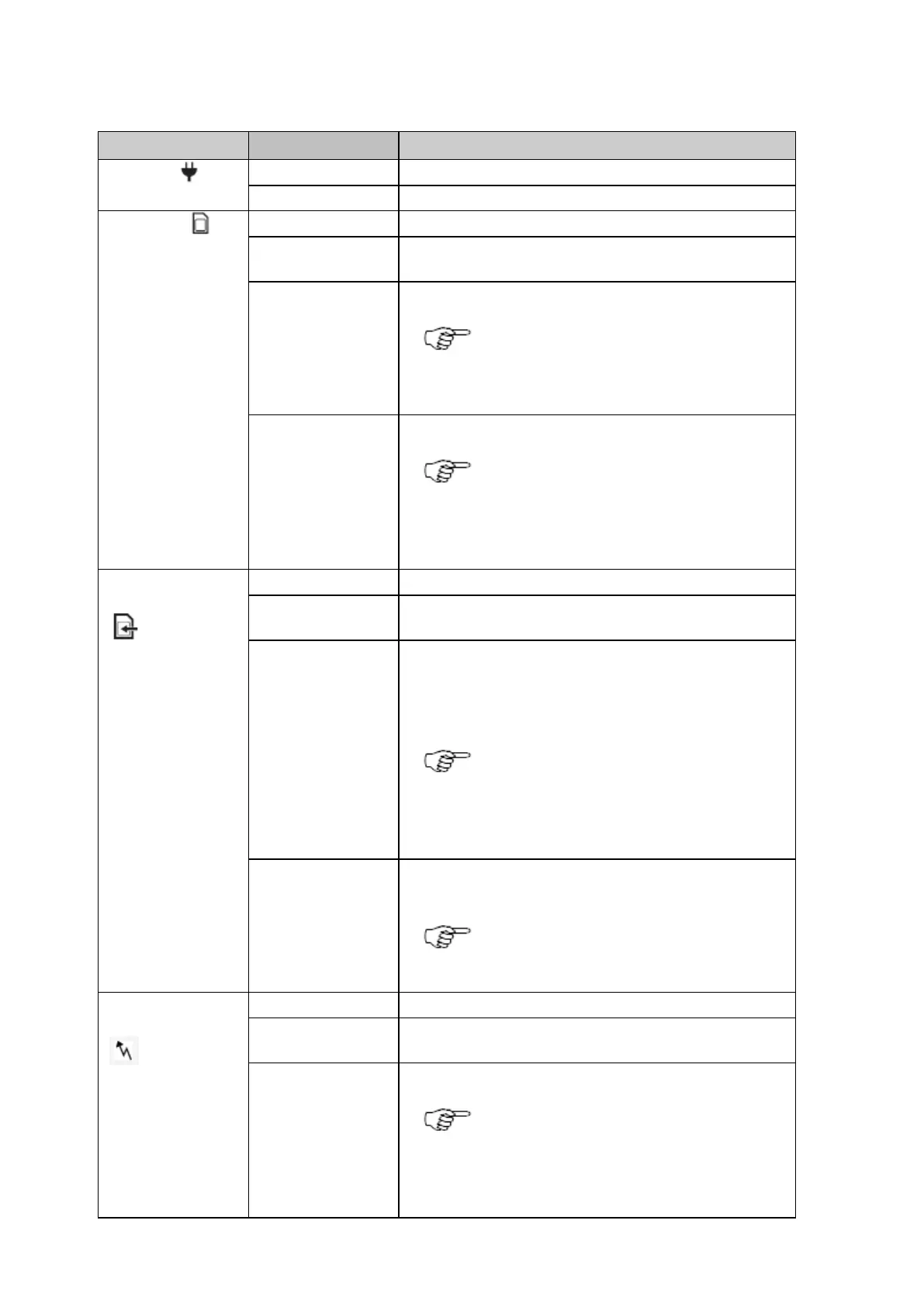
Description of the LED's
Power LED
The instrument is turned off.
The instrument is turned on.
SD card LED
No SD card inserted or power is off.
SD card is inserted. The free space on the SD card is greater than
20%.
The free space on the SD card is below 20%.
Recommended user action: Activate the
Smart clean-up or the automatic file delete
for each logging session.
SD card is full. Data logging has stopped.
Recommended user action: Immediately
activate the Smart clean-up or the
automatic file delete for each logging
session.
logging LED
No active logging sessions or power is off.
Active logging sessions are configured on the instrument and data
is being logged.
Active logging sessions are configured but Smart clean-up is
deleting data from all or some of the configured logging sessions.
OR
Active logging sessions are configured but no position is available.
Recommended user action: Check the
remaining space on the SD card and delete
old data if necessary. Check the tracking
and position status.
Active logging sessions are configured but the SD card is full or no
satellites are tracked.
Recommended user action: Check the
SD card and the tracking status.
stream LED
No active real time out data stream or power is off.
One or more real time data streams are configured and active. Data
is being streamed.
Data streams are active but no data is streamed.
Recommended user action: Check that
data is tracked and a navigated position is
available. Check that the correct reference
position is entered.



 To Next Page