4: User Interface
31
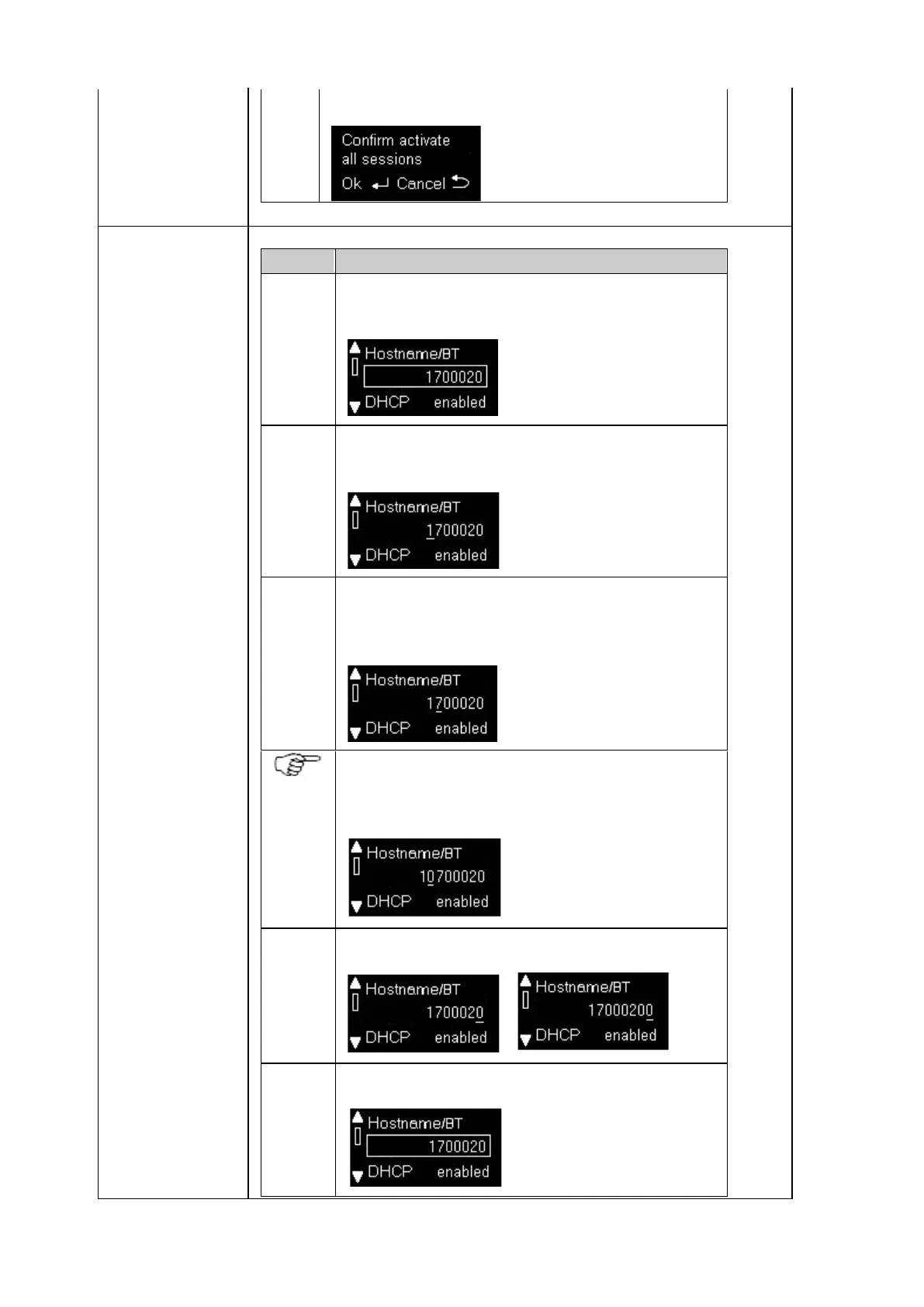
Press OK to confirm or Cancel to abort.
Navigate to the setting using the Enter button to open the page
and the up/down buttons to select the setting.
Press Enter to activate the edit mode. Note that the left most
character is underlined.
Use the up/down button to scroll through all available
numbers/characters, hold the key to scroll faster.
Press the left or right button to switch to the next character to edit.
Press the left or right button for 2s to insert a character to the left
or right.
On the furthest left or right character, use the left or right button to
add an additional character at the beginning or end.
->
Press Enter to finish the entry.



 To Next Page