38
Sat. available
Number of visible Galileo satellites available above the cut-off angle.
Only available when the Galileo option is installed on the receiver
Tracked Galileo satellites on E1.
Tracked Galileo satellites on E5a.
Tracked Galileo satellites on E5b.
Tracked Galileo satellites on ABOC (Alt-Boc).
• BDS - BDS Satellite system pop-up information
Sat. available
Number of BeiDou satellites available above the cut-off angle.
BeiDou tracking can only be activated when the BeiDou option is installed on
the receiver.
Tracked BeiDou satellites on B1.
Tracked BeiDou satellites on B2.
• QZSS -QZSS Satellite system pop-up information
Sat. available
Number of QZSS satellites available above the cut-off angle. QZSS tracking
can only be activated when the QZSS option is installed on the receiver.
Tracked QZSS satellites on L1.
Tracked QZSS satellites on L2C.
Tracked QZSS satellites on L5.
• SBAS - Satellite Based Augmentation System
Tracked SBAS satellites on B1.
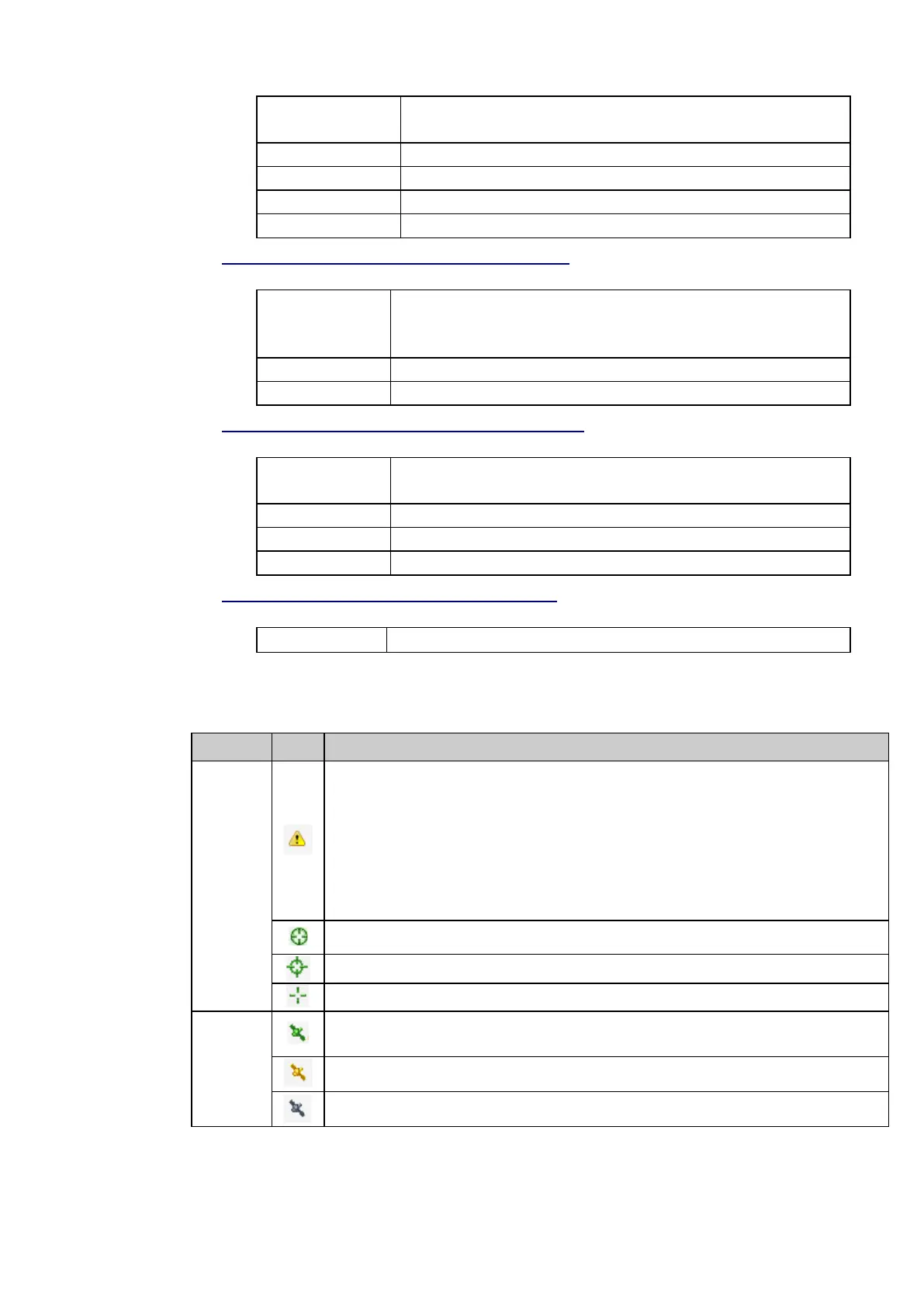
The table below describes the icons used in the Tracking box.
Position
No position, indicates that no navigated position is available. This is displayed after a reboot
when the receiver has not started tracking yet. Check that an antenna cable is connected.
Navigated, indicates that a navigated position is available but the configured reference position is
more than 100m away from the navigated position. An error message is displayed in the event log.
User action: Check the configured reference position.
Navigated position available.
Differential code position available.
Phase fixed position available.
Satellite
system
Indicates that the satellite system is activated and the receiver is tracking satellites. The number of
currently tracked satellites is shown.
Indicates that the satellite system is activated but the receiver is not tracking satellites.
Indicates that the satellite system is not activated.



 To Next Page