General operation procedure
Page 108 Lorrca Maxsis User Manual
Version 5.04 MRN-231-EN
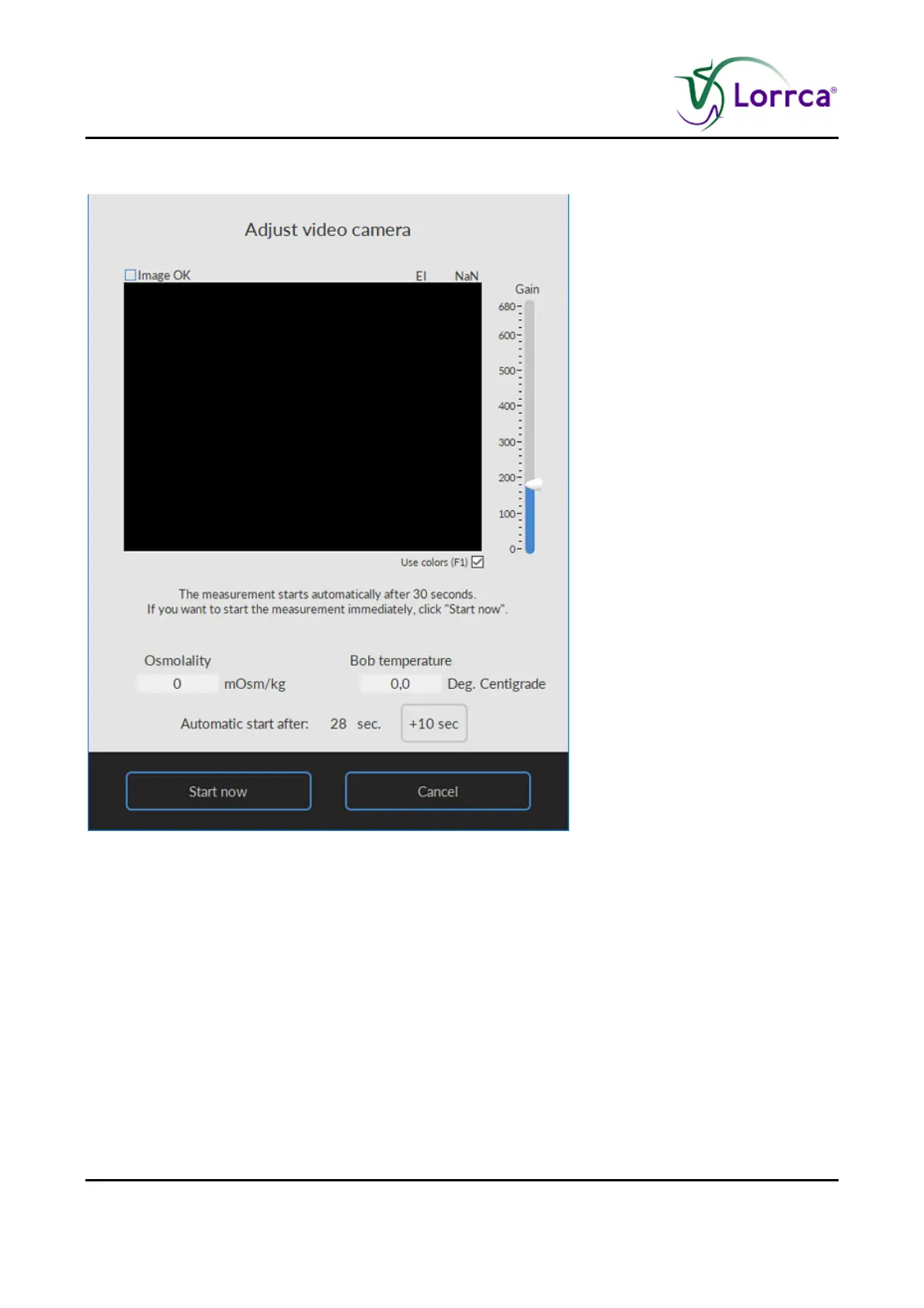
7.3.3. Adjust video camera Osmoscan screen
It displays a coloured version of the diffraction pattern:
It is optional to adjust the camera gain (bar on the right side) until the diffraction pattern image fills
the entire viewing field (green light upper right of screen).
In case the "auto start" is enabled the measurement starts automatically when the osmolality has
reached a value less than 75 mOsm/kg and the image is OK, otherwise you can standarise by
counting to 30. If needed this can be extended by pressing '+ 10 sec', the measurement is
postponed with 10 seconds. This can be done repeatedly if needed.
Press <Start now>.
The measurement starts and the curve starts to appear.



 To Next Page