Lorrca MaxSis Program
Lorrca Maxsis User Manual Page 77
Version 5.04 MRN-231-EN
6.5.2. Osmoscan curve
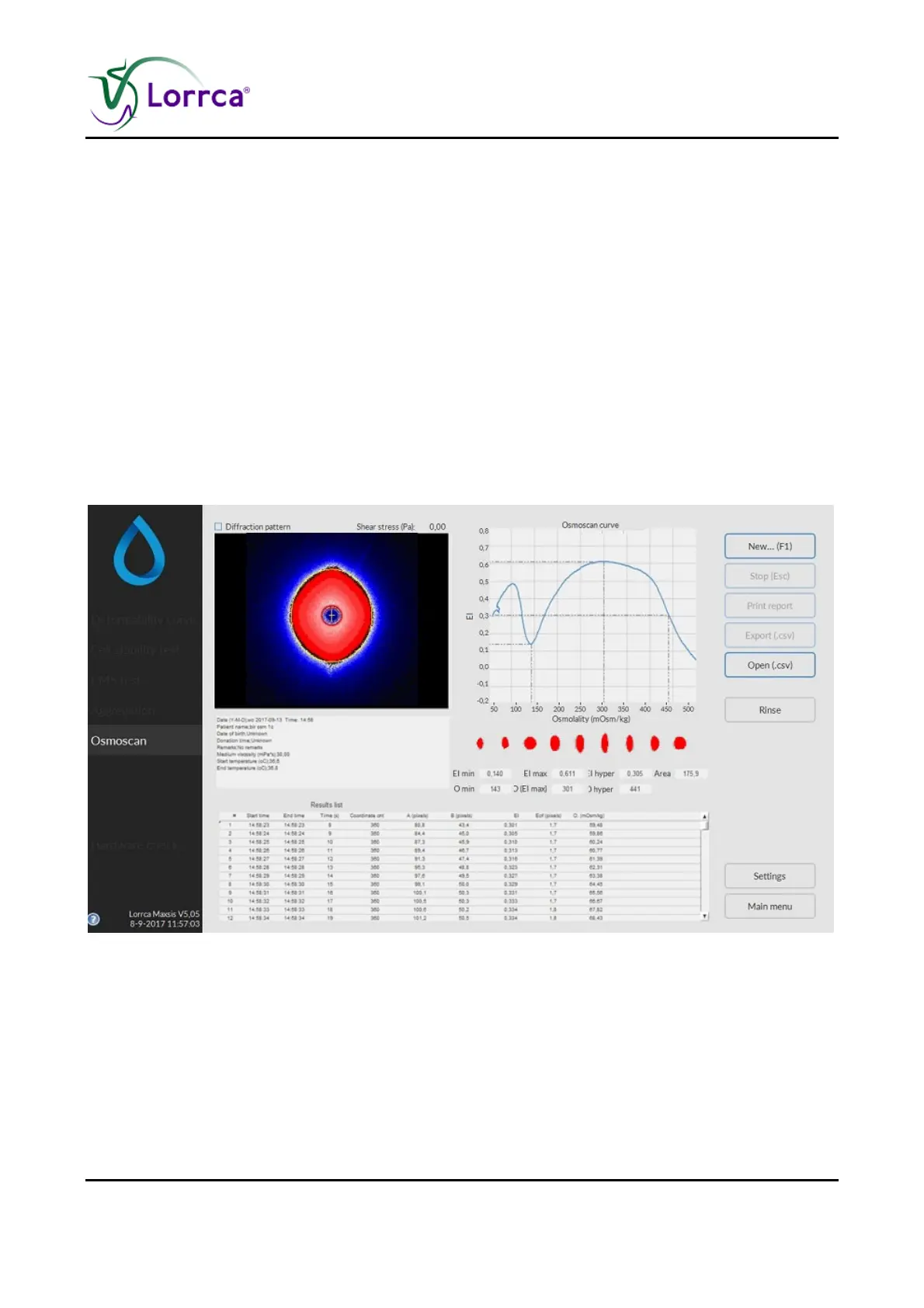
The Osmoscan window appears by clicking the <Osmoscan>-button from the introduction window.
A measurement starts after clicking "N
EW…(F1)". The figure shows the window that appears before
starting a scan. See "Settings" for details on the Settings parameters that influence the
measurement.
A measurement starts after subsequently clicking <N
EW...(F1)>.
On this screen are shown:
1. Coloured diffraction pattern.
2. Curve display screen.
3. Indication of cell shape.
4. Measurement and sample details.
5. Measurement results.
6. Parameters



 To Next Page