Installation
Lorrca Maxsis User Manual Page 45
Version 5.04 MRN-231-EN
5.4. First Start-up
Steady state
After switching on, the Lorrca® MaxSis needs 5 minutes to warm up.
Before the instrument can be operated, you have to carry out the following checks and procedures:
Check that there are no strange objects (tools, for example) in the instrument.
Switch ON the instrument.
Start-up the PC.
Choose LoRRca software program.
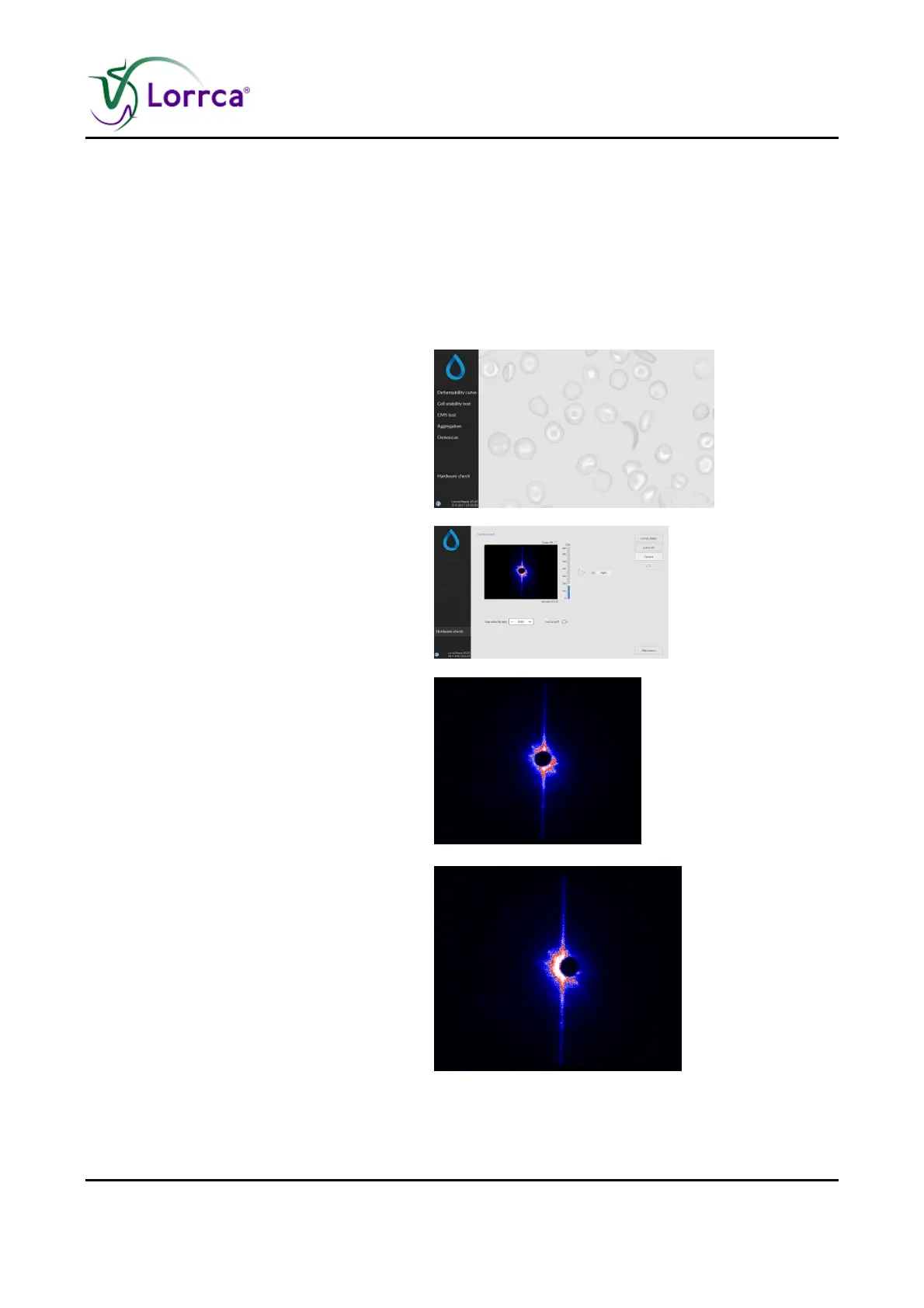
Select <HARDWARE CHECK>.
Move the Bob down.
Choose <CAMERA>
Set camera gain at 250.
Close the hood.
Check the image:
OK: The instrument is now ready.
Not OK: Misaligned
Check position of the projection
screen.



 To Next Page