Lorrca MaxSis Program
Page 100 Lorrca Maxsis User Manual
Version 5.04 MRN-231-EN
6.10.1.2. Open Aggregation files
A .SMP or .CSV result file can be shown again. Default folder C://LoRRca
MaxSis/Results/Aggregation.
6.10.1.3. Rinse cup RBC Aggregation
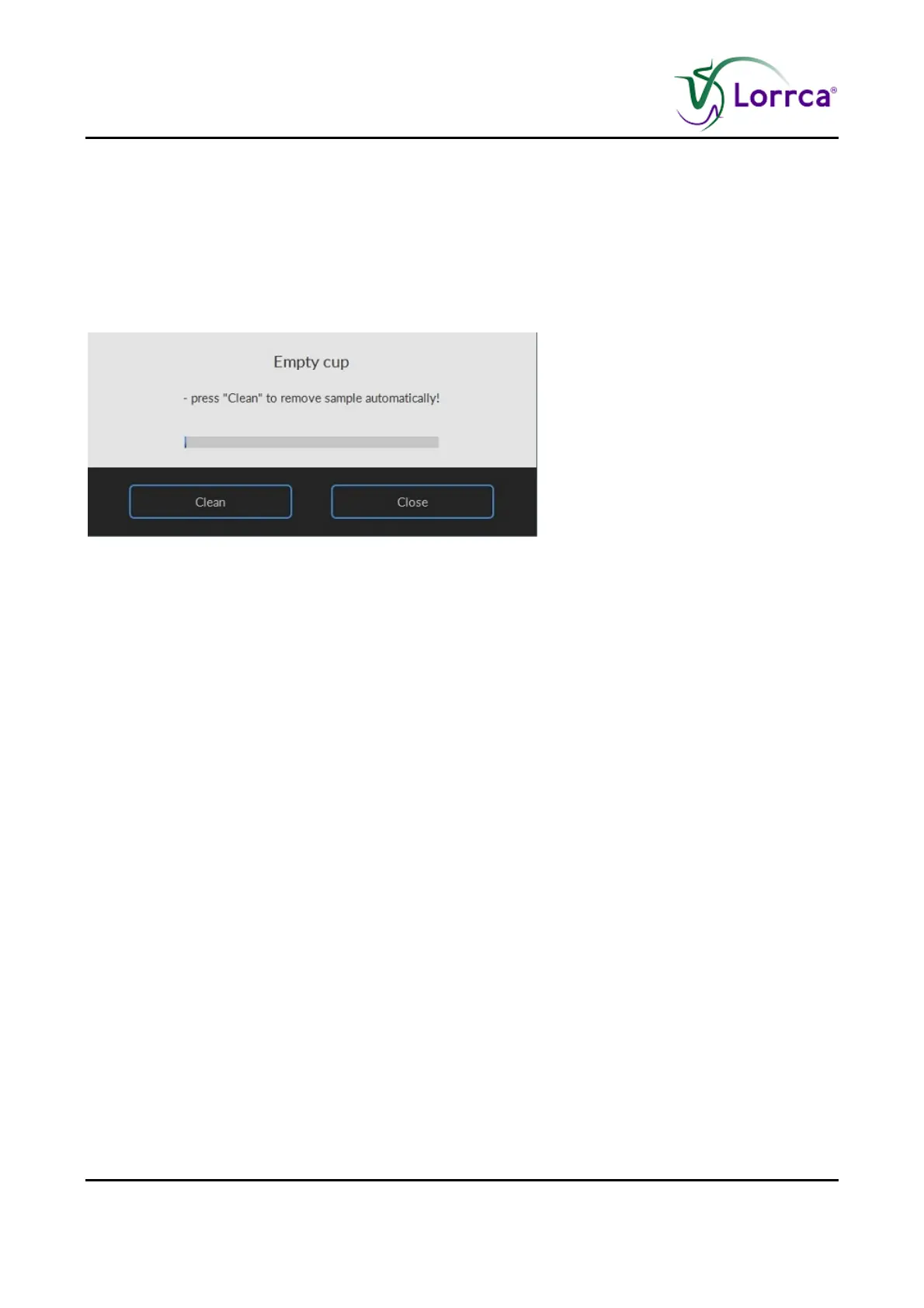
After a measurement has completed, the program sets the fill/empty speed (<S
ETTINGS> <FILL->EMPTY
SPEED
>) and asks the operator to remove the blood sample.
Press <RINSE>
Sample is removed and system is rinsed. Sample is lost and no longer available.
A new measurement can now be started or return to the main menu by pressing <
MAIN MENU> to
perform other tests.
Or exit the software and perform an “E
ND OF DAY WASH (on page 142)”.



 To Next Page