Maintenance
Lorrca Maxsis User Manual Page 165
Version 5.04 MRN-231-EN
10.10. Adjustments and replacements
Replacement parts list can be found in Appendix - Parts list (on page 191)
10.10.1. Adjusting projection screen
Switch ON the instrument.
Start-up the PC.
Choose LoRRca software program.
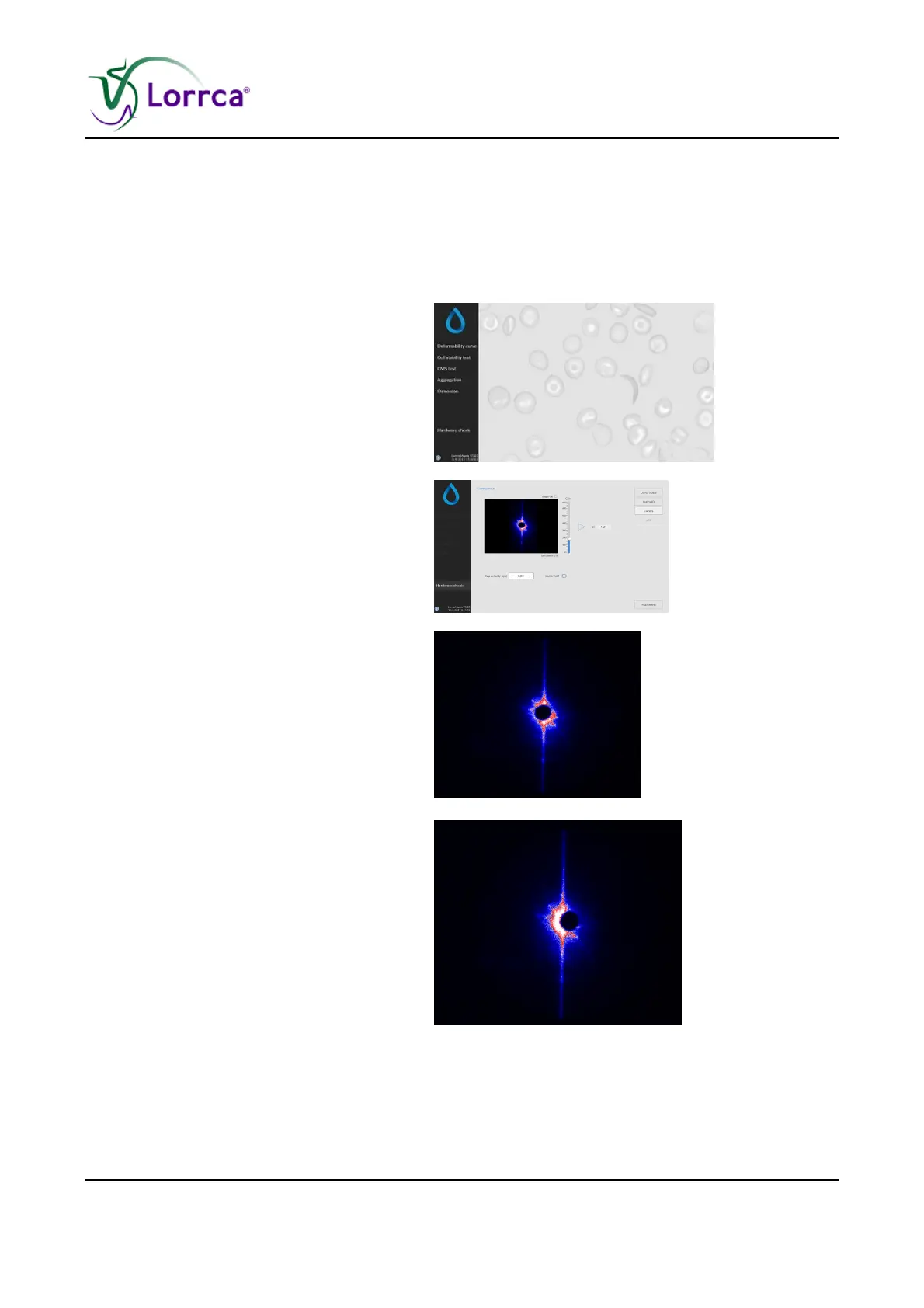
Select <HARDWARE CHECK>.
Move the Bob down.
Choose <CAMERA>
Set camera gain at 250.
Close the hood.
Check the image:
OK: The instrument is now ready.
Not OK: Misaligned
Check position of the projection
screen.



 To Next Page