General operation procedure
Lorrca Maxsis User Manual Page 109
Version 5.04 MRN-231-EN
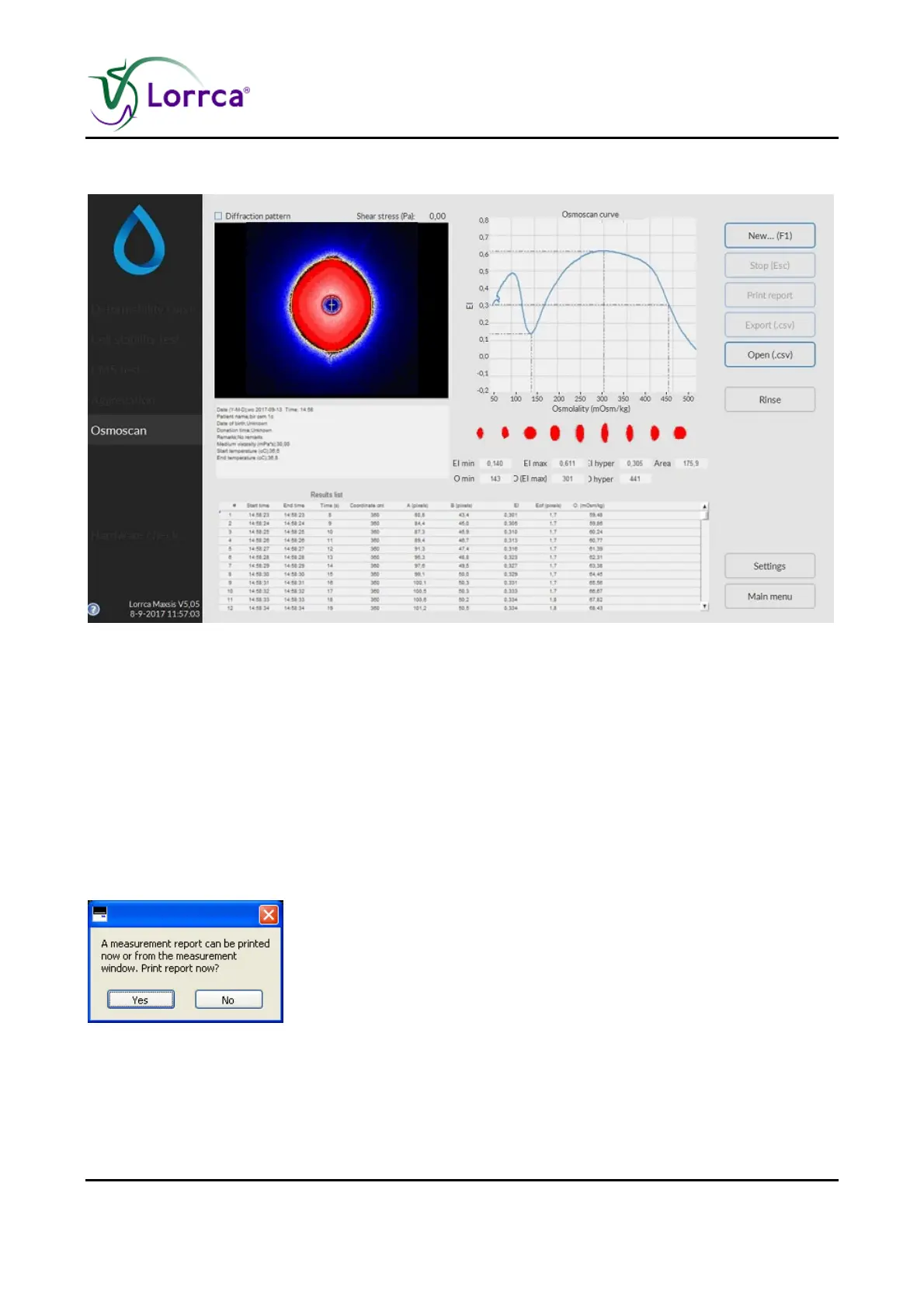
7.3.4. Osmoscan result screen
At measurement completion measurement results are displayed on-screen, the software offers an
option to print (yes/no).
It is possible to print a measurement report by clicking the <P
RINT REPORT> button.
The latest results automatically overwrite the results file (Default name: Results.CSV). If enabled,
the results will also be written to other files (see “Settings/Files (on page 59)”). Return to the main
menu by clicking the <M
AIN MENU> button.
Check Osmoscan parameters explanation (on page 75)
7.3.5. Start new measurement
After a measurement has completed and the report is printed (yes/no)
Press the <YES> for printed report.
Press the <NO> if no report is required.



 To Next Page