General operation procedure
Page 132 Lorrca Maxsis User Manual
Version 5.04 MRN-231-EN
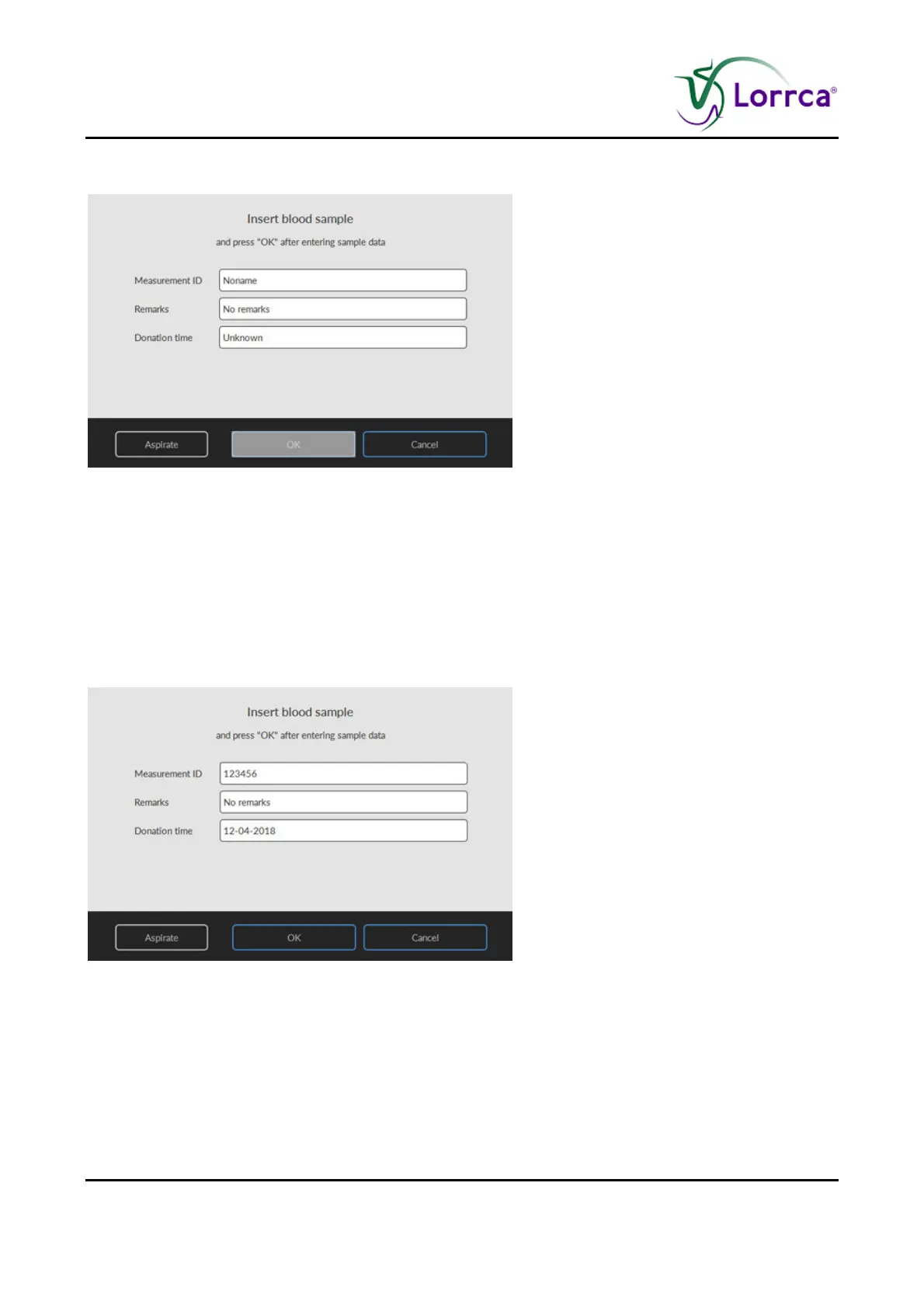
7.7.2. Insert blood sample RBC aggregation screen
Before inserting blood, read Preparing blood sample for RBC test (on page 131) first.
Lower the BOB if necessary.
Start a new measurement by clicking the <NEW…(F1)> button in the screen.
Enter measurement ID.
The measurement ID is not allowed to contain characters other than digits or letters. It is used to
store measurement data (if enabled in the Settings menu). The “R
EMARKS” and “DONATION TIME” fields
may be ignored but serve to include sample details.



 To Next Page