Lorrca MaxSis Program
Page 90 Lorrca Maxsis User Manual
Version 5.04 MRN-231-EN
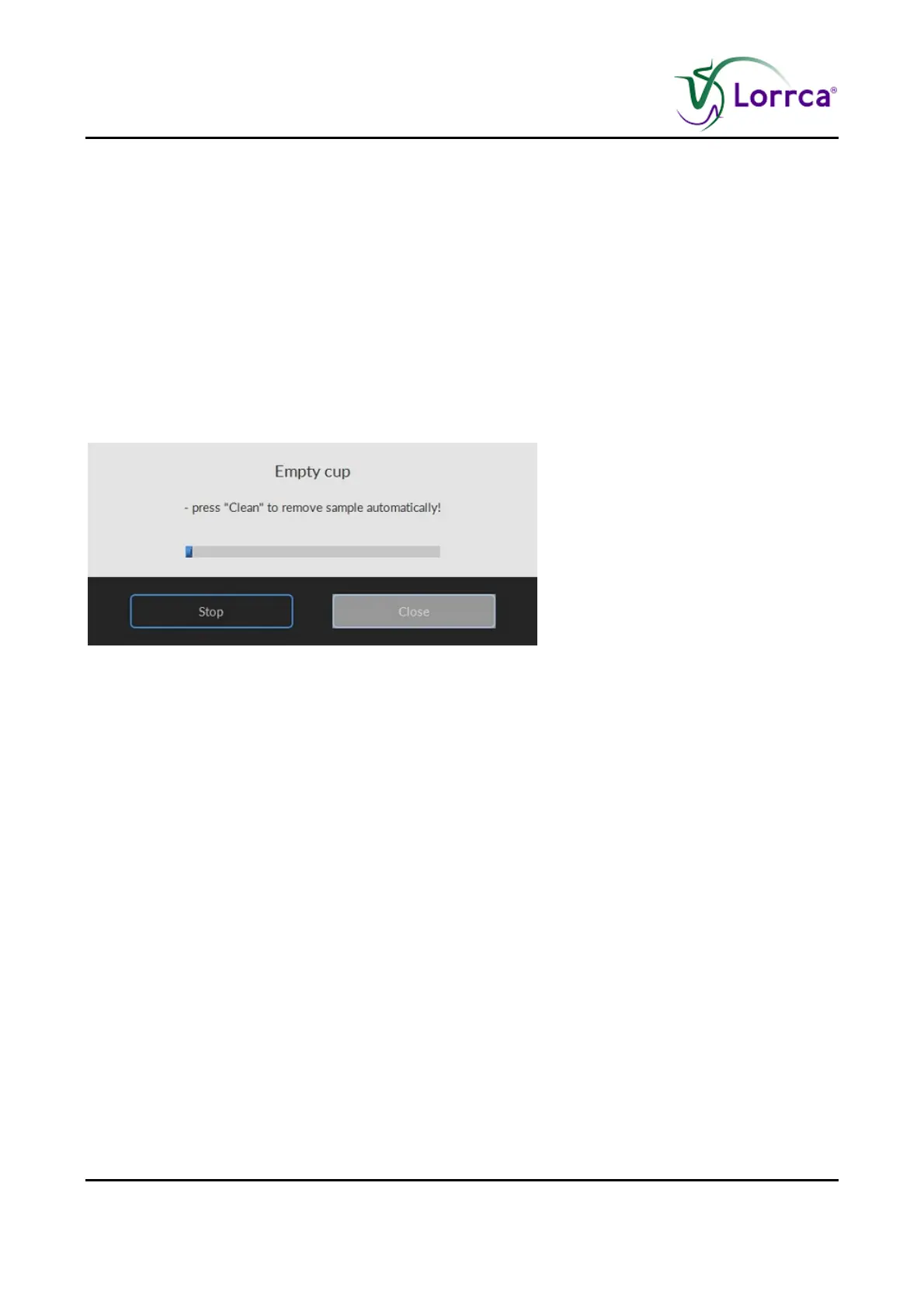
After a measurement has completed, the program sets the fill/empty speed (<SETTINGS> <GENERAL
OPTIONS
FILL/EMPTY SPEED (RPS)>) and asks the operator to remove the blood sample.
Press <CLEAN>.
Sample is removed and system is rinsed. Sample is lost and no longer available.
A new measurement can now be started or return to the main menu by pressing <M
AIN MENU> to
perform other tests.
Or exit the software and perform an “E
ND OF DAY WASH (on page 142)”.
Return to Cell Membrane stability screen (on page 88) or Deformability results screen (on
page 89).
6.9.3. Empty cup cell membrane screen



 To Next Page