Maintenance
Lorrca Maxsis User Manual Page 161
Version 5.04 MRN-231-EN
10.4. Replacement sensor-spot
For Oxygenscan option only
The sensor-spot has to be replaced regularly due to wear.
To replace the pO2 sensor spot and update the calibration file:
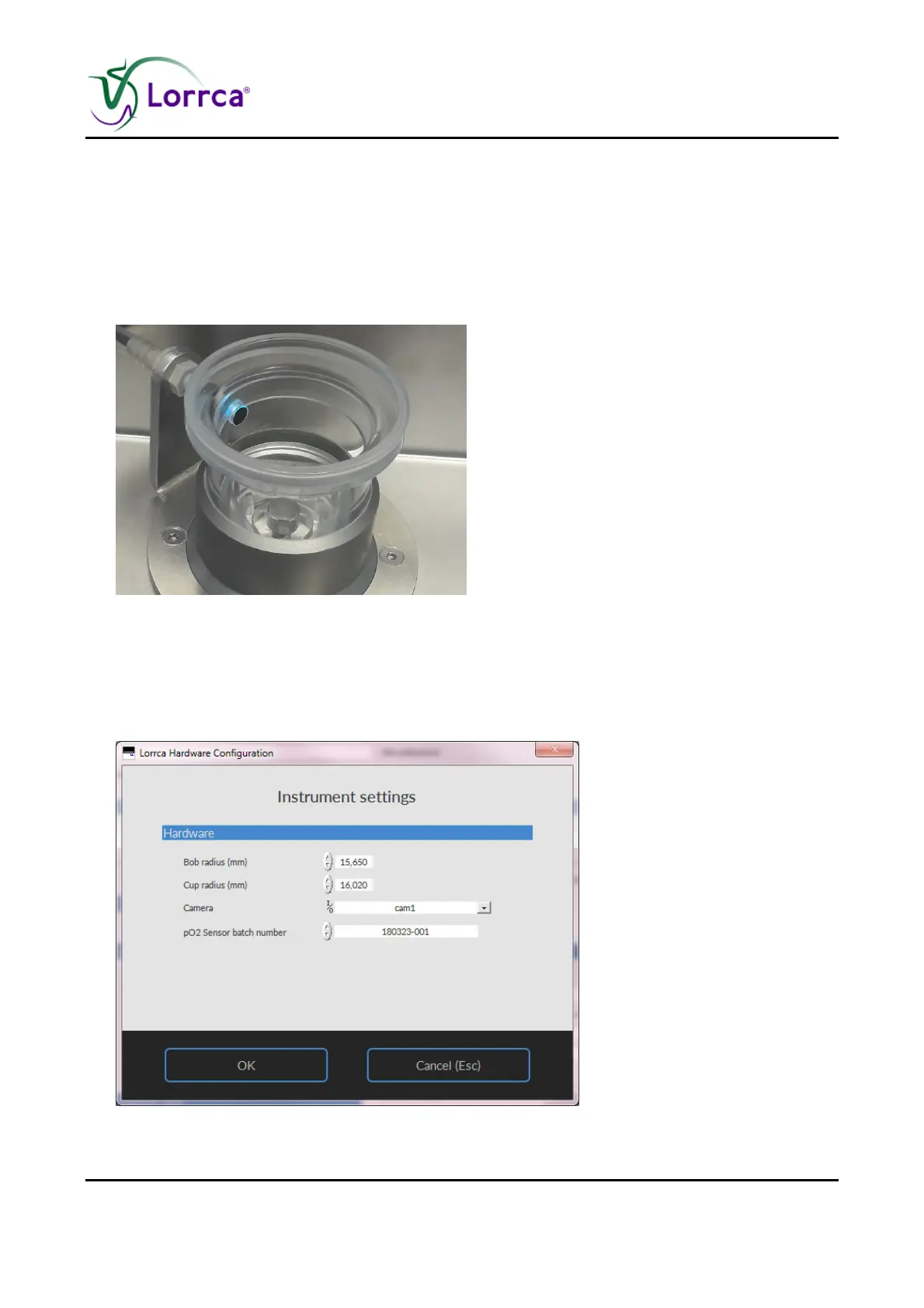
1. Gently, but forcefully push the sensor spot with your finger out from the inside of the cup.
2. Replace the spot by a new one provided in a black plastic pouch by pressing it into the outside
of the cup
3. A new sensor spot is accompanied by a data file containing the calibration data of the new
spot. Download the calibration file from the Lorrca website. This file must be placed in the main
directory C:/Lorrca MaxSis/. The old data file should be moved to a separate directory where
the old data files of the used spots are stored (this might be useful in the future)
4. Start software and select tab Lorrca Settings - and in Settings Instrument settings



 To Next Page