Lorrca MaxSis Program
Lorrca Maxsis User Manual Page 81
Version 5.04 MRN-231-EN
After a measurement has completed, the program sets the fill/empty speed (<SETTINGS> <GENERAL
OPTIONS
FILL/EMPTY SPEED (RPS)>) and asks the operator to remove the blood sample.
Press <CLEAN>.
Sample is removed and system is rinsed. Sample is lost and no longer available.
A new measurement can now be started or return to the main menu by pressing <M
AIN MENU> to
perform other tests.
Or exit the software and perform an “E
ND OF DAY WASH (on page 142)”.
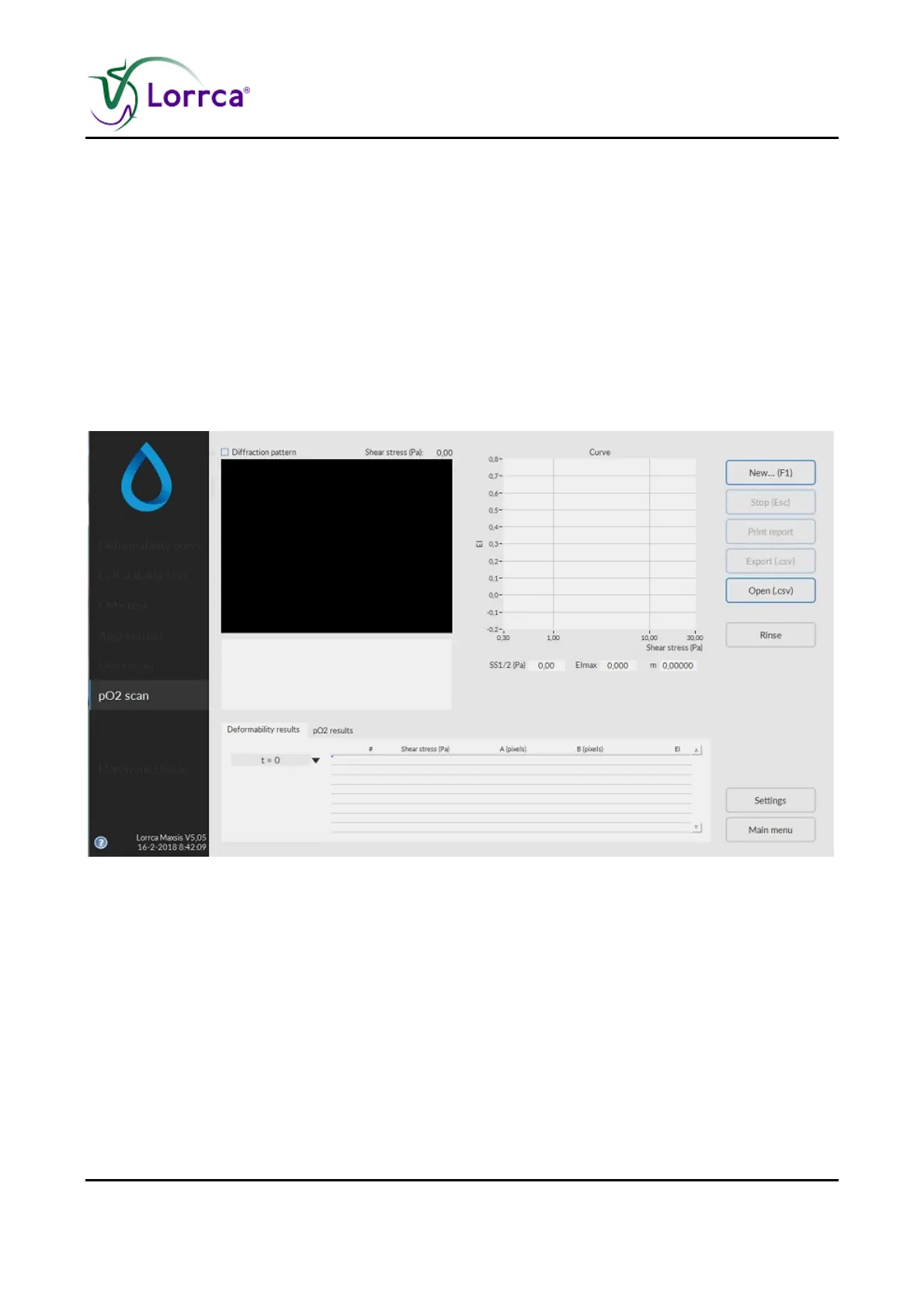
6.7. Oxygenscan screen
This screen appears when starting a scan. See Oxyscan options (on page 67) settings for details
on the Settings parameters that influence the measurement.
A measurement starts after subsequently clicking <N
EW...(F1)>.
On this screen are shown:
1. Coloured diffraction pattern.
2. Curve display screen.
3. Indication of cell shape.
4. Measurement and sample details.
5. Measurement results.
6. Parameters.



 To Next Page