General operation procedure
Page 114 Lorrca Maxsis User Manual
Version 5.04 MRN-231-EN
Insert 600-900 µl of the blood suspension in the gap between BOB and CUP using a pipette
(see above Figure.). Press Aspirate and check if the suspension level is high enough and
without air bubbles. Capillary forces usually keep the suspension within the gap. However, if
capillary forces are insufficient, more of test suspension is required to fill the whole geometry
(including the bottom). After inserting more blood suspension, aspirate again.
Close the hood.
Press <OK>
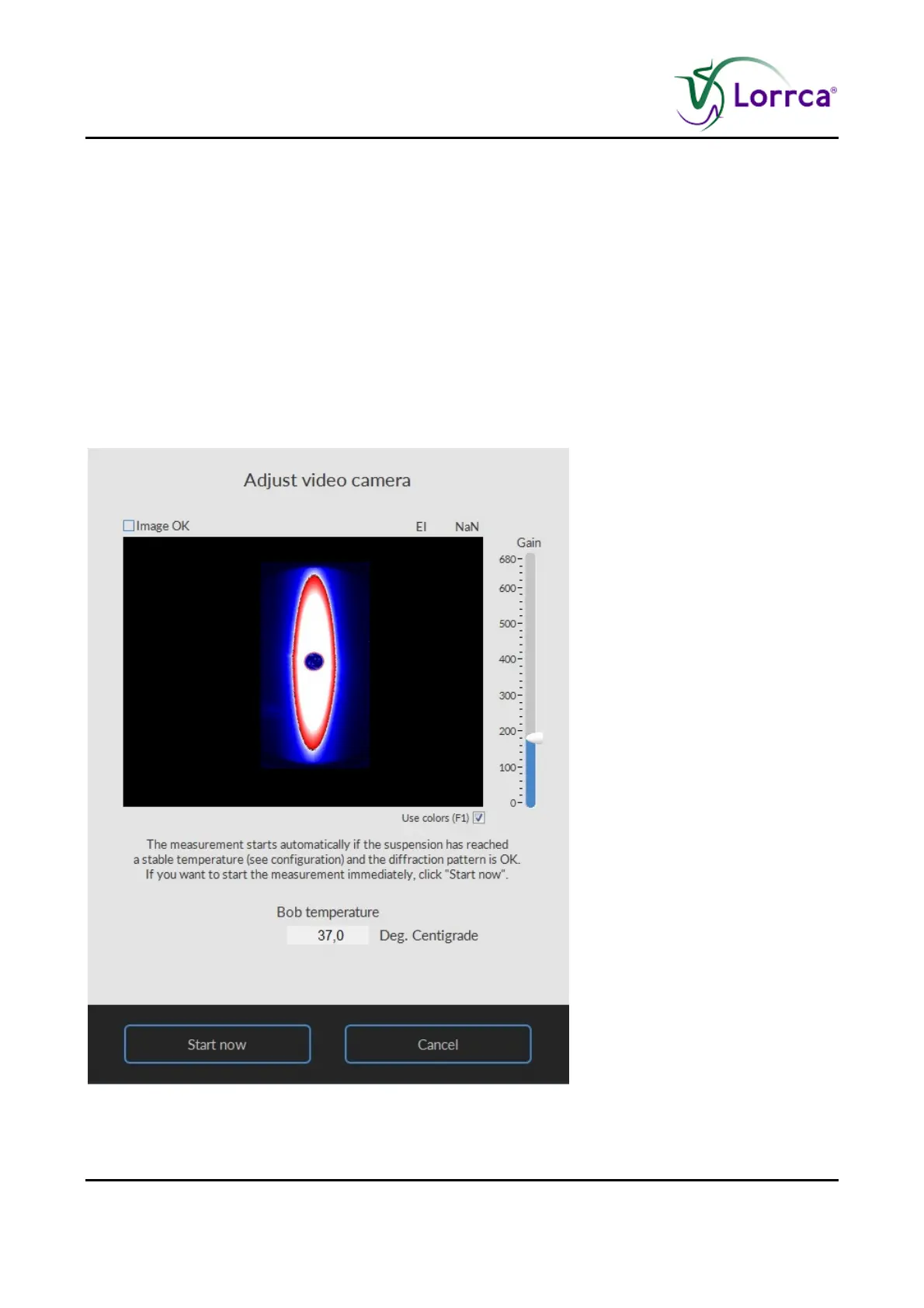
7.4.3. Adjust video camera deformability screen



 To Next Page