Installation
Page 44 Lorrca Maxsis User Manual
Version 5.04 MRN-231-EN
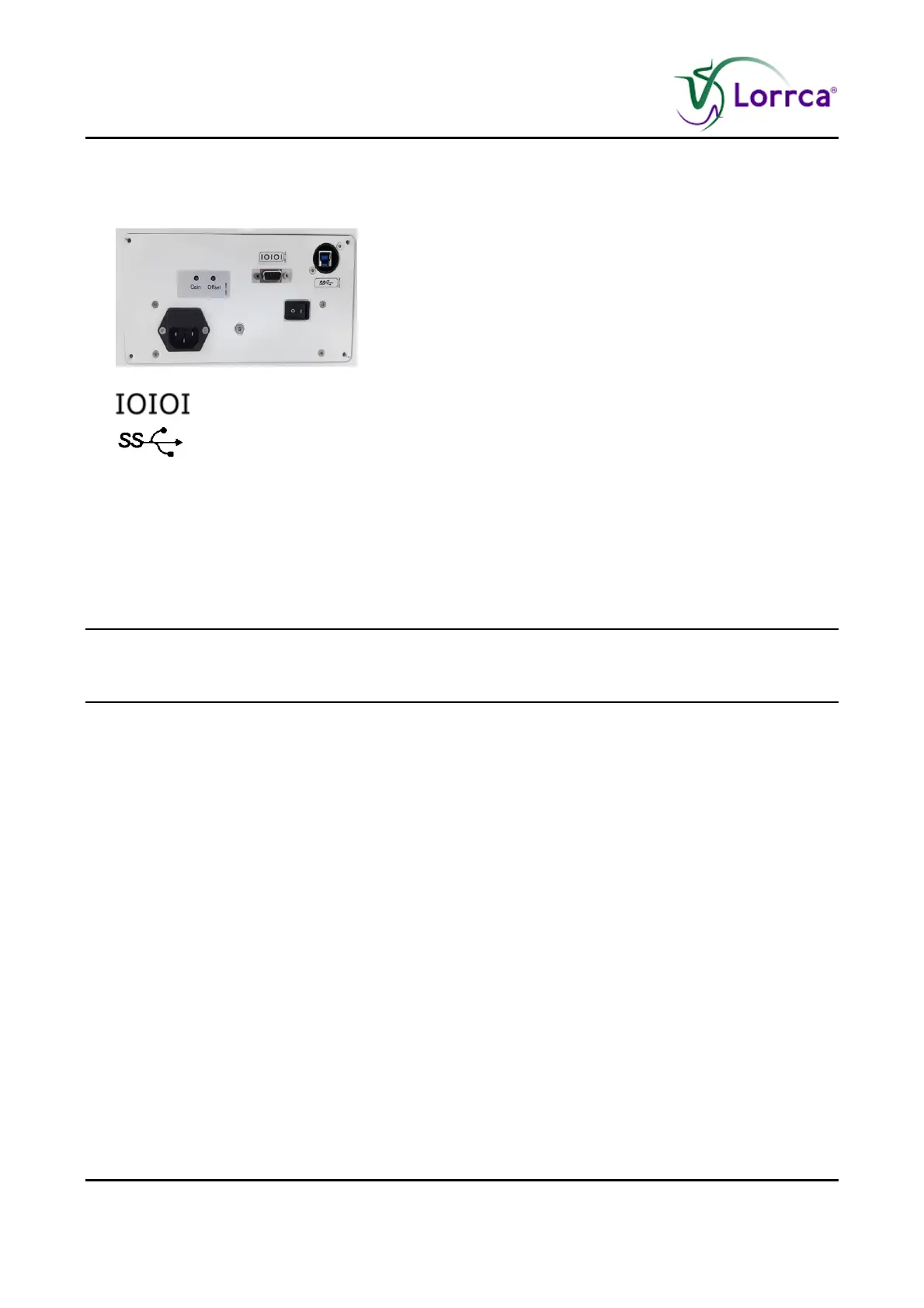
Connect data cables between the instrument and PC and printer.
RS232 symbol
Connect camera connection (USB 3.0) on back panel and on the USB port at the right
side of the laptop
Connect the USB-Hub on USB port at the left side of the laptop
For Oxygenscan only: Connect the instrument to a N2-supply with use of the parts from the
accessory set and advised additional material (see Pre-installation requirements (on page
37)).
The Instrument is now ready for first start-up.
Make sure you are familiar with the use of the Lorrca® MaxSis, detailed instructions can be found
in the electronic version of the User manual which is installed on the PC, click on the Manual ICON
to get access to the manual.



 To Next Page