Lorrca MaxSis Program
Page 84 Lorrca Maxsis User Manual
Version 5.04 MRN-231-EN
4. Press <RINSE>. to remove sample and rinse the system. Sample is lost and no longer available.
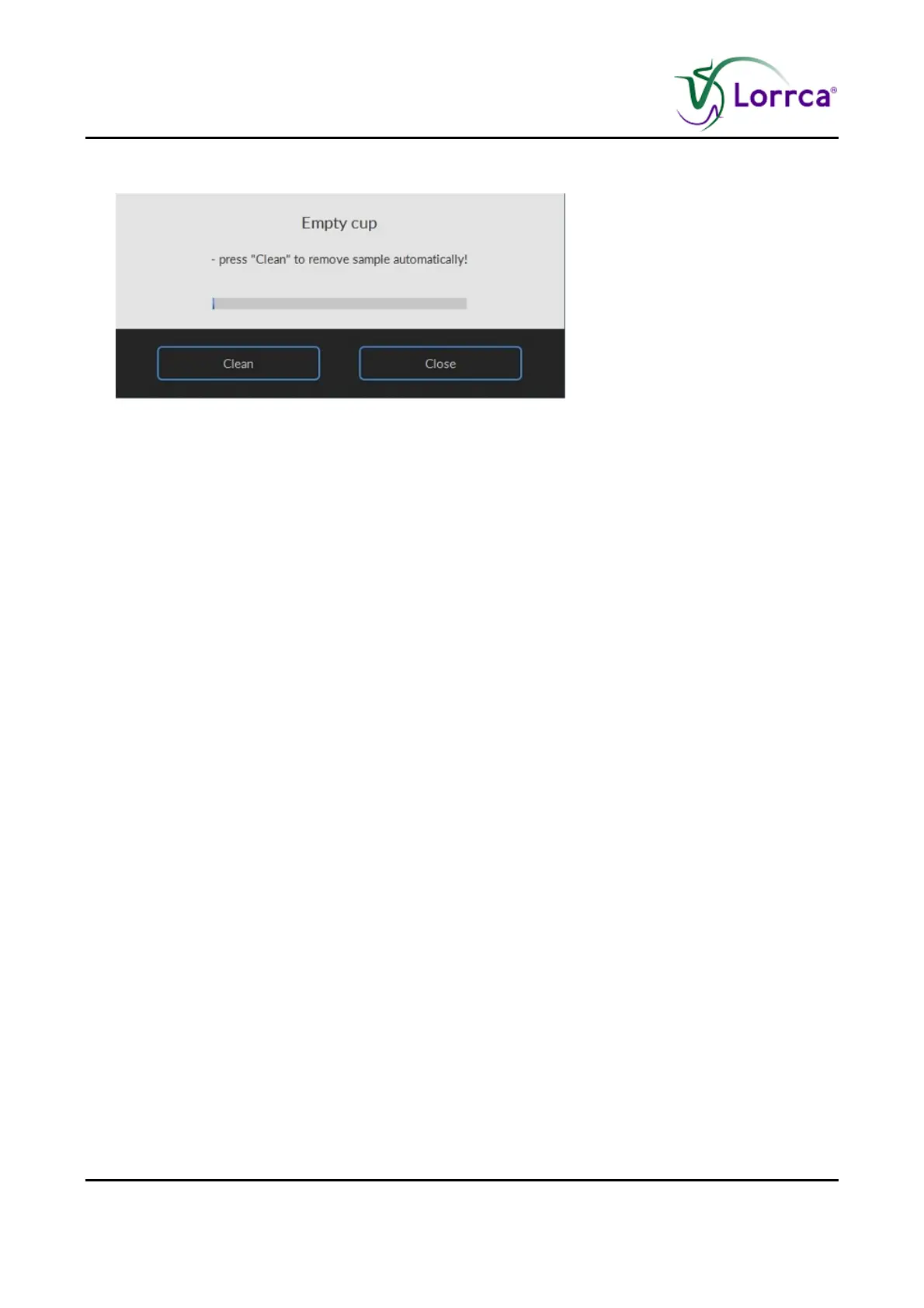
Screen E
MPTY CUP appears.
Press <C
LEAN>
5. Remove empty (rinse) tube.
6. Press OK and the Oxygenscan screen appears.
7. Press <F1> or click on N
EW...F1 to perform another Oxygenscan.
or
Press <
MAIN MENU> to perform other tests (perform in that case also an “END OF DAY WASH (on page
142)”).
or
Exit the software and perform an “E
ND OF DAY WASH (on page 142)”.



 To Next Page